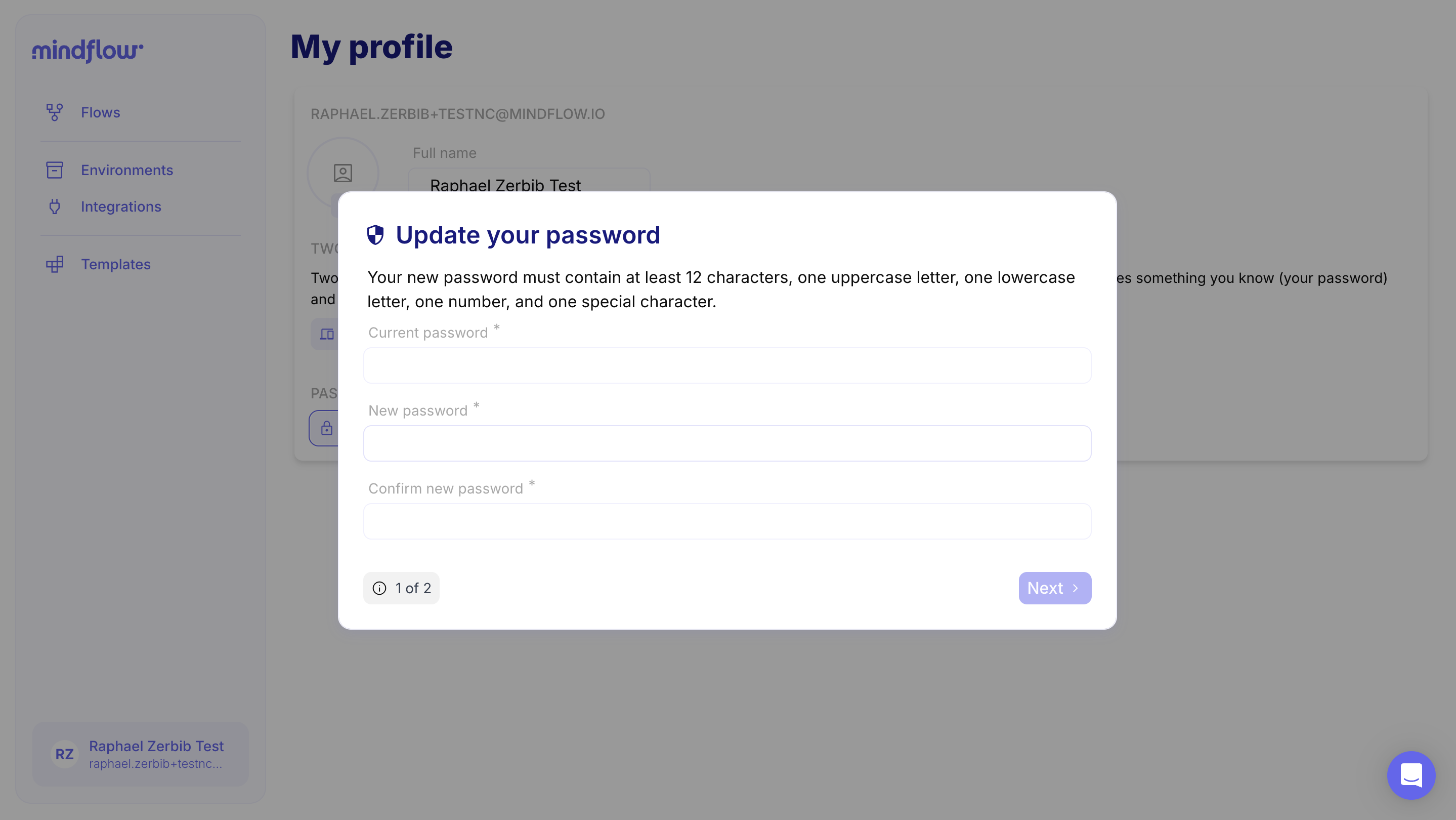
Update your password
Change the password for your Mindflow account from your profile settings.
- Open your profile at
https://your-tenant.mindflow.dev/settings/my-account(replaceyour-tenantwith your workspace hostname). - Click Reset Password.
- In the dialog, enter your current password, then enter and confirm the new password.