

AI··Swarms: Multi-agent orchestration
An AI··Swarm in Studio is an orchestrator AI··Task that can call one or more worker AI··Agents (Flowhook flows attached on the Agents tab). The orchestrator receives the problem, decides which worker to call, and uses each Success payload to finish the job. You can mix those LLM decisions with ordinary flow steps. Screenshots on this page use an orchestrator plus a Mathematics Teacher worker.
When to use
Section titled “When to use”- One AI··Task should delegate specialized work to other flows instead of holding every skill in one prompt.
- You want reusable workers (math, enrichment, ticket drafting) that several orchestrators can share.
- Prefer Use AI··Agent for attaching a single agent without the full orchestrator/worker walkthrough.
- Prefer Call a flow when the call is fixed and must not be model-chosen.
Before you begin, plan two flows in the same environment: the worker (agent) and the orchestrator. Deploy the worker before you attach it on the orchestrator.
Build the worker AI··Agent
Section titled “Build the worker AI··Agent”The worker is a Flowhook-based flow. The model uses the flow name and description, so keep them specific.
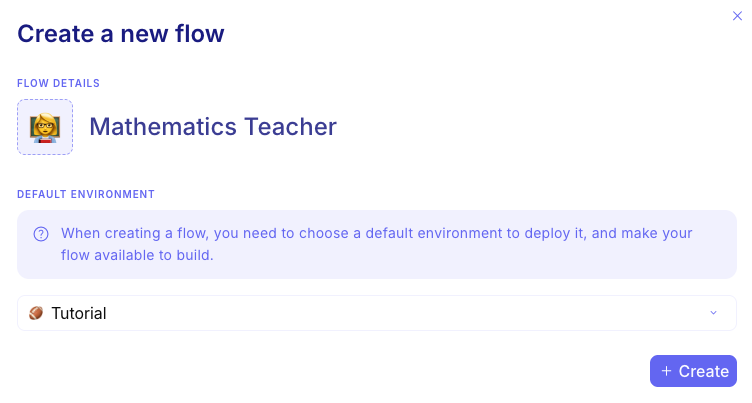
Create and name the worker. For example Mathematics Teacher, with a short description of what it solves.
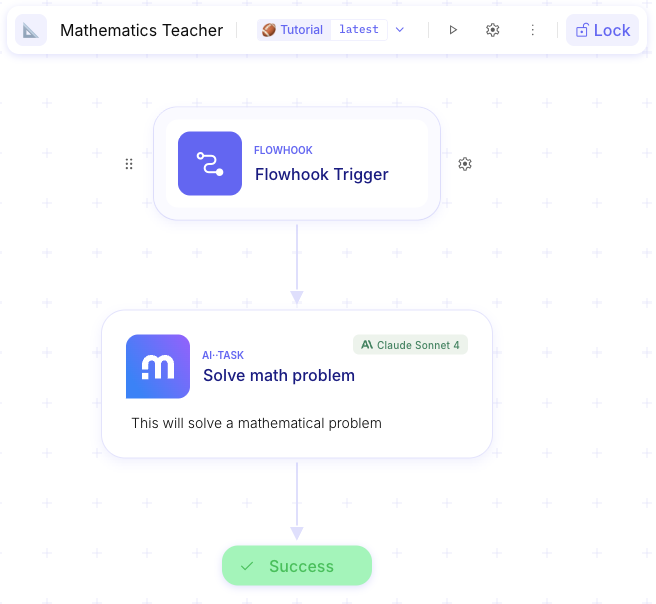
Add Flowhook → work → Success. Start with Flowhook, add an AI··Task (or other steps) for the job, end with Success.
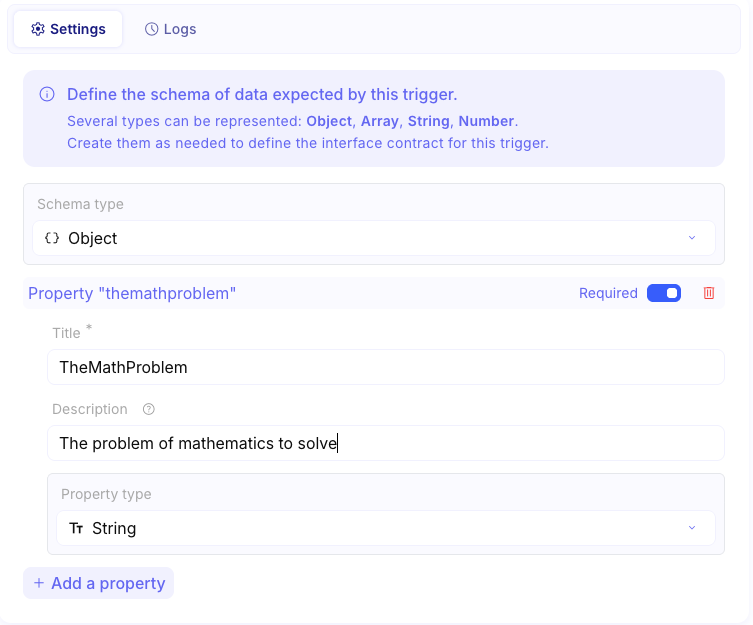
Define the contract. On Flowhook, set the input fields the orchestrator will pass. On Success, set the output schema the orchestrator will read.
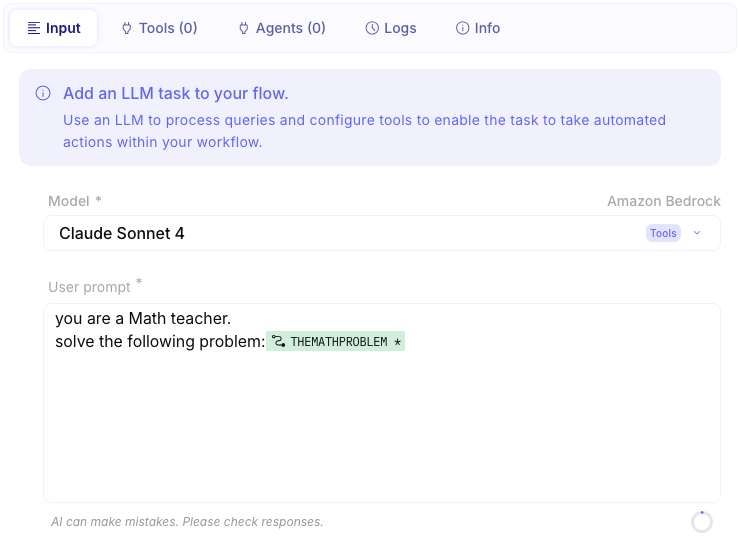
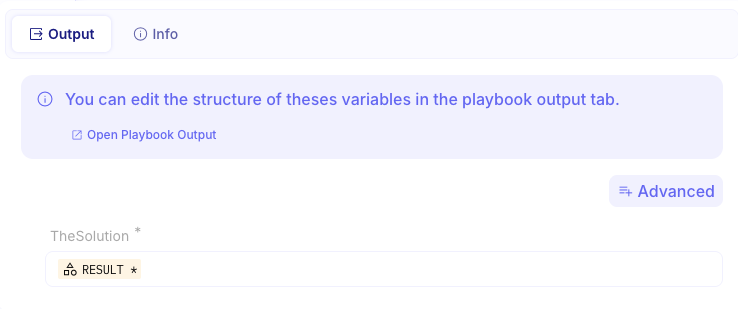
Deploy the worker. Deploy it to the environment where the orchestrator will run.
Build the orchestrator AI··Task
Section titled “Build the orchestrator AI··Task”The orchestrator flow holds the AI··Task that owns the overall prompt and the Agents list.
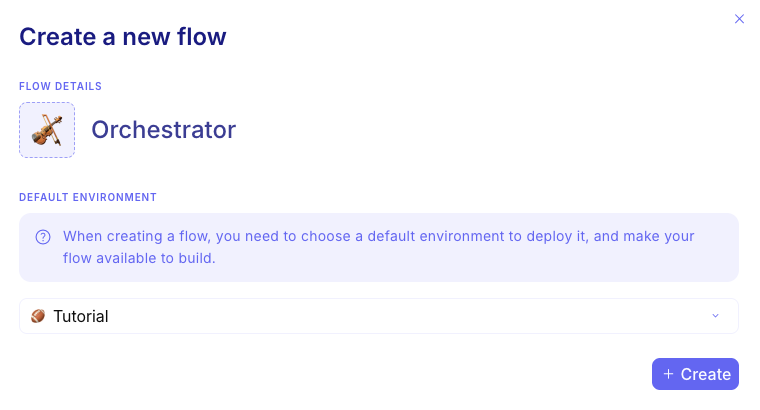
Create the orchestrator flow. Name it for the overall job.
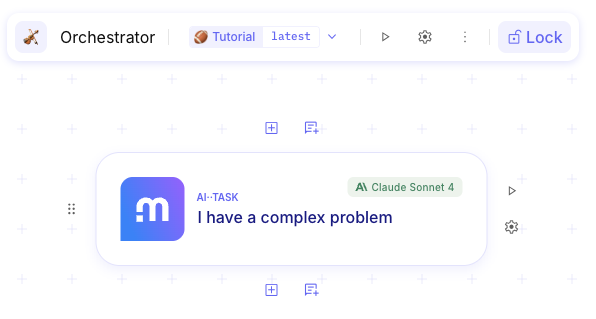
Add an AI··Task. Choose a tools-capable model and write a prompt that explains when to call each worker.
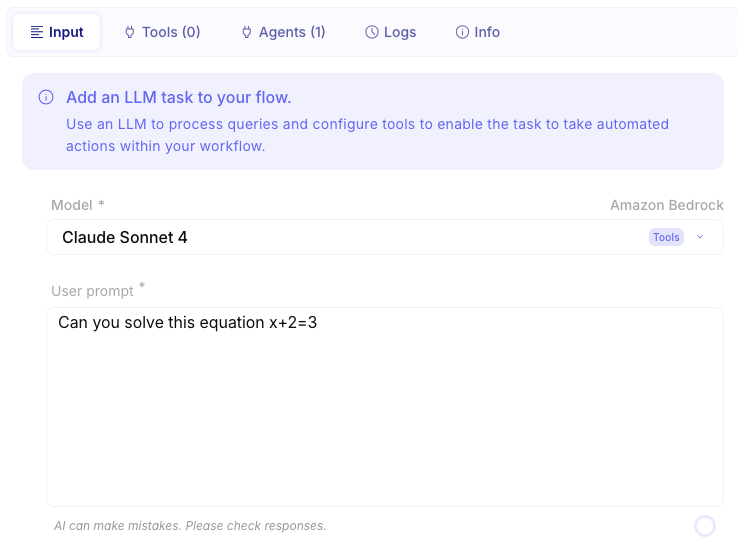
Attach workers on Agents. Open Agents, add the Mathematics Teacher (or other workers), then save.
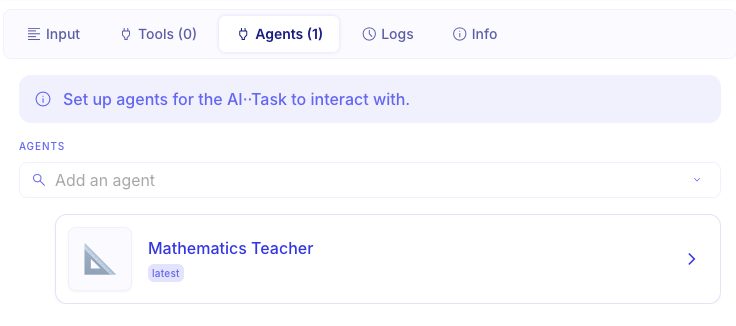
Run and inspect both flows
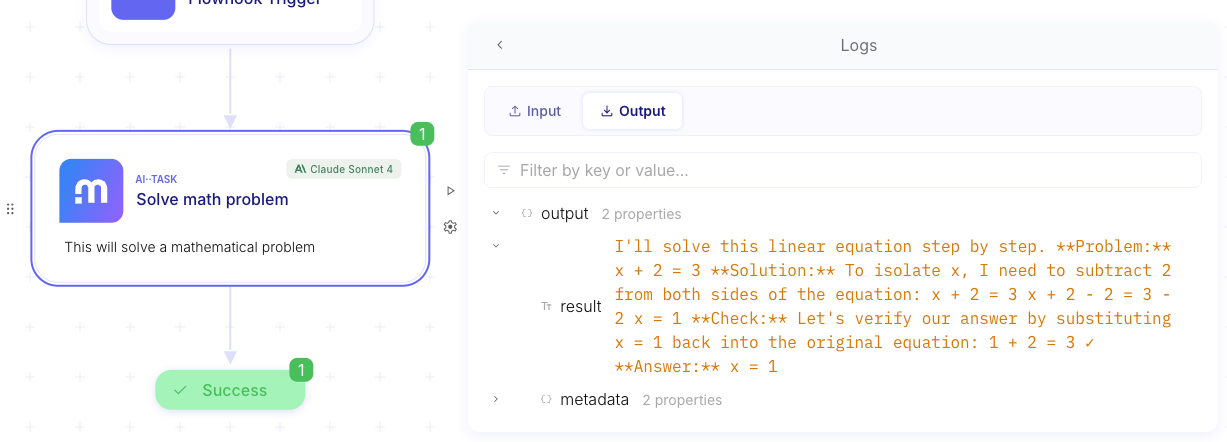
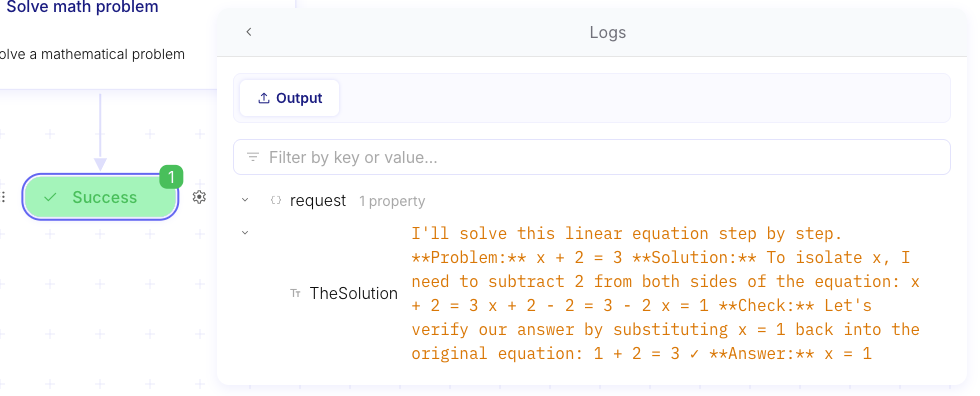
Section titled “Run and inspect both flows”After a run, the orchestrator Logs show the agent call. The worker run shows what the Flowhook received and what Success returned.
Run the orchestrator. Start a run with a problem that should trigger the worker.
Open orchestrator Logs. Confirm the worker was invoked and inspect the request and response.

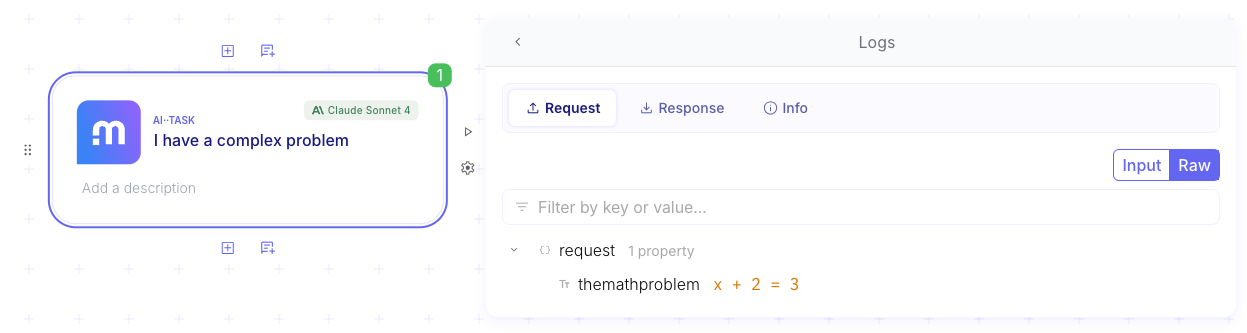
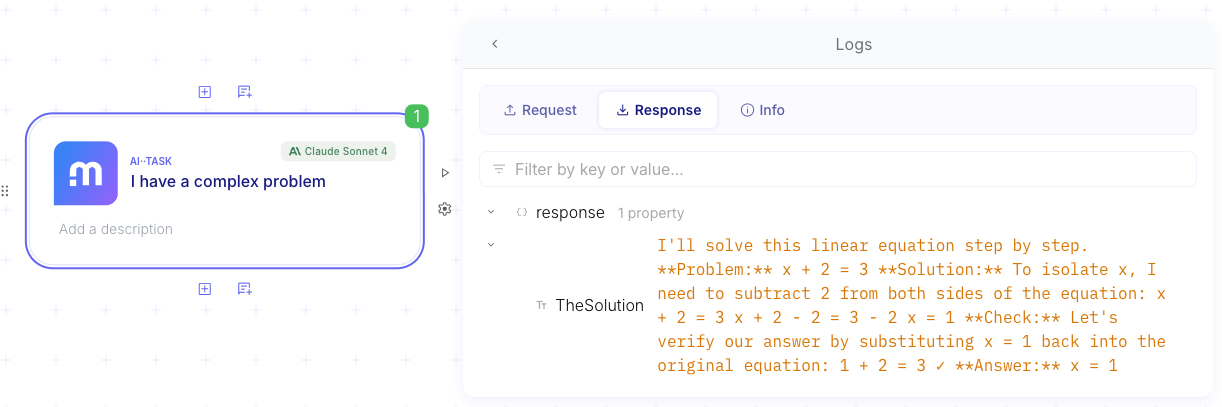
Open the worker run. Check Flowhook input, the worker AI··Task, and Success output.
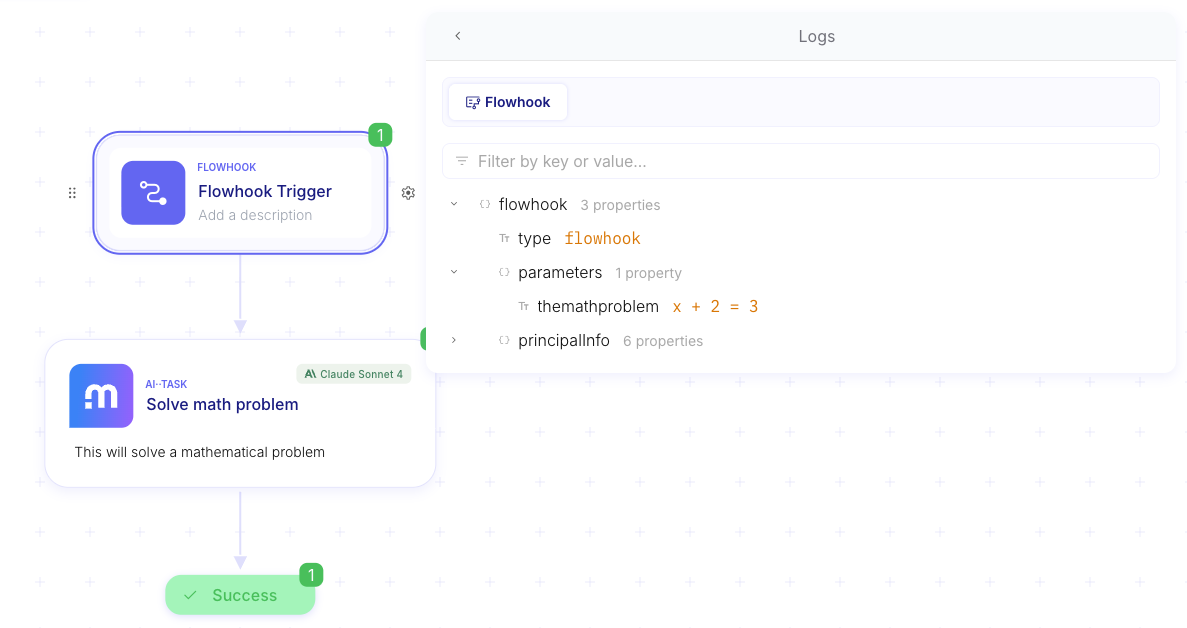
Example
Section titled “Example”A user asks the orchestrator a word problem that needs arithmetic. The orchestrator AI··Task calls Mathematics
Teacher with the problem text, waits for answer from Success, then writes the final reply for the user. Adding a
second worker (for example a citation checker) is the same Agents attachment with an updated orchestrator prompt.
Keep in mind
Section titled “Keep in mind”- Mindflow does not lock you to one academic swarm pattern. Orchestrator/workers is the pattern this page walks; you can also chain AI··Tasks, use Call a flow, or mix imperative steps with LLM decisions.
- Worker name and description matter as much as the prompt—keep them accurate when you rename flows.