

Send emails
Send email is a built-in step that sends mail from a Mindflow-owned domain. You do not create an SMTP credential. Customize the From local part, set recipients and subject, write Text and/or HTML, and optionally attach files.
When to use
Section titled “When to use”- You need a simple notification or alert from a flow without operating your own mail server.
- Prefer Sending emails over SMTP when mail must leave from your own domain, use your SMTP server, or support email-gateway testing.
- Prefer a native mail vendor integration when you must use that vendor’s API instead of Mindflow-hosted mail.
Before you begin, open a flow in the designer. No credential is required for this step.
Add a Send email step
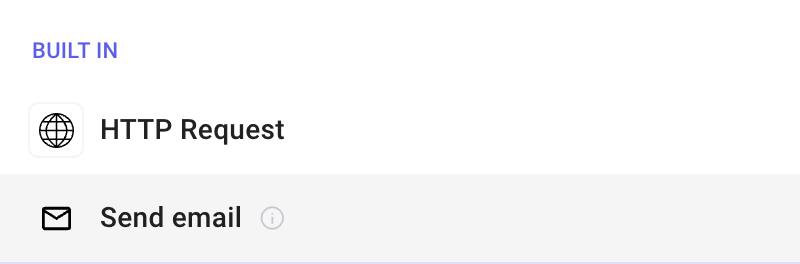
Section titled “Add a Send email step”Send email lives under Built in in Add a step.
Open Add a step. In the designer, choose Add a step, then under Built in select Send email.
Compose the message
Section titled “Compose the message”On Input, set From, To, Subject, and the body. Use Advanced to show optional fields such as Cc, Bcc, Reply to, and HTML.
Open Input. Select the Send email step, then open the Input tab.
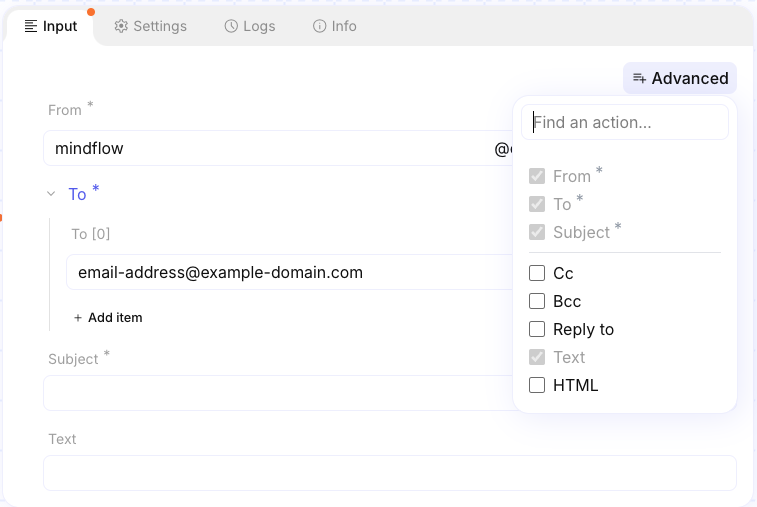
Set From. Enter only the local part (before
@). Mindflow appends your tenant mail domain — typically@email-<tenant>.mindflow.dev. Default local part ismindflow.Set To and Subject. Add one or more To addresses. Fill Subject. Optionally enable Cc, Bcc, and Reply to from Advanced. Without Reply to, replies to the message are discarded.
Set Text and/or HTML. Use Text for plain body content and HTML for rich markup. When both are set, both are sent; most clients prefer HTML. There is no built-in HTML editor — paste or map HTML as a string.
Attach files
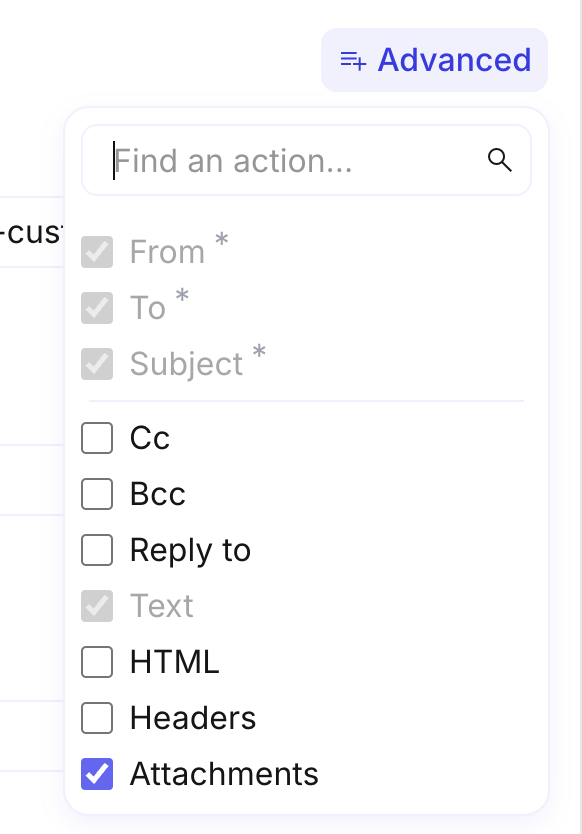
Section titled “Attach files”Under Advanced, enable Attachments. You can mix Content attachment and Path attachment items on the same step.
Enable Attachments. Open Advanced and turn on Attachments.
Add a Content attachment. Embed file bytes in the step (typical for small files or content from an upstream email hook or private source). Set the file name with an extension (for example
.pdf). Encoding defaults to base64 for binary payloads.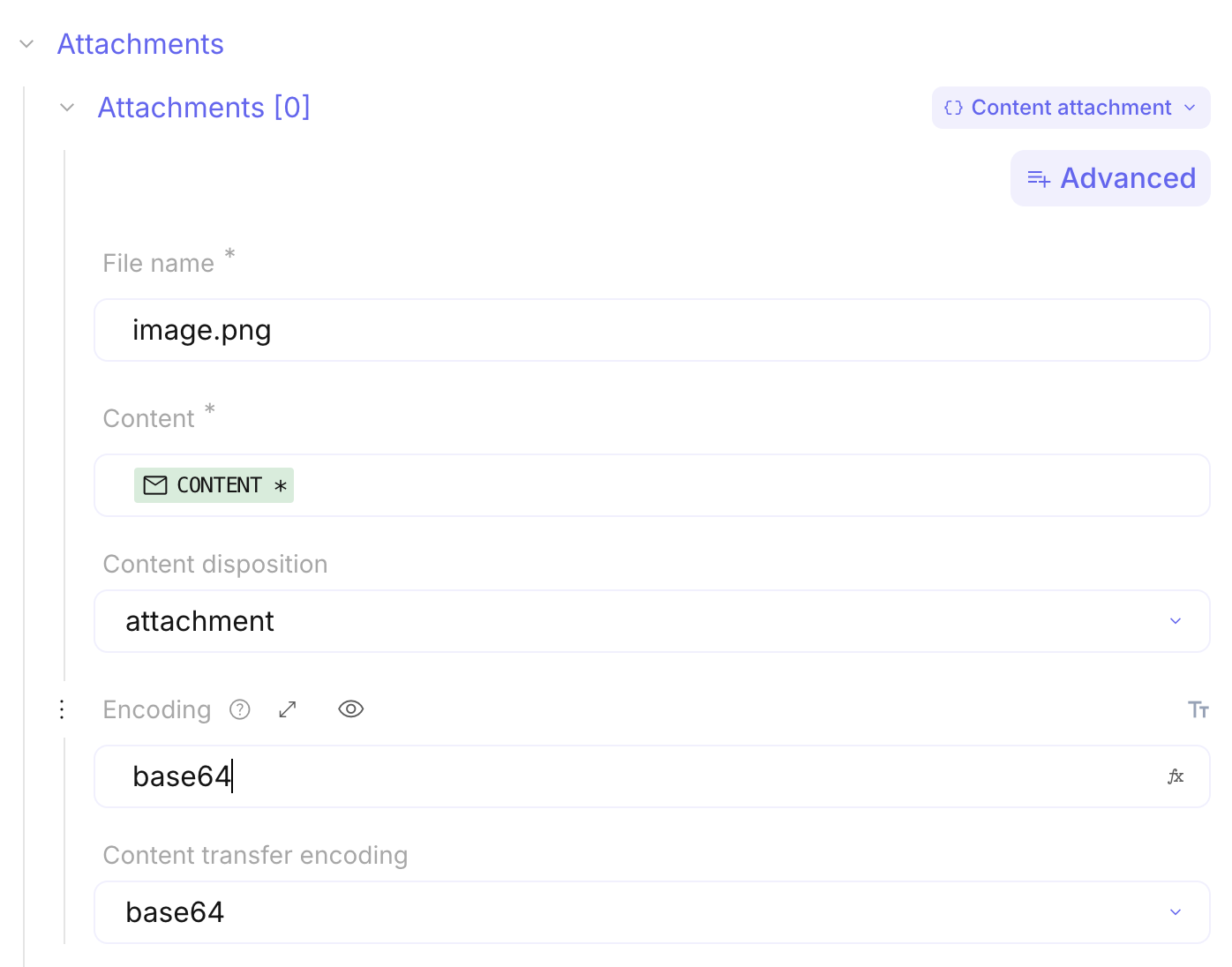
Or add a Path attachment. Point to a file URI or hosted path when the file is large or already stored elsewhere. Confirm the path is reachable for the run.
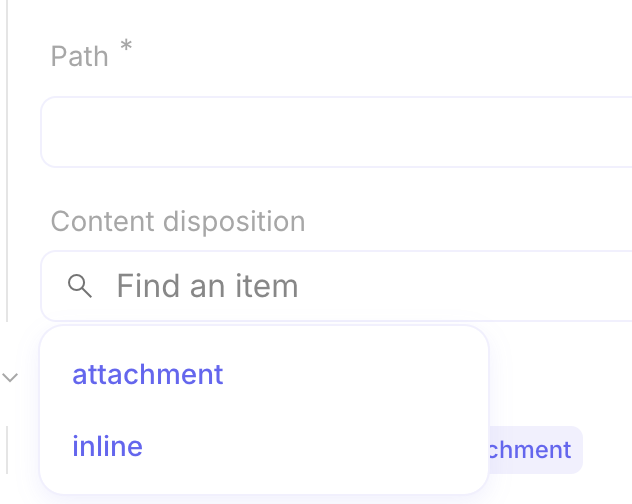
Optional: set Content disposition. Use Attachment (default) for a downloadable file, or Inline when the client should display the file in the message (for example an image).
Example
Section titled “Example”An on-call flow sends Send email with From alerts, To the duty address, Subject High severity finding, and a Text body that maps the finding summary from an upstream step. A small PDF report is added as a
Content attachment with filename finding-summary.pdf.
Keep in mind
Section titled “Keep in mind”- No credential is required. Mail is sent from a Mindflow-owned domain, not your corporate domain.
- Set Reply to when you need responses; otherwise replies are discarded.
- Prefer Path attachment for large files; keep filenames free of characters that break some mail clients (
@,#,$,%). - For wait-and-resume links in mail, see Wait and resume a flow.
Related
Section titled “Related”Sending emails over SMTP · Call native integrations · Reach out to services