Wiz
Service Overview
Section titled “Service Overview”Wiz is an advanced security software designed to safeguard sensitive data and IT infrastructure. With an innovative approach to enterprise security, Wiz provides a comprehensive solution for threat detection, prevention, and response, all within a user-friendly interface.
Available API Calls and Action Items
Section titled “Available API Calls and Action Items”- Download a Report in Wiz
- Get All Cloud Configurations Rules in Wiz
- Get All Open Issues (First Call) in Wiz
- Get All Open Issues (Paginations) in Wiz
- Get Cloud Configuration Report in Wiz
- Get High-Critical Open Issues in Wiz
- Get Login Token in Wiz
- Get My Report in Wiz
- Get Open Issues Trend Card in Wiz
- Get Rejected Issues in Wiz
- Get Resolved Issues in Wiz
- Update Issue Status to In Progress in Wiz
- Update Issue Status to Open in Wiz
- Update Issue Status to Rejected-By in Wiz
- Update Issue Status to Rejected-Exception in Wiz
- Update Issue Status to Rejected-False in Wiz
Getting Started with Wiz
Section titled “Getting Started with Wiz”-
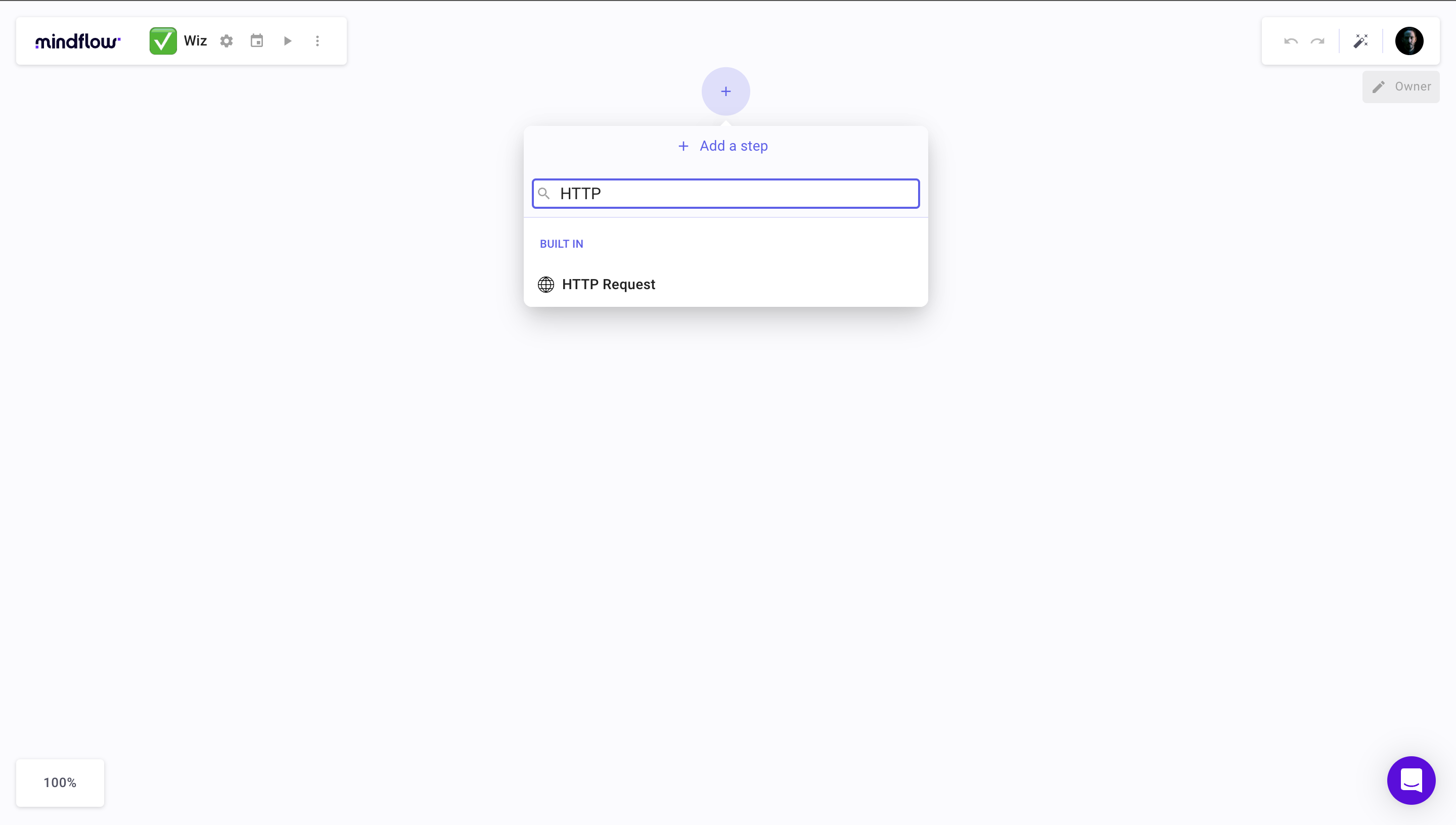
Select a new HTTP step from the operations menu.
-
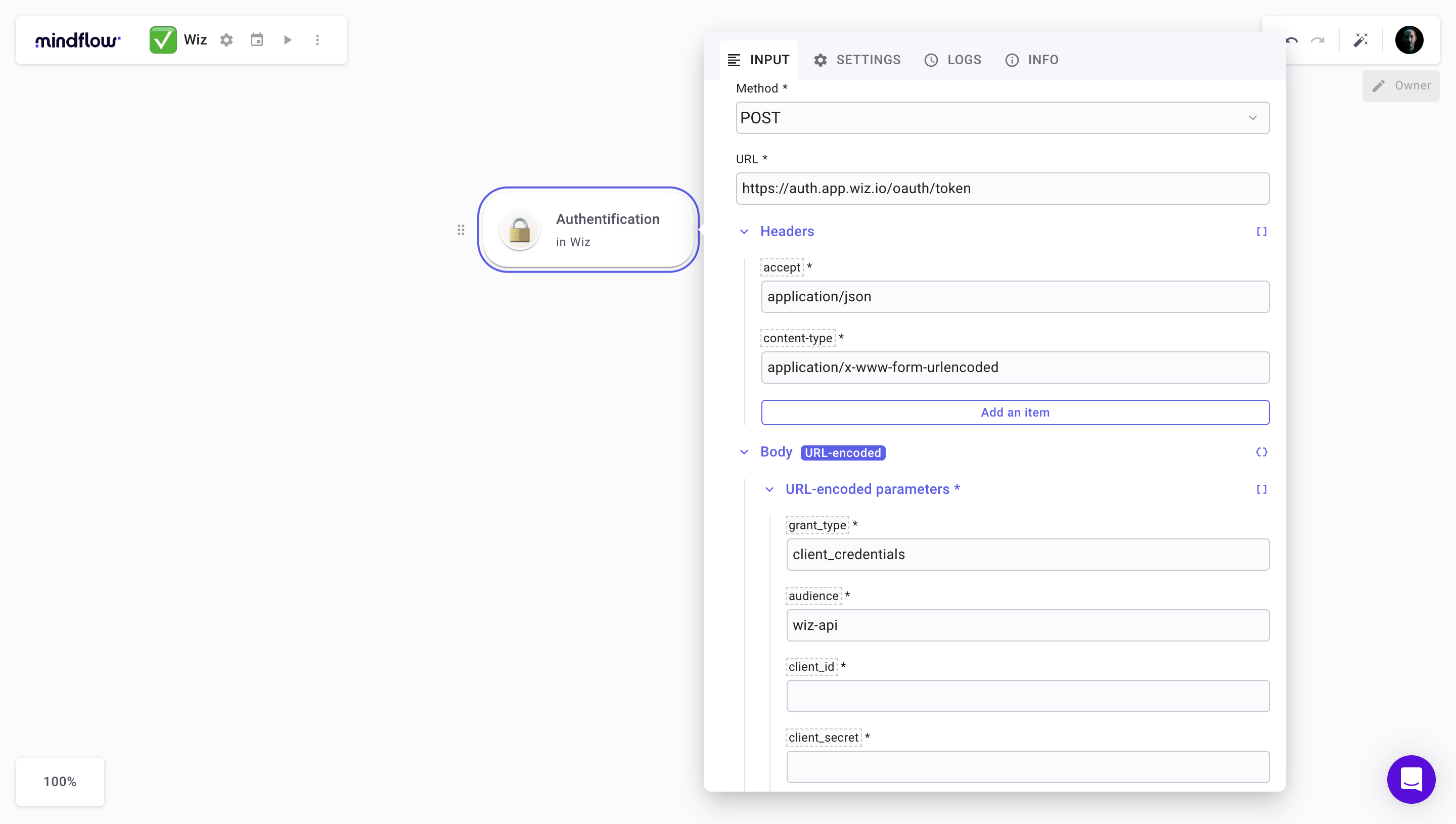
Fill in the fields as shown in the screenshot
-
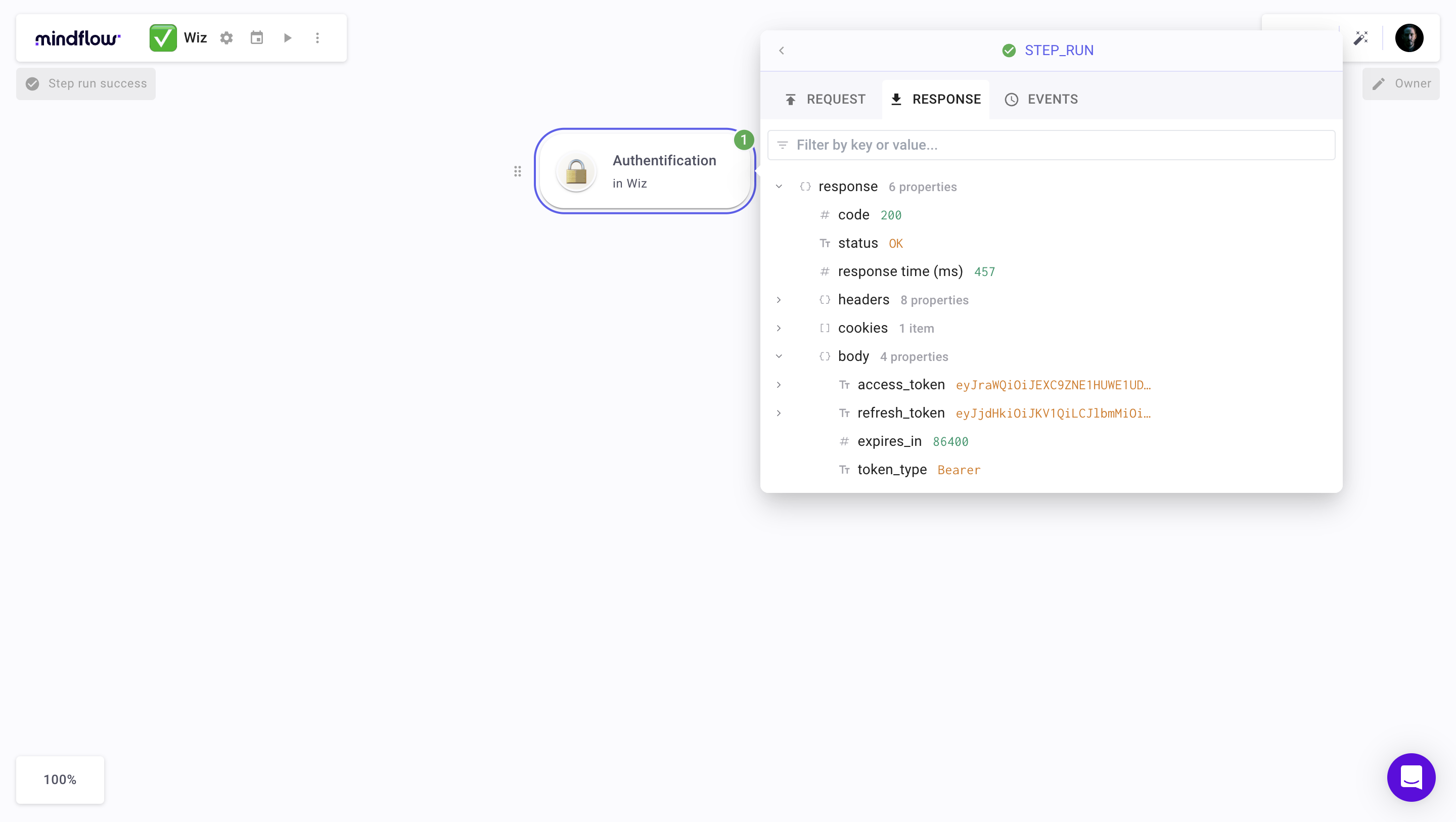
Then run the operation with the button ▶️, and you should get a code 200 with the precious access token
-
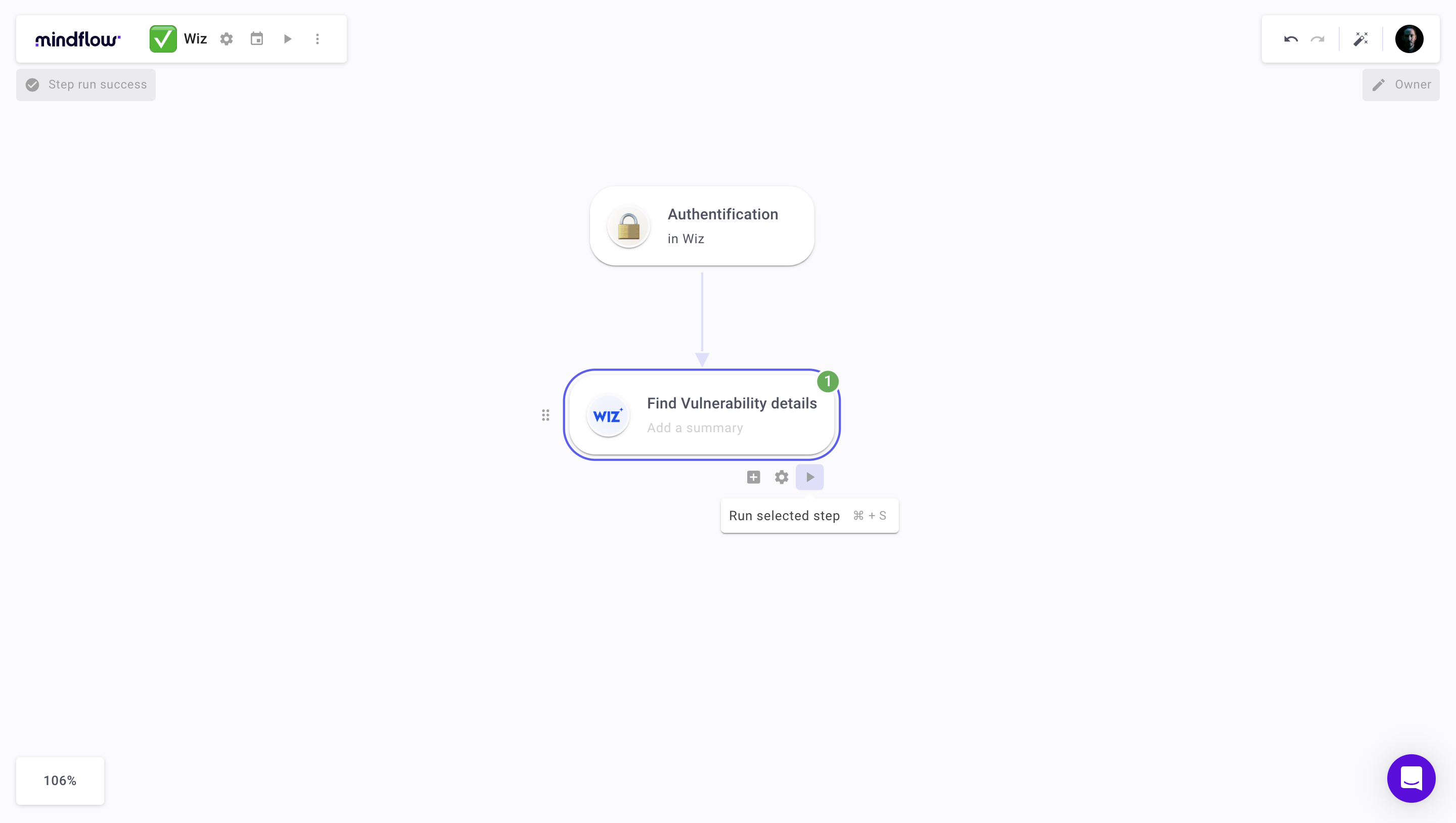
Return to the operations menu and select the gear button to add the Wiz integration
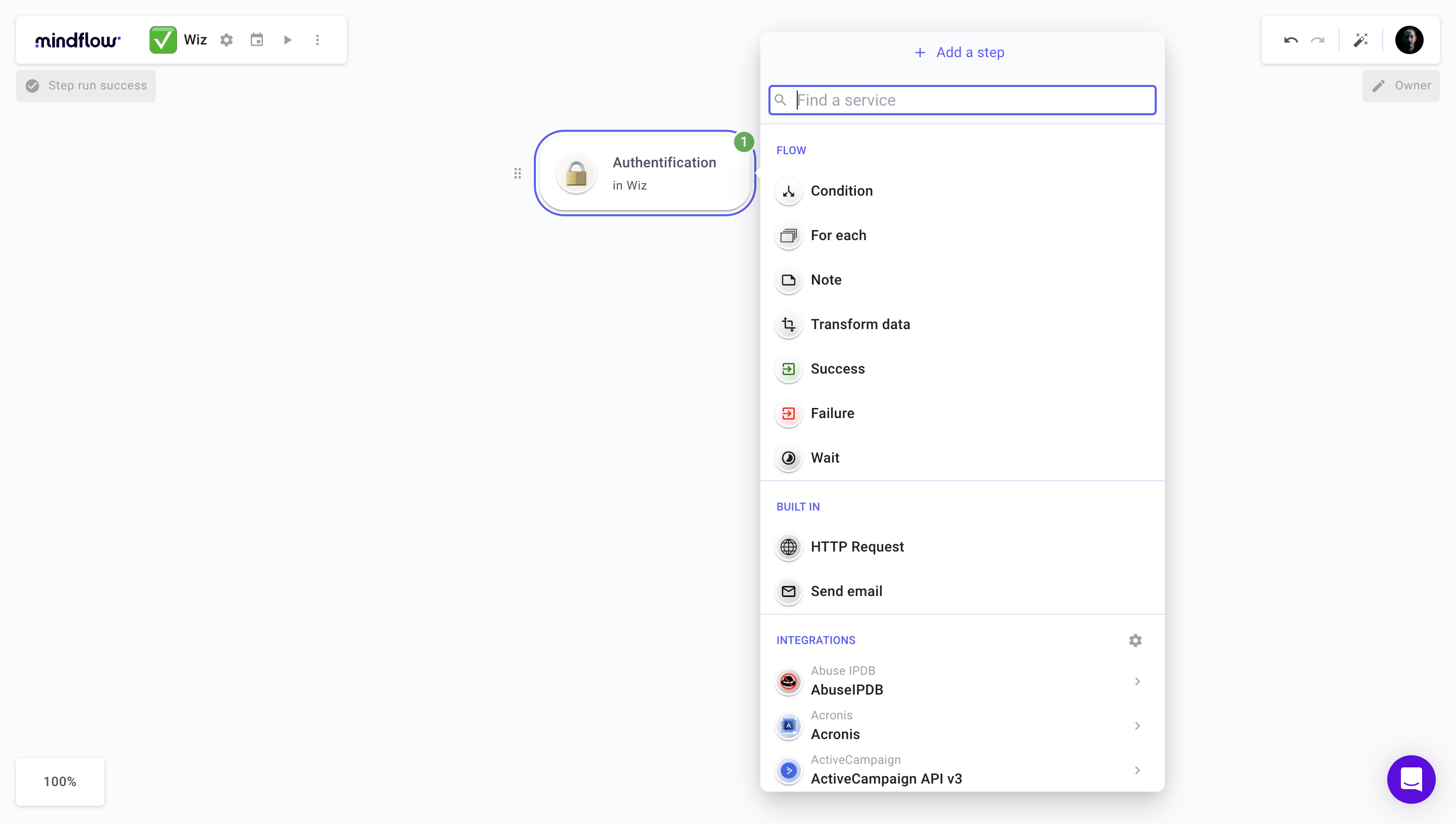
-
Search for Wiz in the search bar, select Wiz and click on the
+button with your cursor over the integration.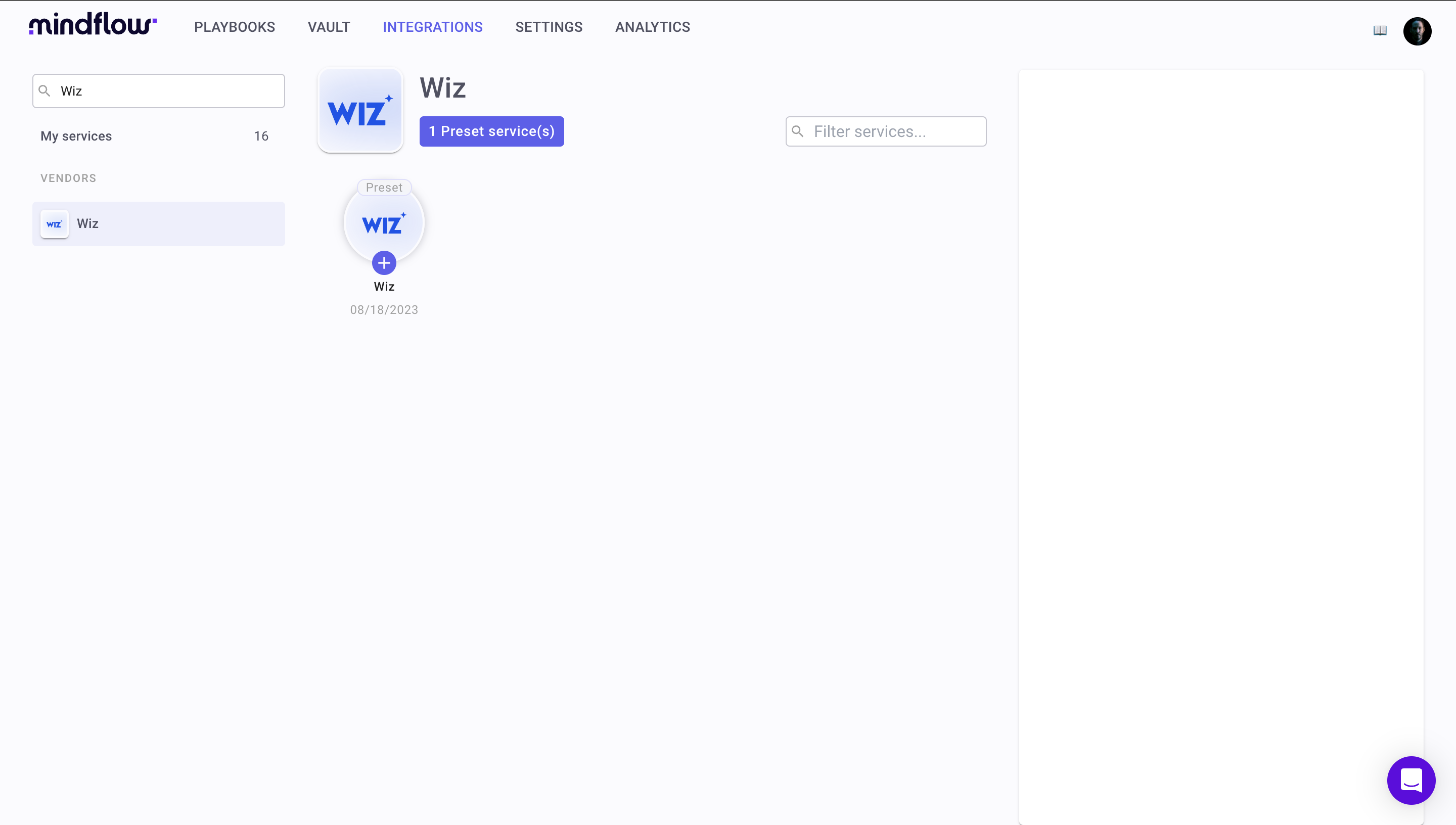
-
Return to the flow and access the operations menu. Search Wiz and choose an operation
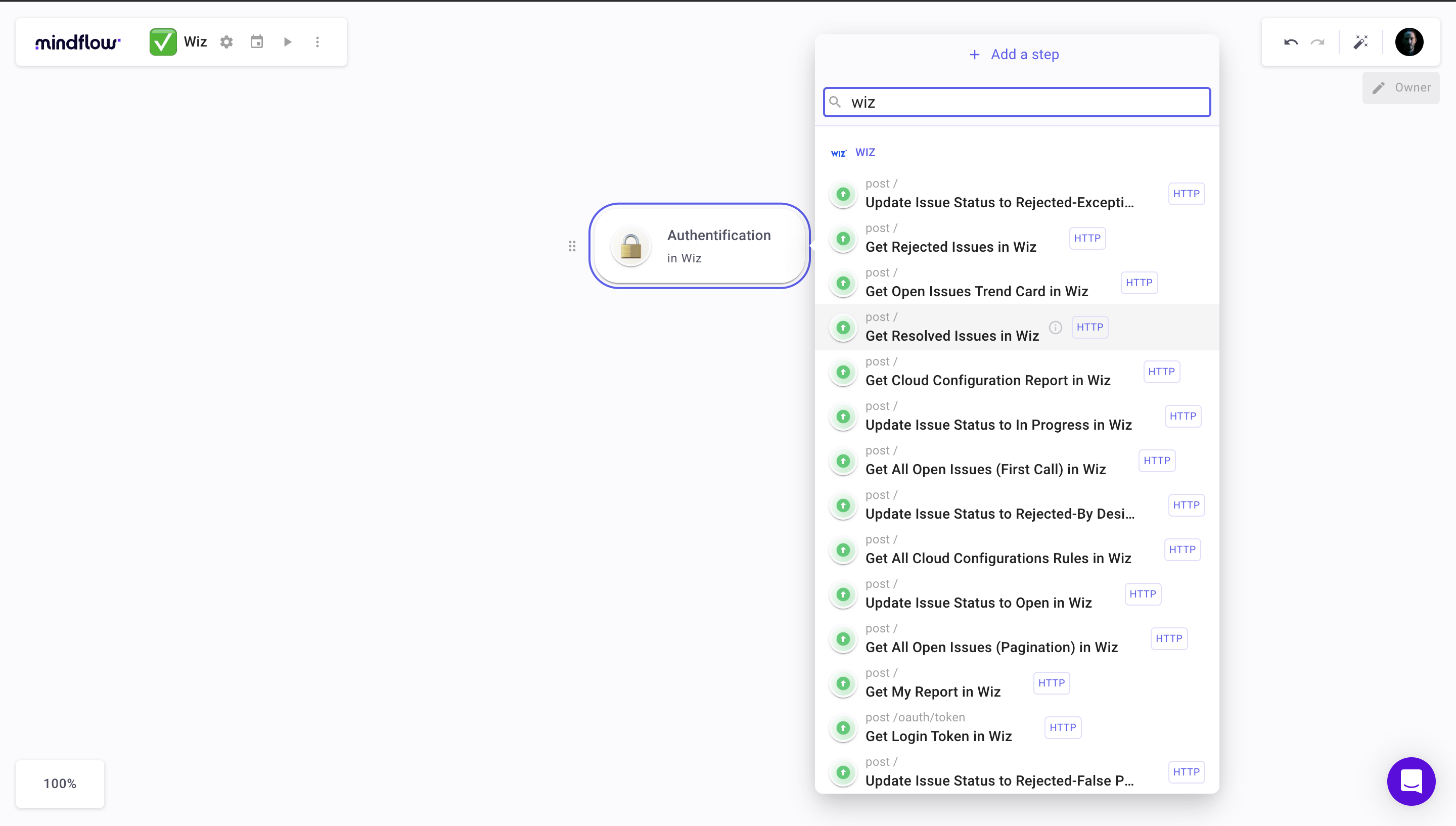
-
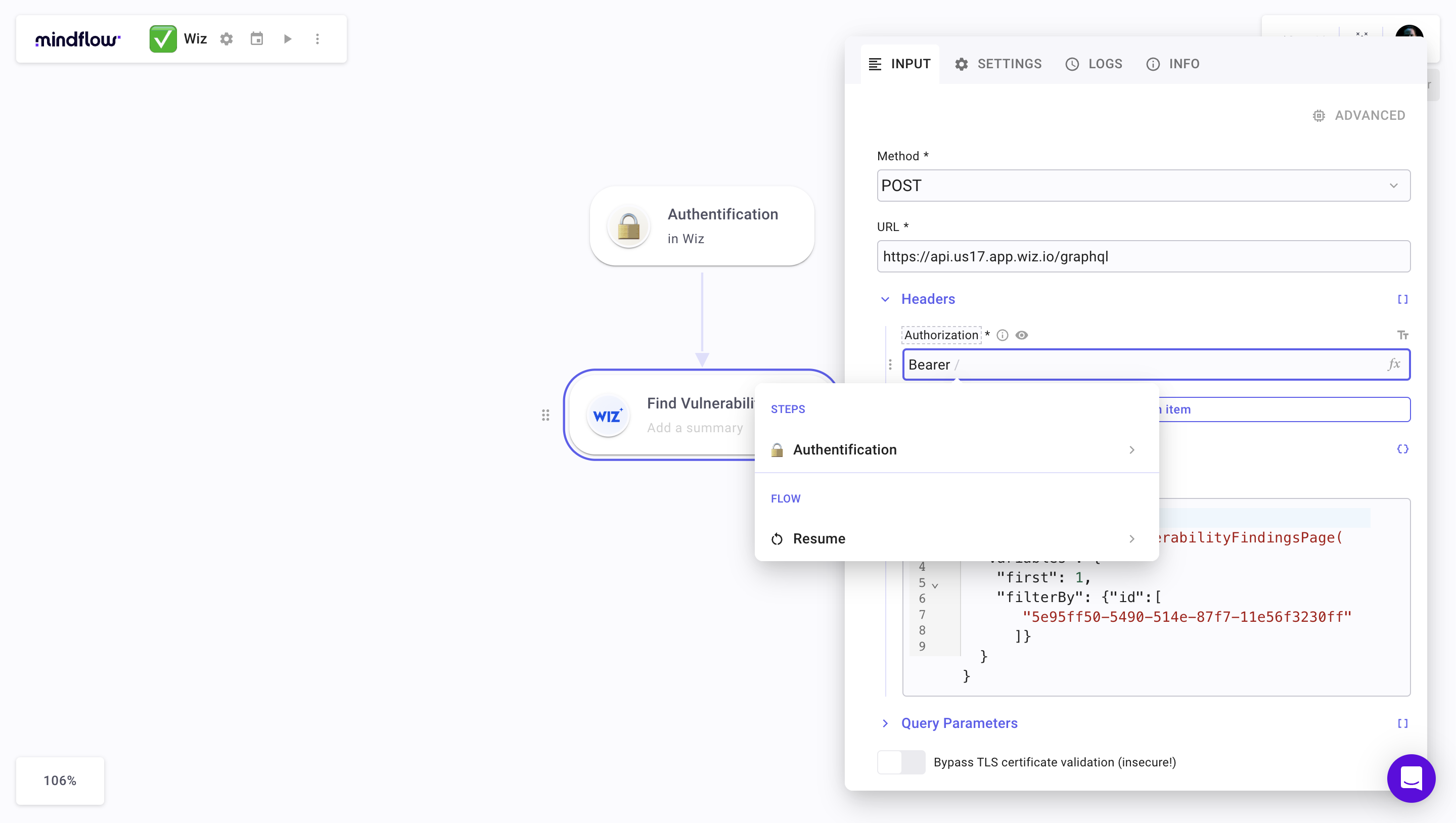
Fill in the required fields and click the Add an item button in the Header section.
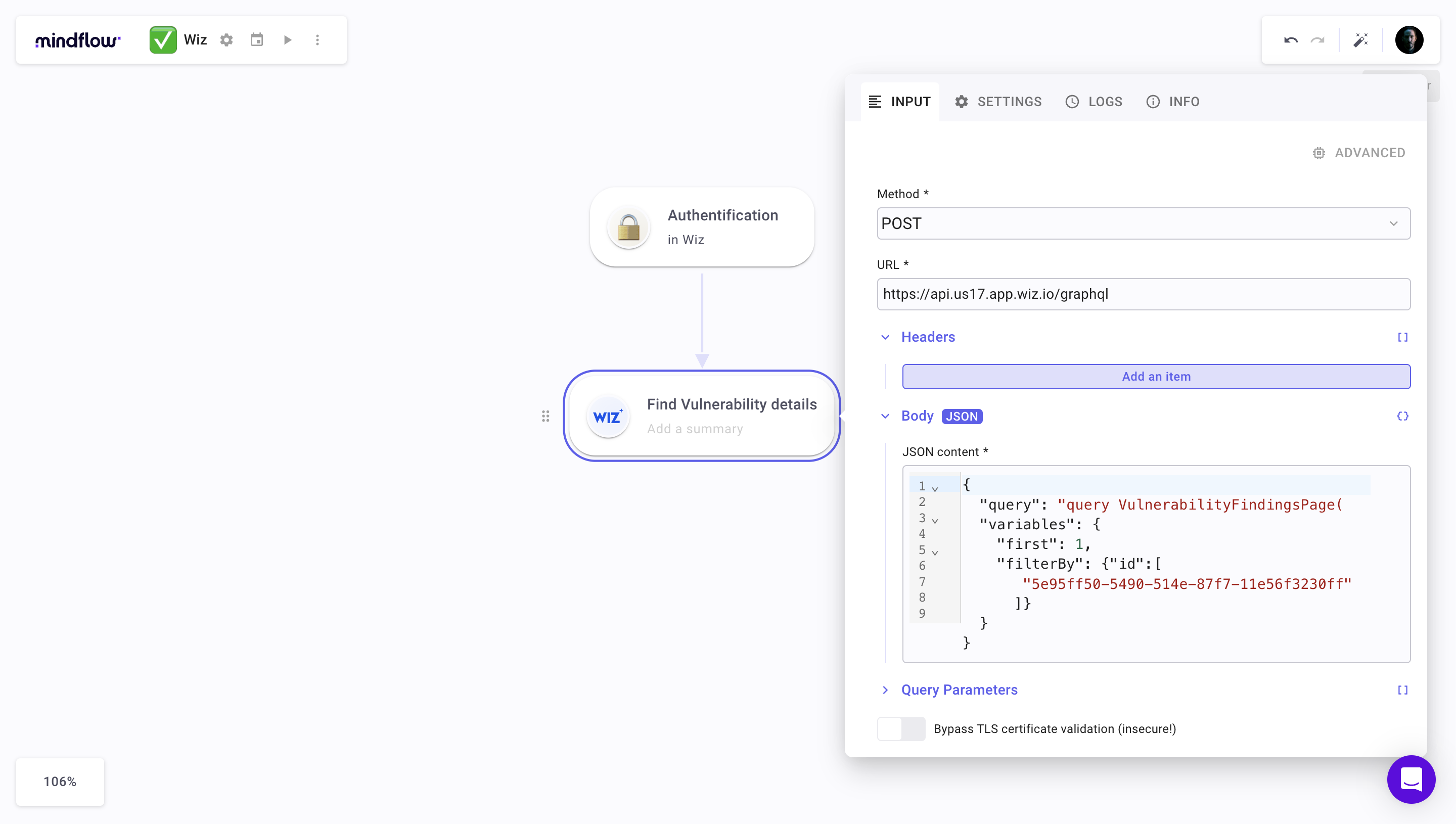
-
Fill it with Bearer, leave a space and put a / to see the data selection menu appear, then click on Authentication and click on the last iteration.
-
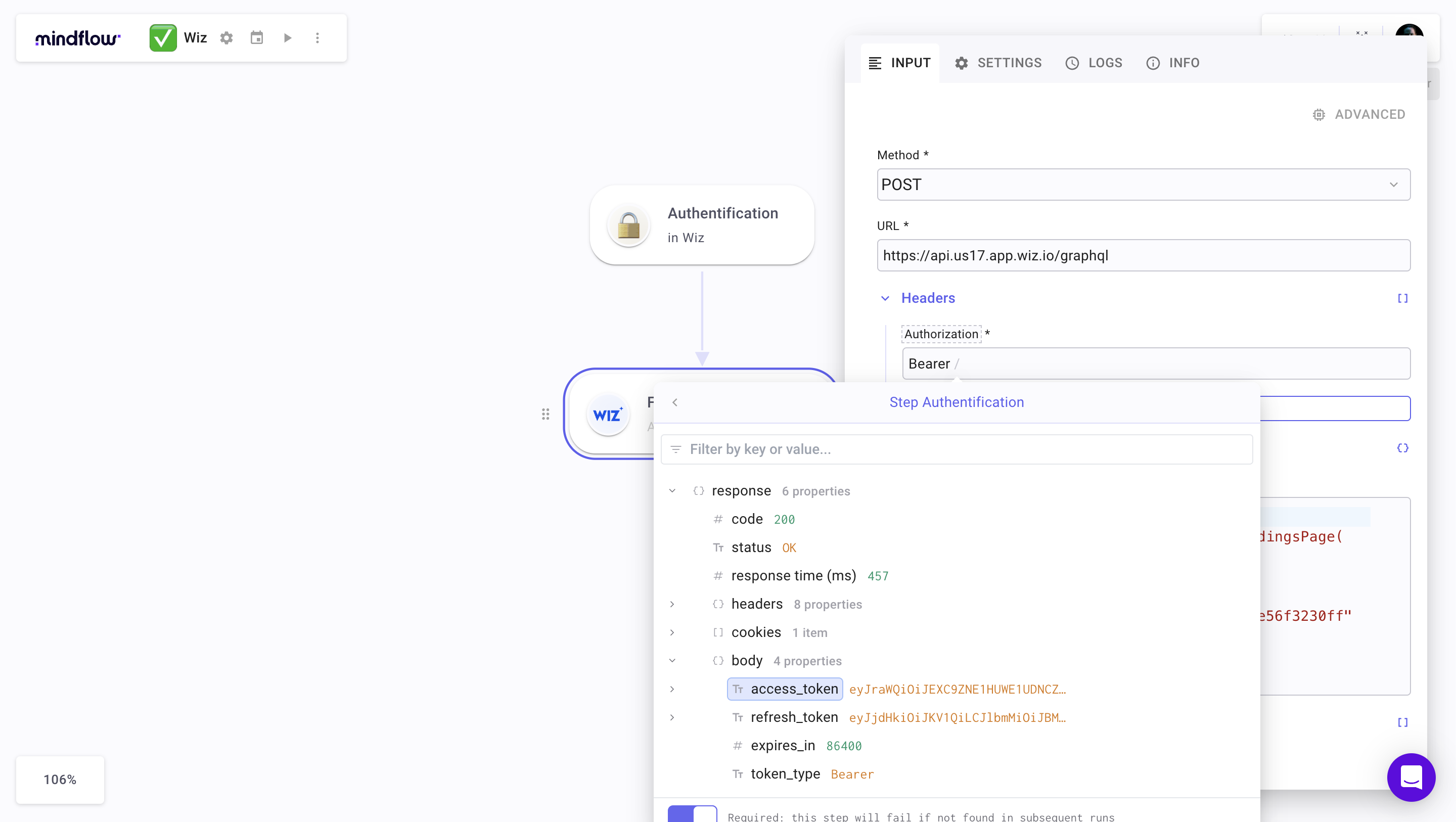
Select “access token” data
-
Start the operation with the button ▶️. Congratulations, you’ve created your first functional Wiz operation.