Gmail
Credentials
Section titled “Credentials”References:
https://developers.google.com/identity/protocols/oauth2
Procedure:
-
Create a OAuth Client ID
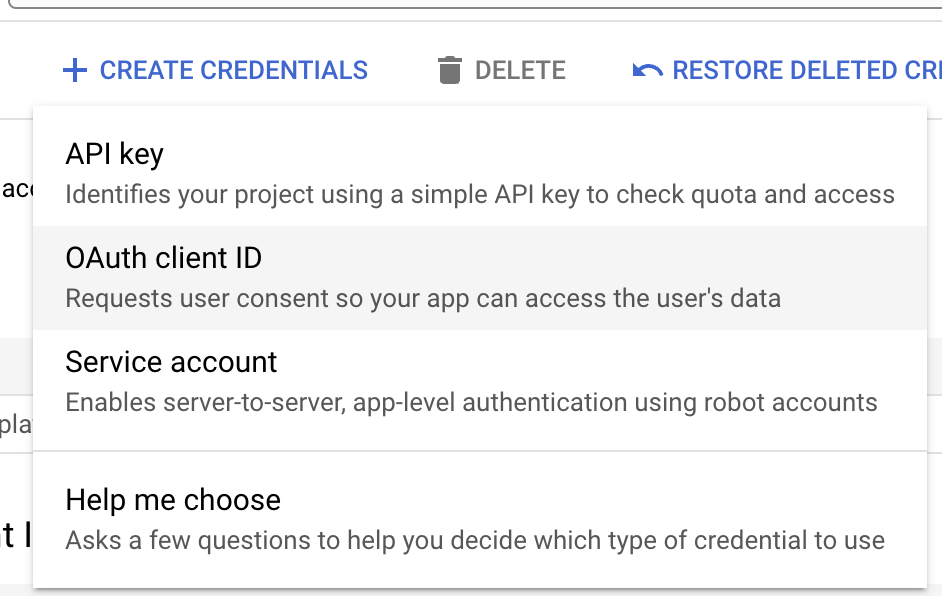
-
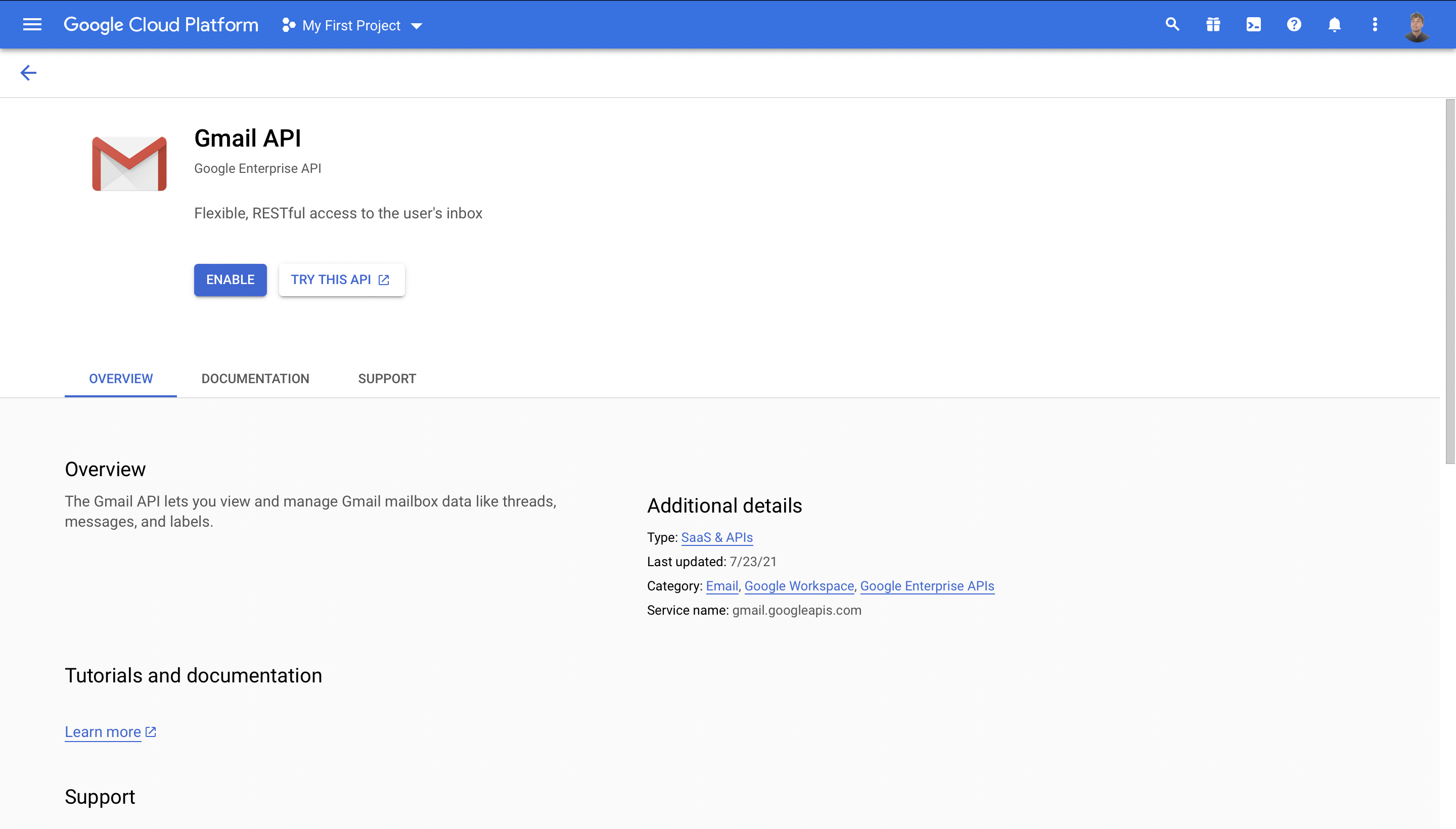
Enable the Gmail API in Google Cloud Platform
- Search for “Gmail API” in the Google Cloud search bar
- Click on Enable button
During the creation of the client, you must add your instance’s callback URL to authorized redirect URLs field.
https://credentials-INSTANCE-NAME/oauth2/callback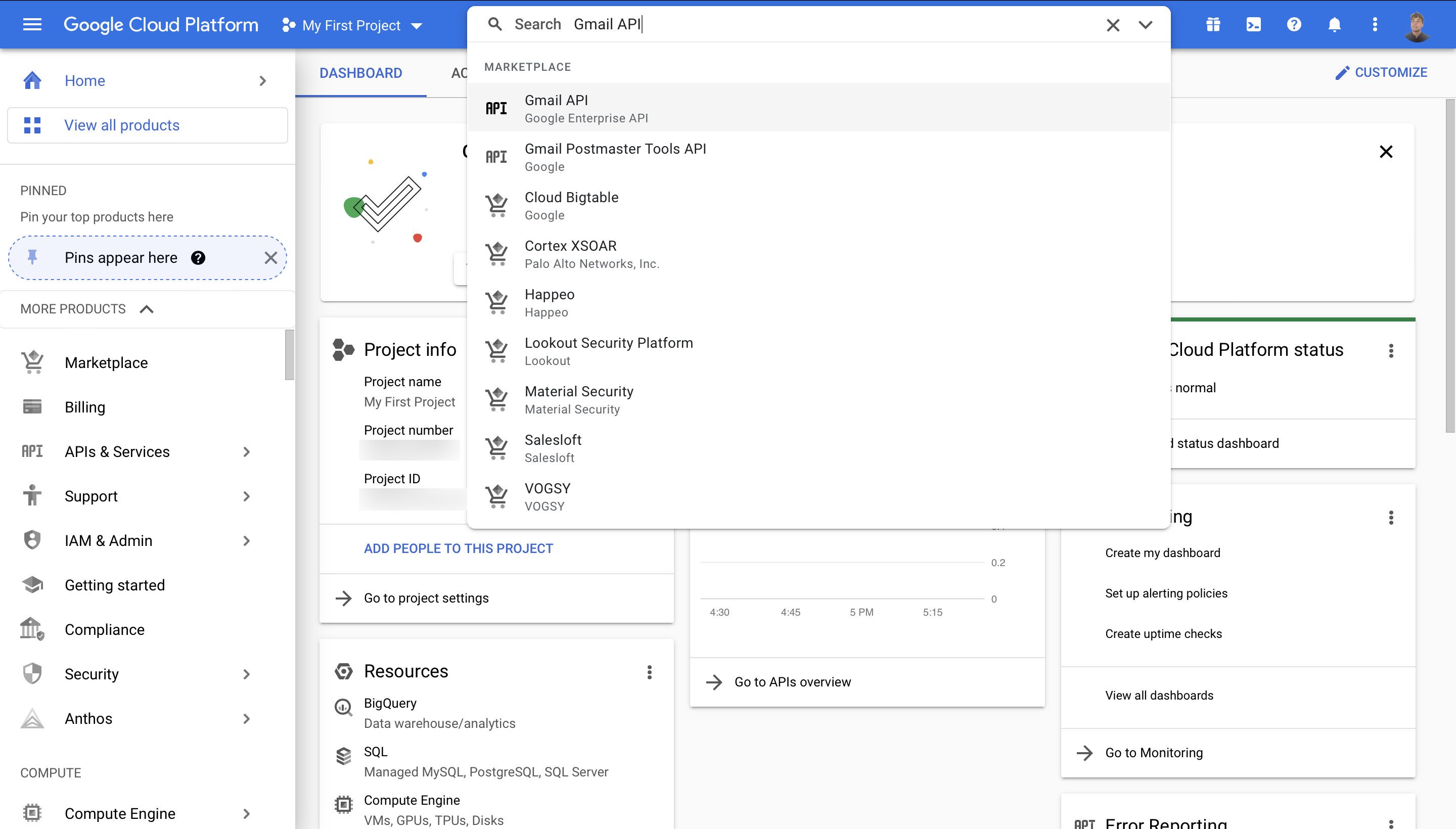
-
In Mindflow, you can create a credential in the Vault (see screenshot). To avoid having to refresh the token every 15 minutes, add
?access_type=offline&prompt=consentin the Authorization Url field.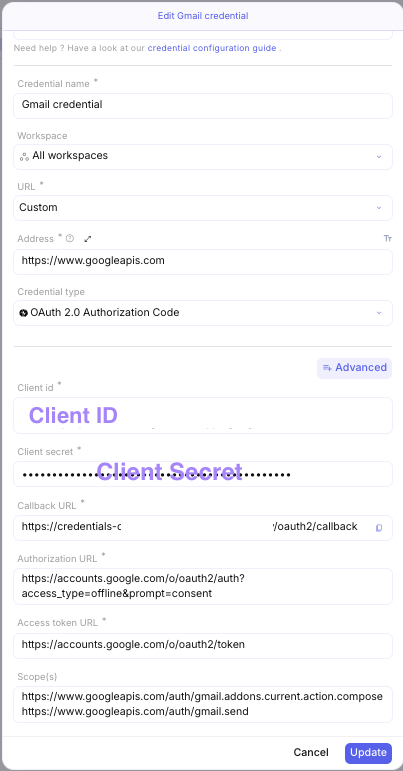
-
After selecting the Gmail service in the Google portofolio>Workspace you can now send mail with the operation: Sends the specified message to the recipients in the To, Cc, and Bcc headers
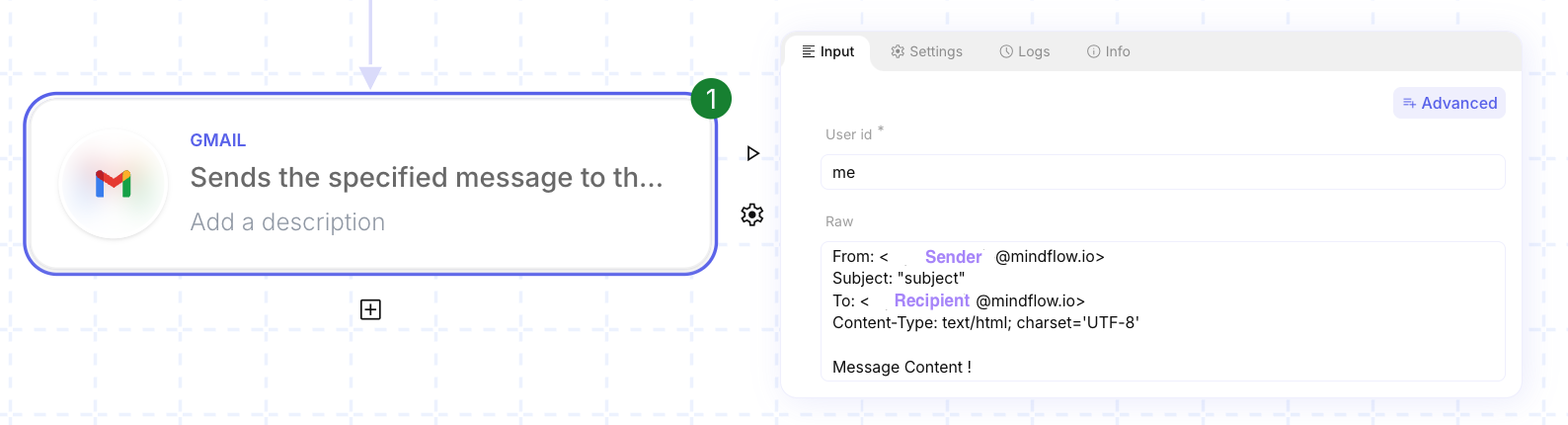 From: <SENDER ADDRESS>Subject: "subject"To: <RECIPIENT ADDRESS>Content-Type: text/html; charset='UTF-8'Message Content !
Webhooks
Section titled “Webhooks”References:
Procedure:
-
Enable Domain-wide Delegation
- Go to Google Admin in the
Securitytab - Click on the
Access and Data Control>API controls - Scroll down and click on manage delegation at the domain level
- Click on
Add New, enter your client id and click onAuthorize
- Go to Google Admin in the
-
Create a topic and subscription
- Go to https://console.cloud.google.com/cloudpubsub/topic/
- Click on
Create TopicCreate Topic button - Screenshots
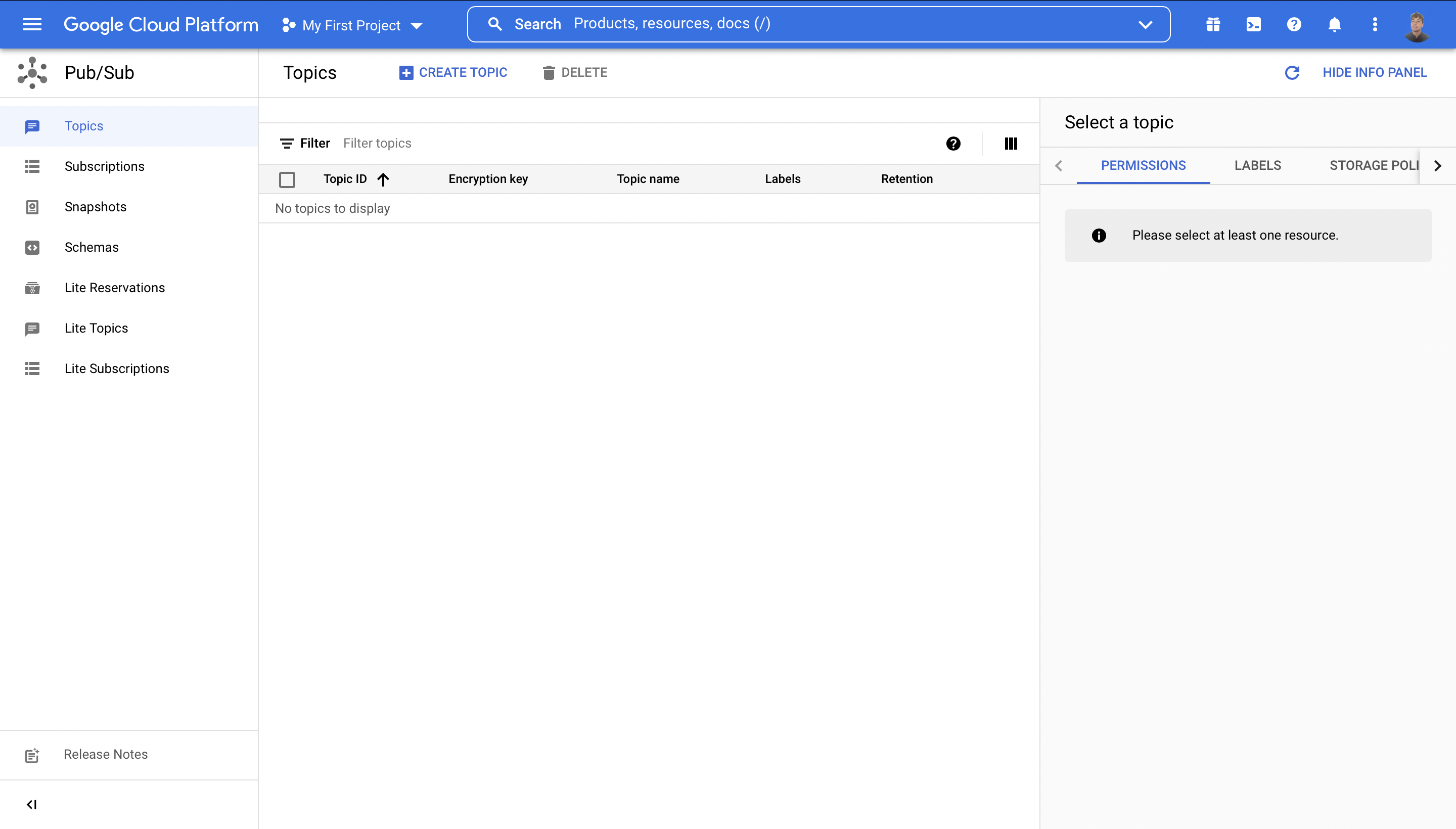
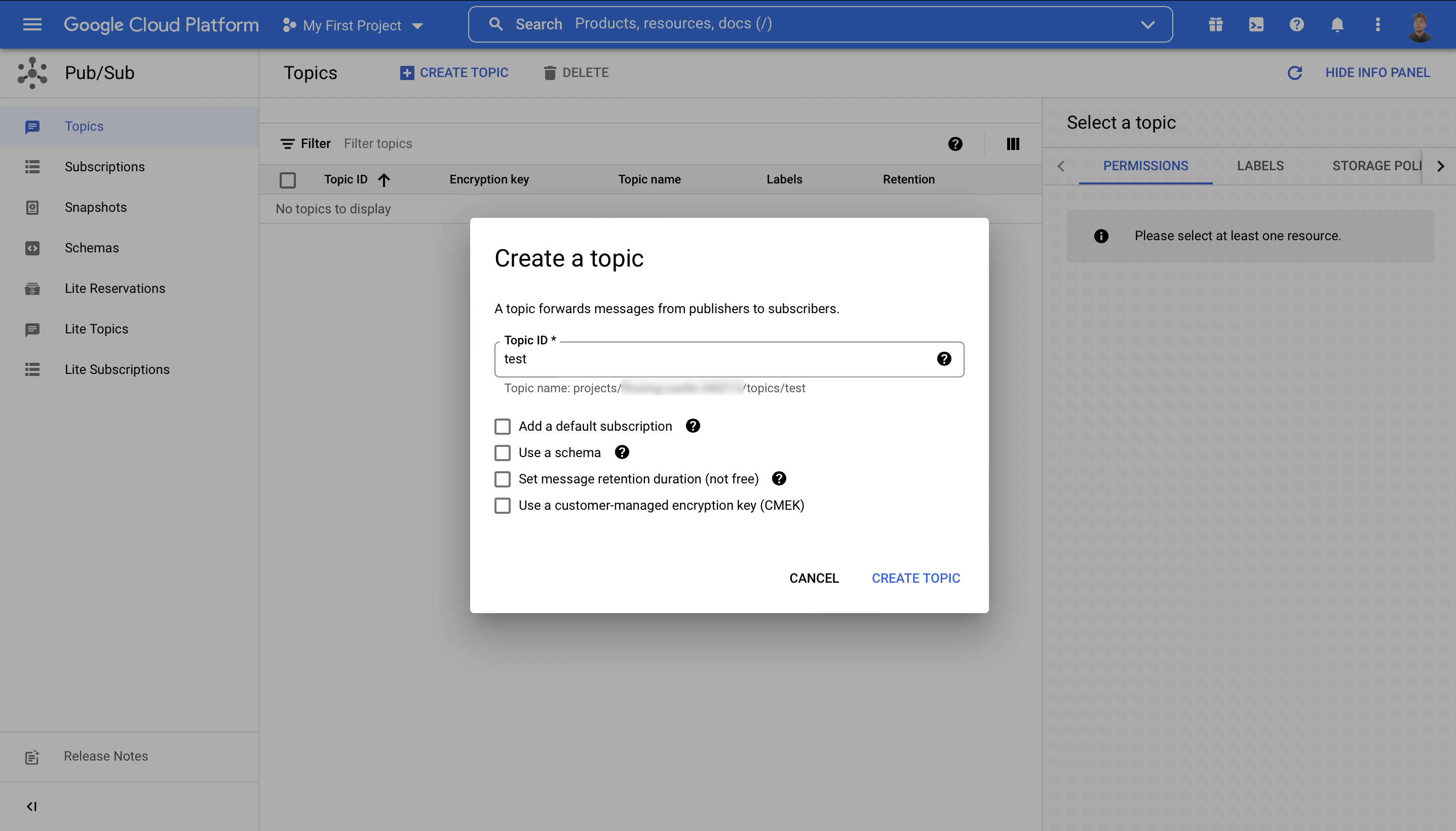
-
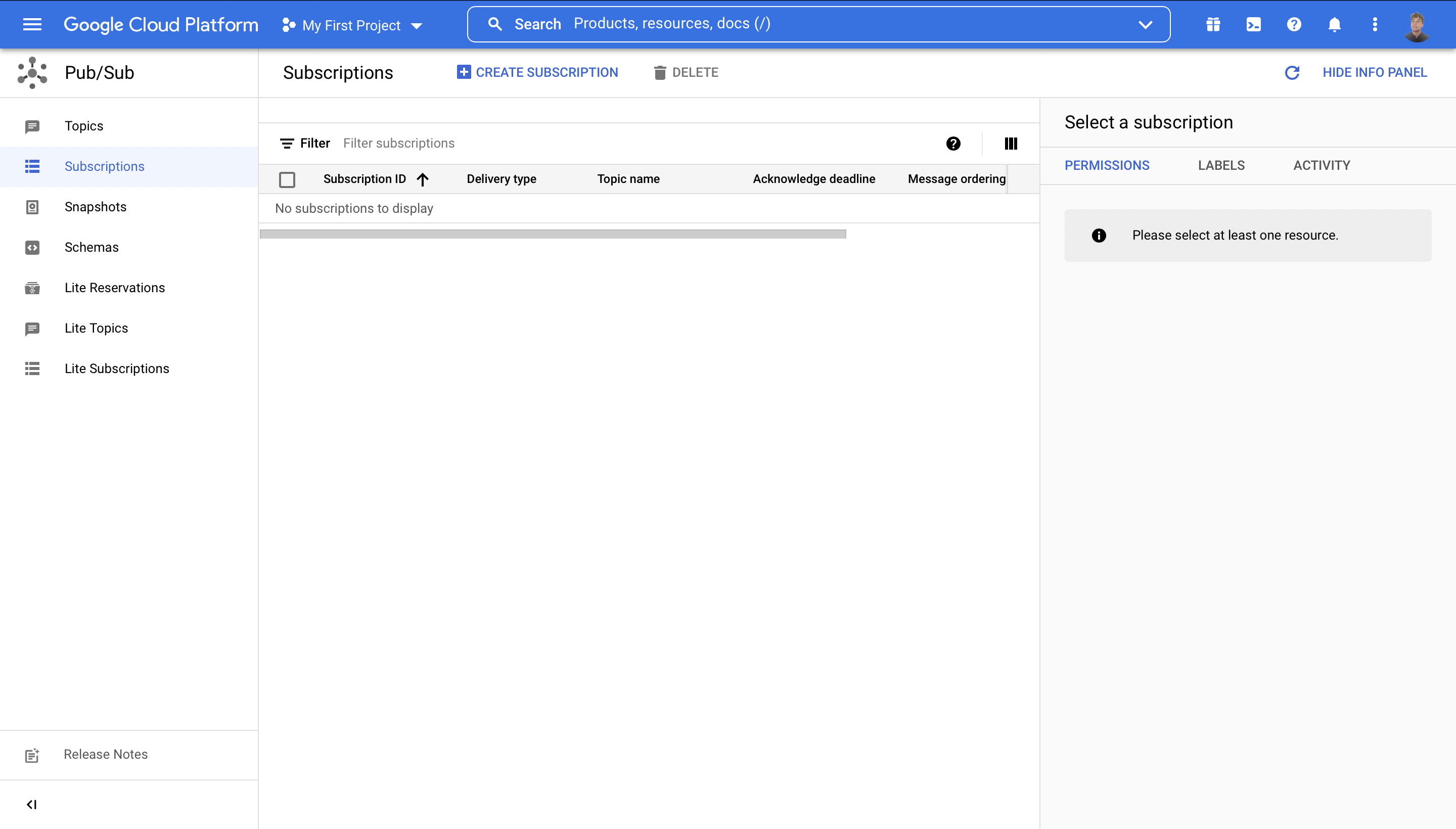
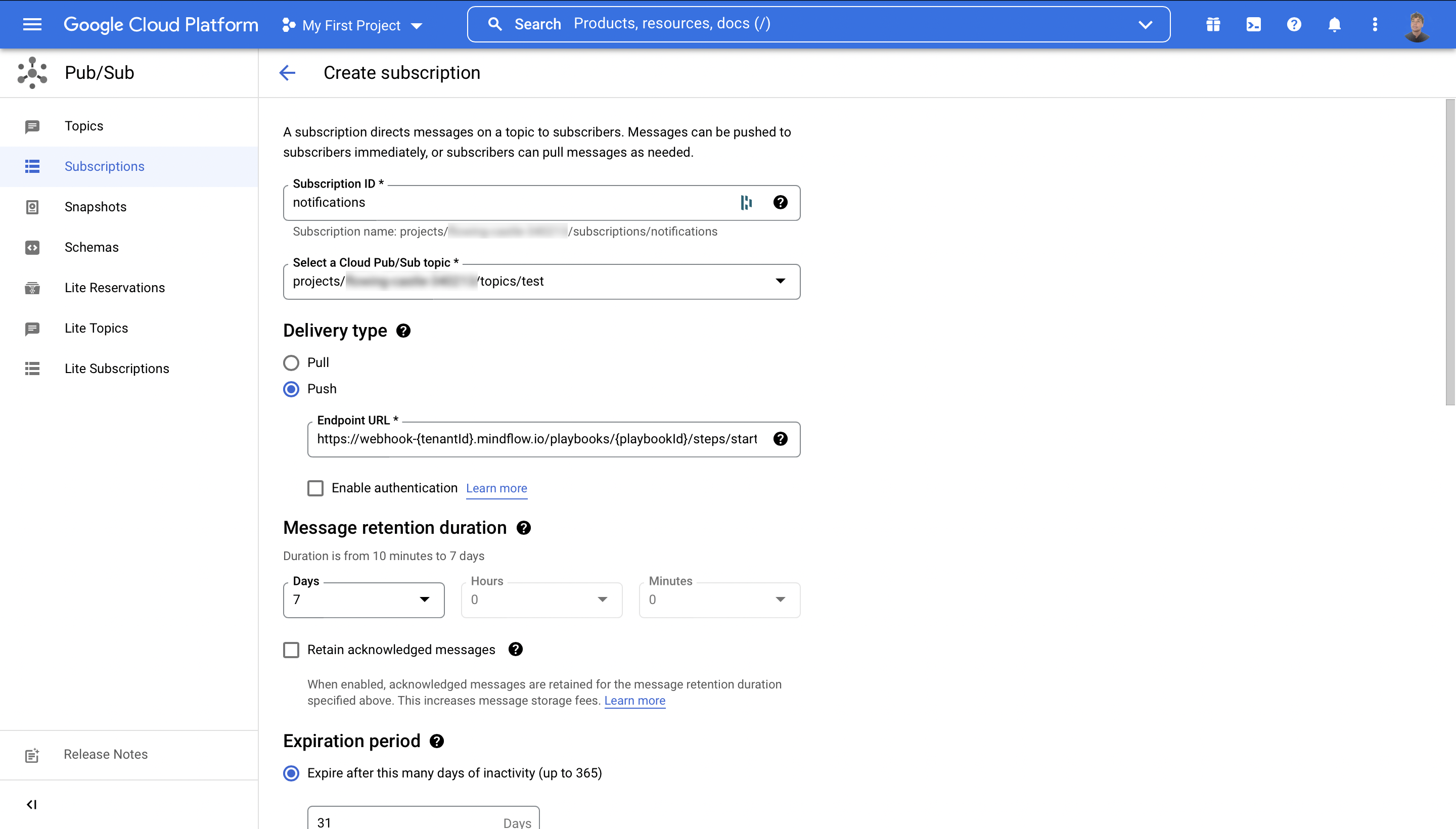
Configure subscription to push notifications to Mindflow
- Go to https://console.cloud.google.com/cloudpubsub/subscription/
- Click on
Create Subscriptionbutton - Get the address for webhooks inRun playbook through webhook
- Copy this address including the api key into subscription push address Note: we do not support JWT authorization yet
- Screenshots
-
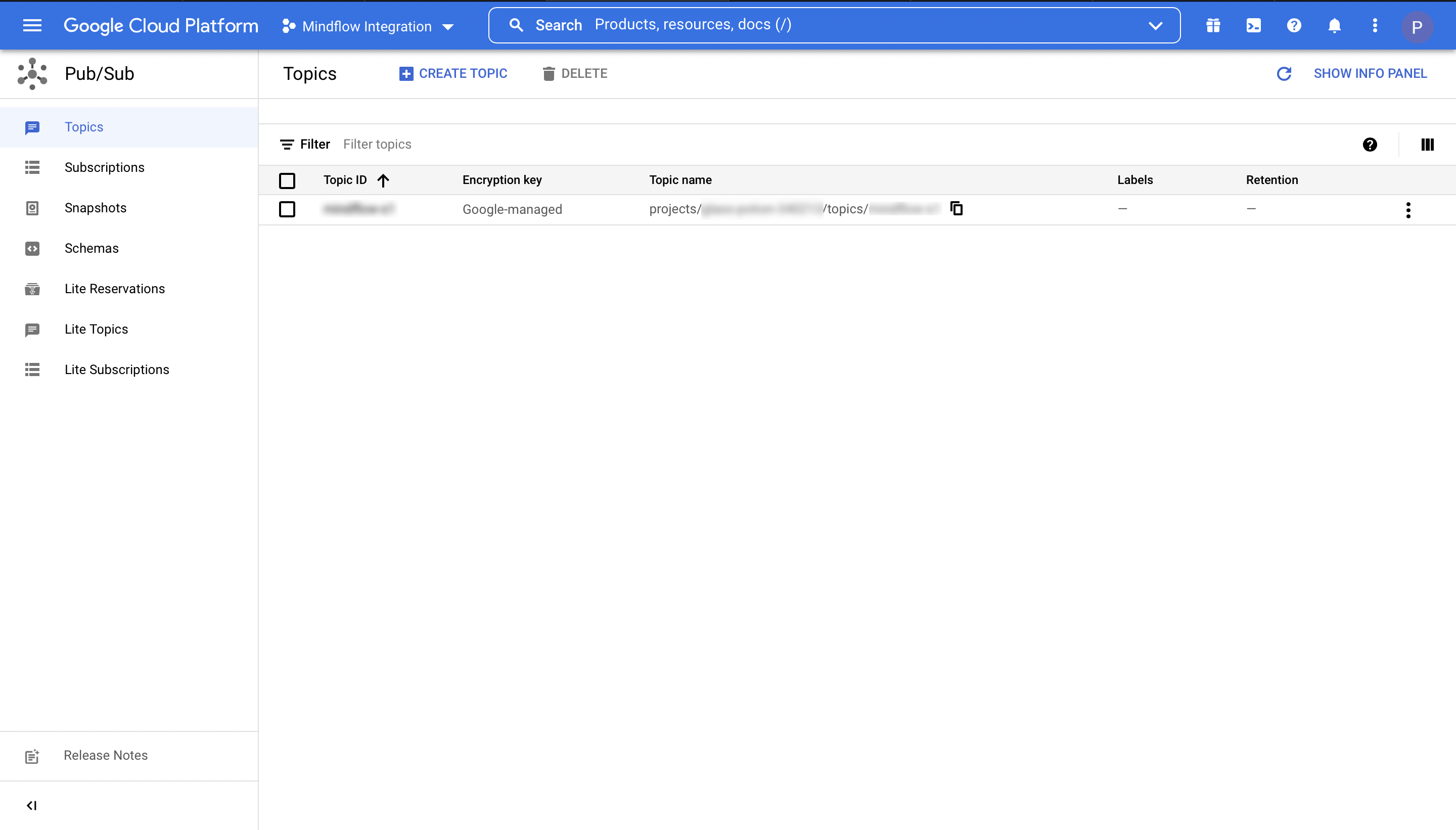
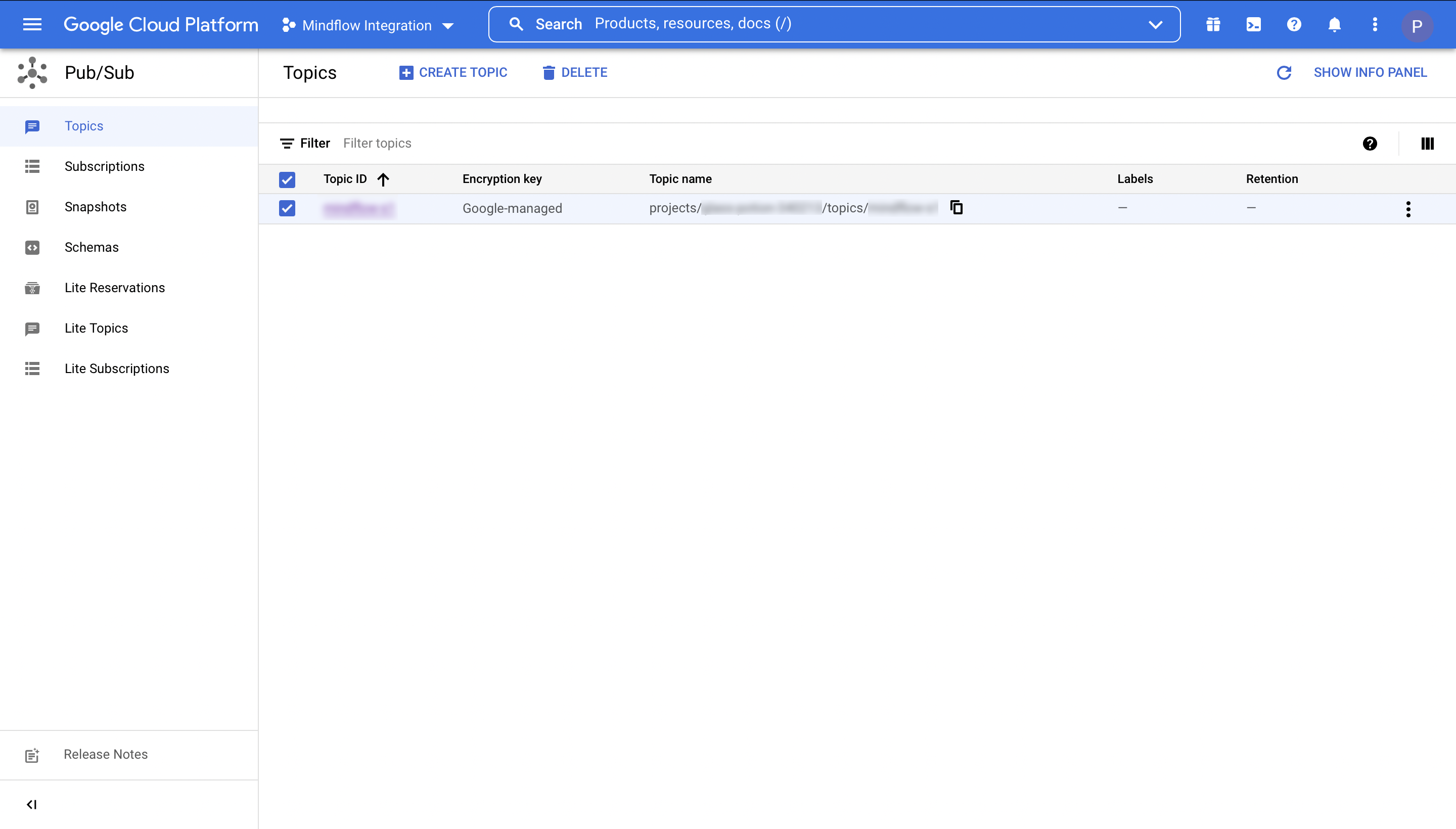
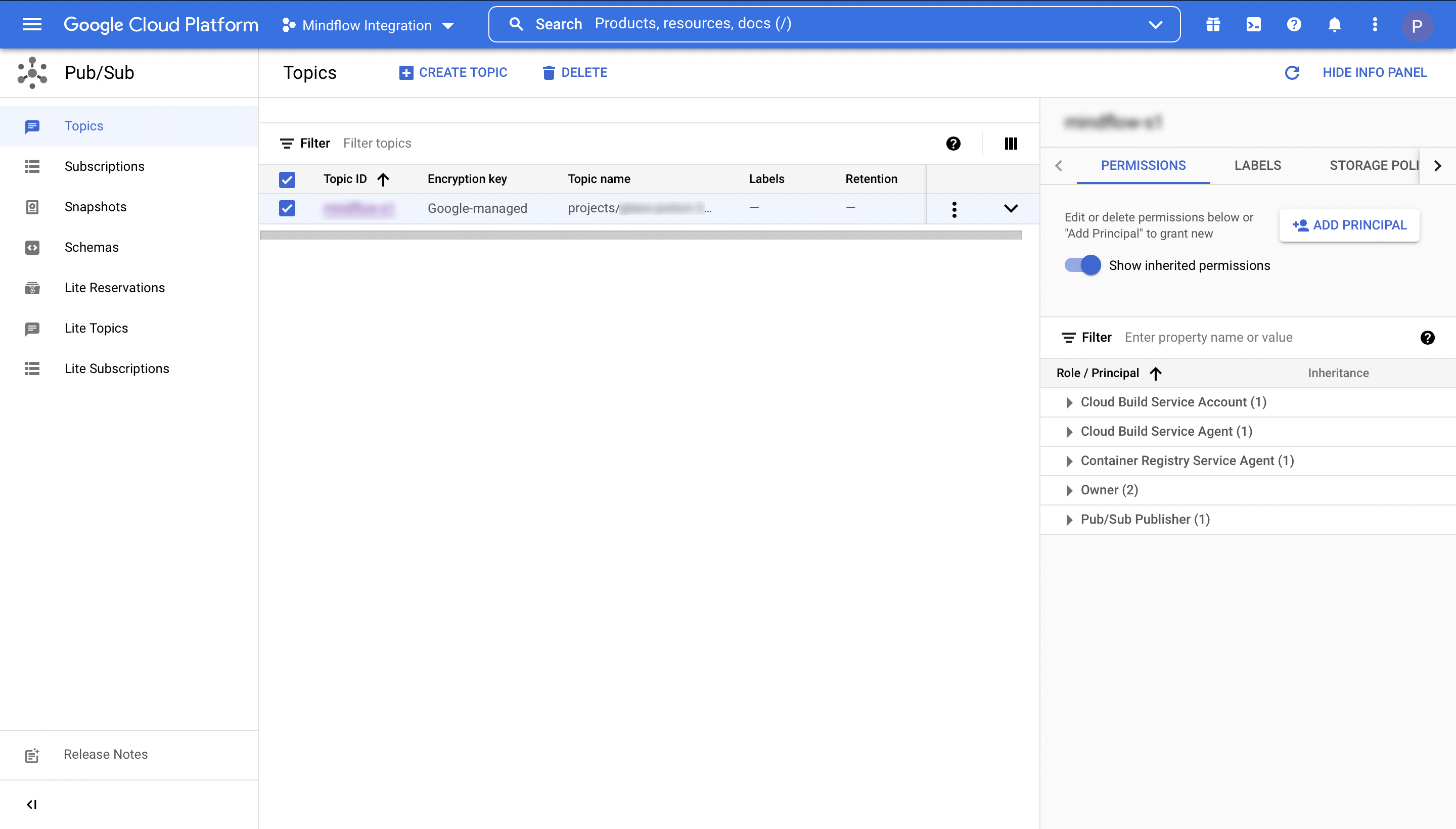
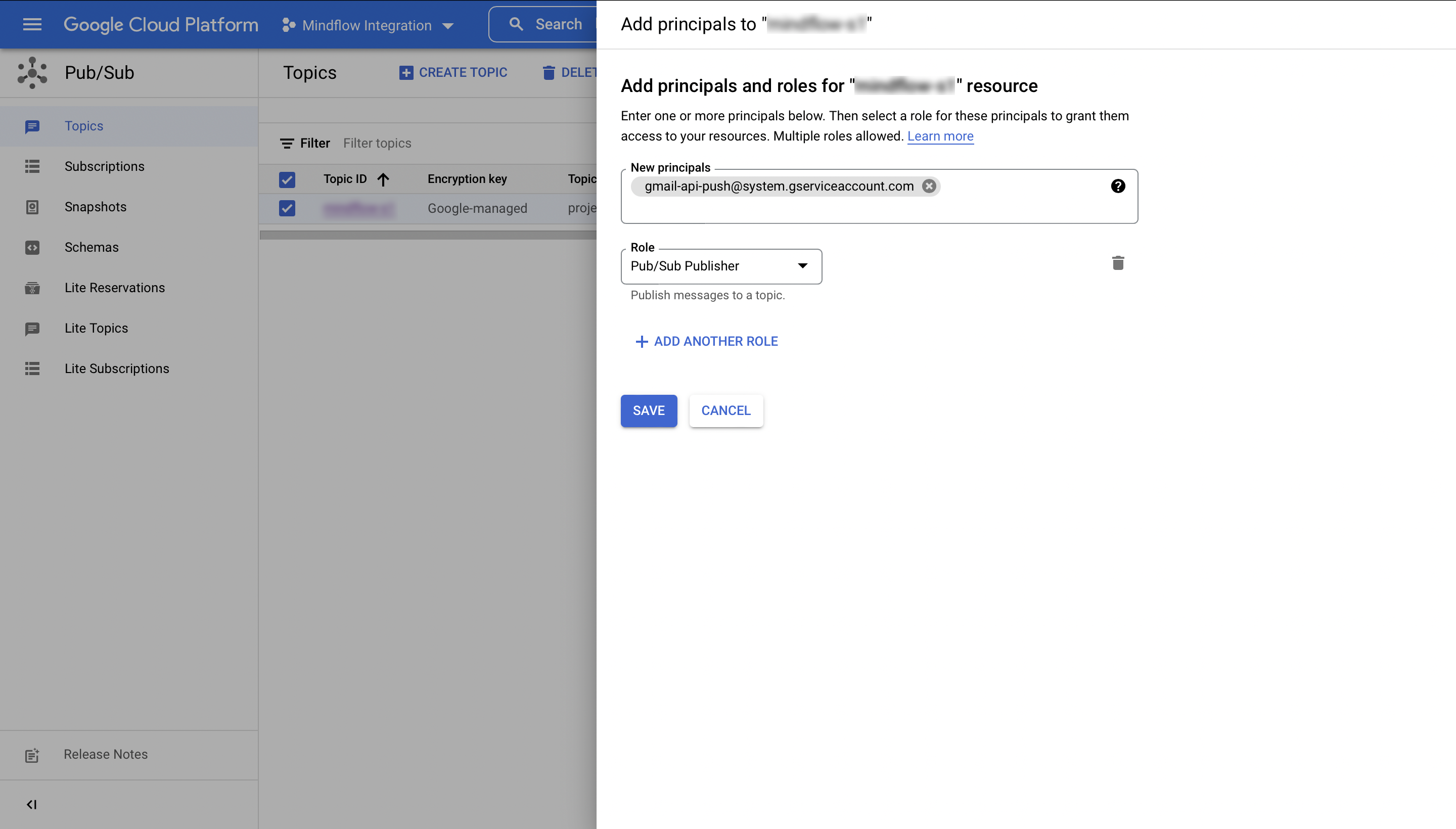
Grant publish rights on your topic
- Go to https://console.cloud.google.com/cloudpubsub/topic/
- Check the checkbox of your topic
- Click on the
Show Info Panelbutton - Select
Permissions - Click on
Add Permissions - Add gmail-api-push@system.gserviceaccount.com and select the Pub/Sub Publisher role
- Screenshots
-
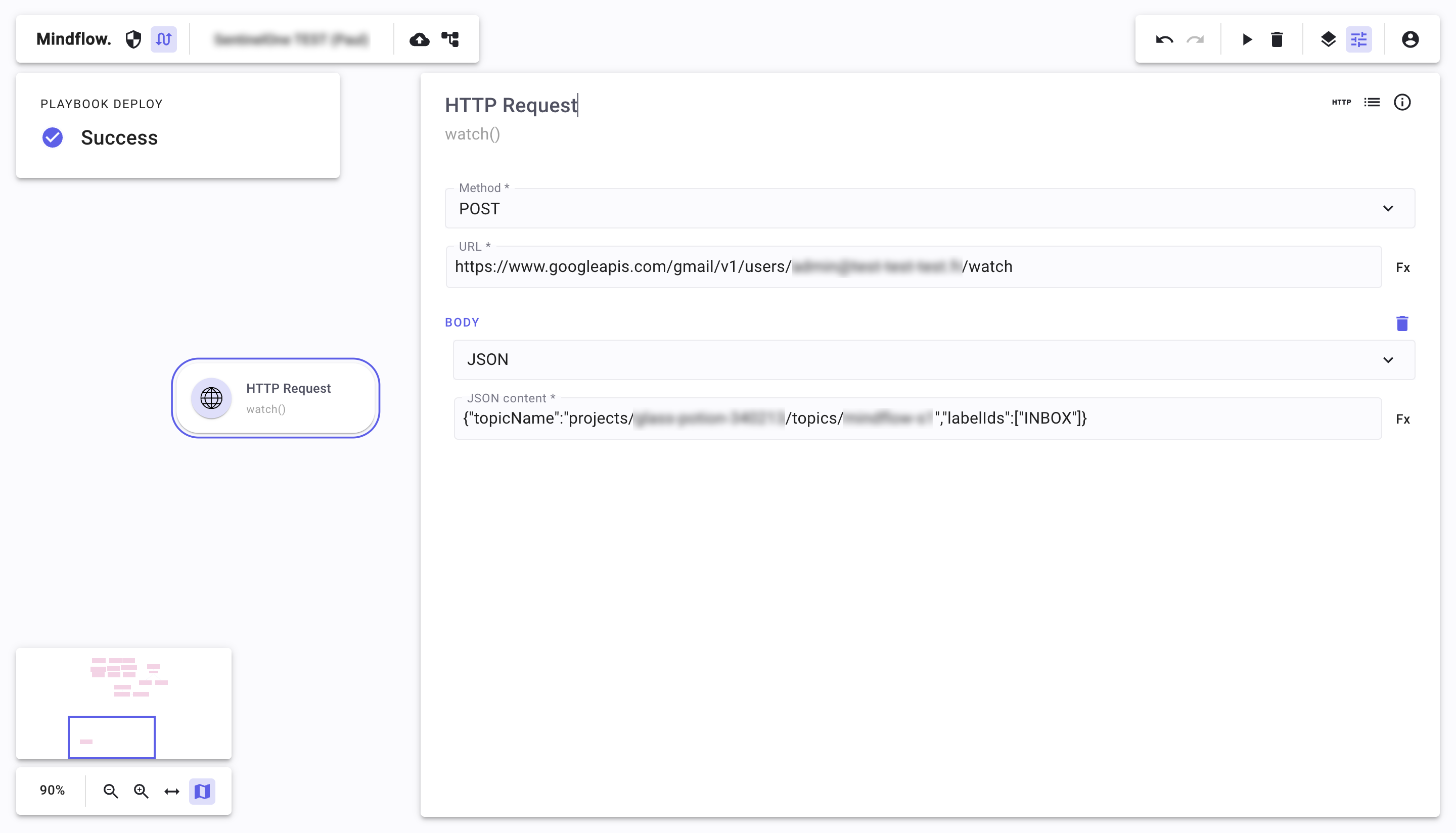
Create a HTTP request in Mindflow to watch for emails notifications using the credentials
- Screenshots