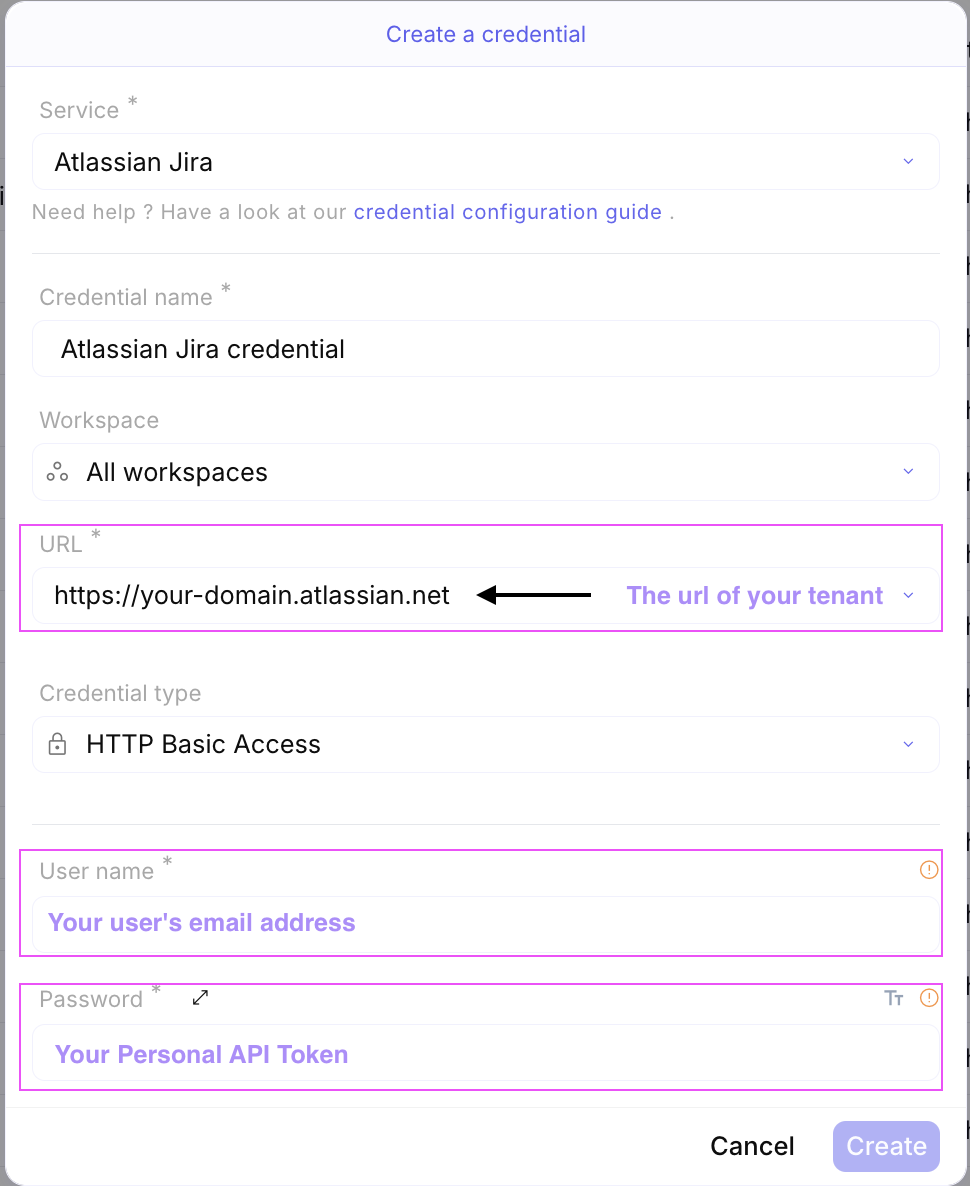
Atlassian Jira Api key
Create a new Jira credentials
Section titled “Create a new Jira credentials”-
Connect to your Jira account
-
Create API token
- On your profile menu, pick
Manage Account
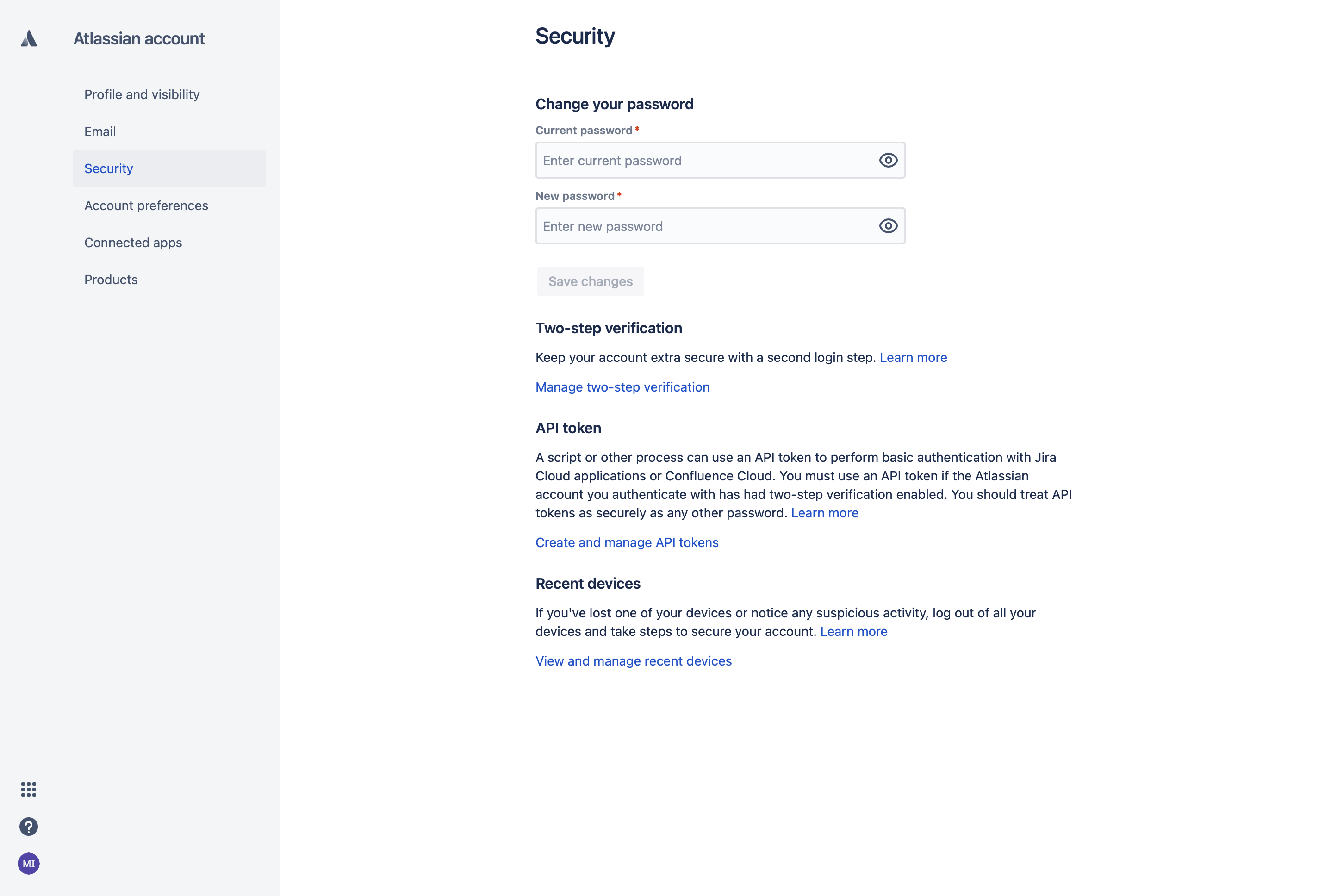
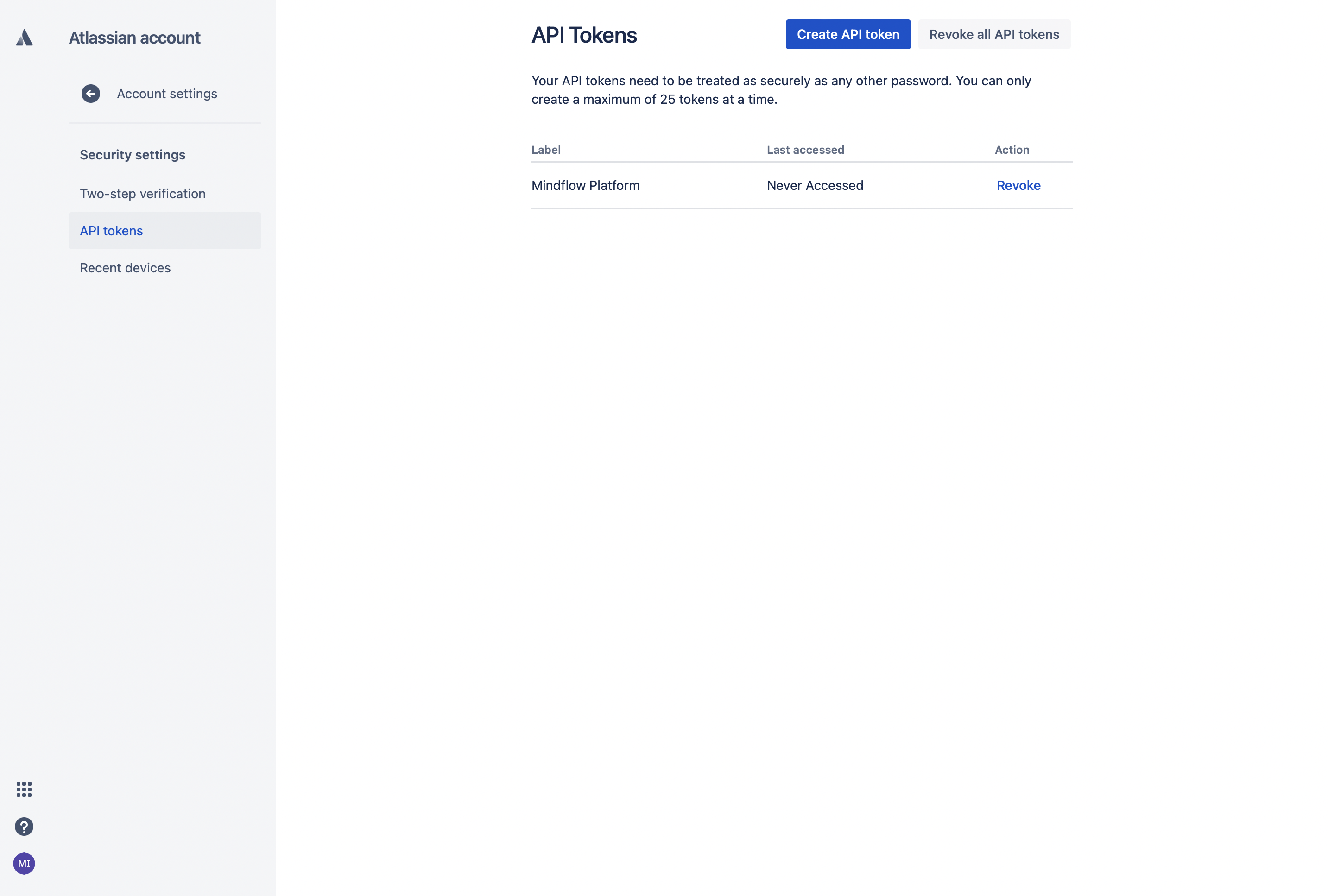
- Navigate to `Security` tab - Click `Create and manage API tokens` - Click `Create API token` - Give your API token a meaningful name (ex: Mindflow)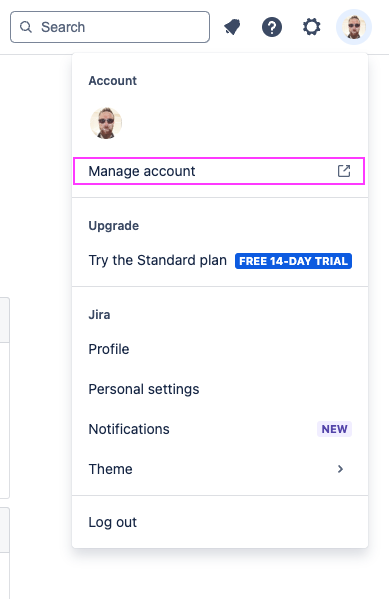
- On your profile menu, pick
-
Screenshots
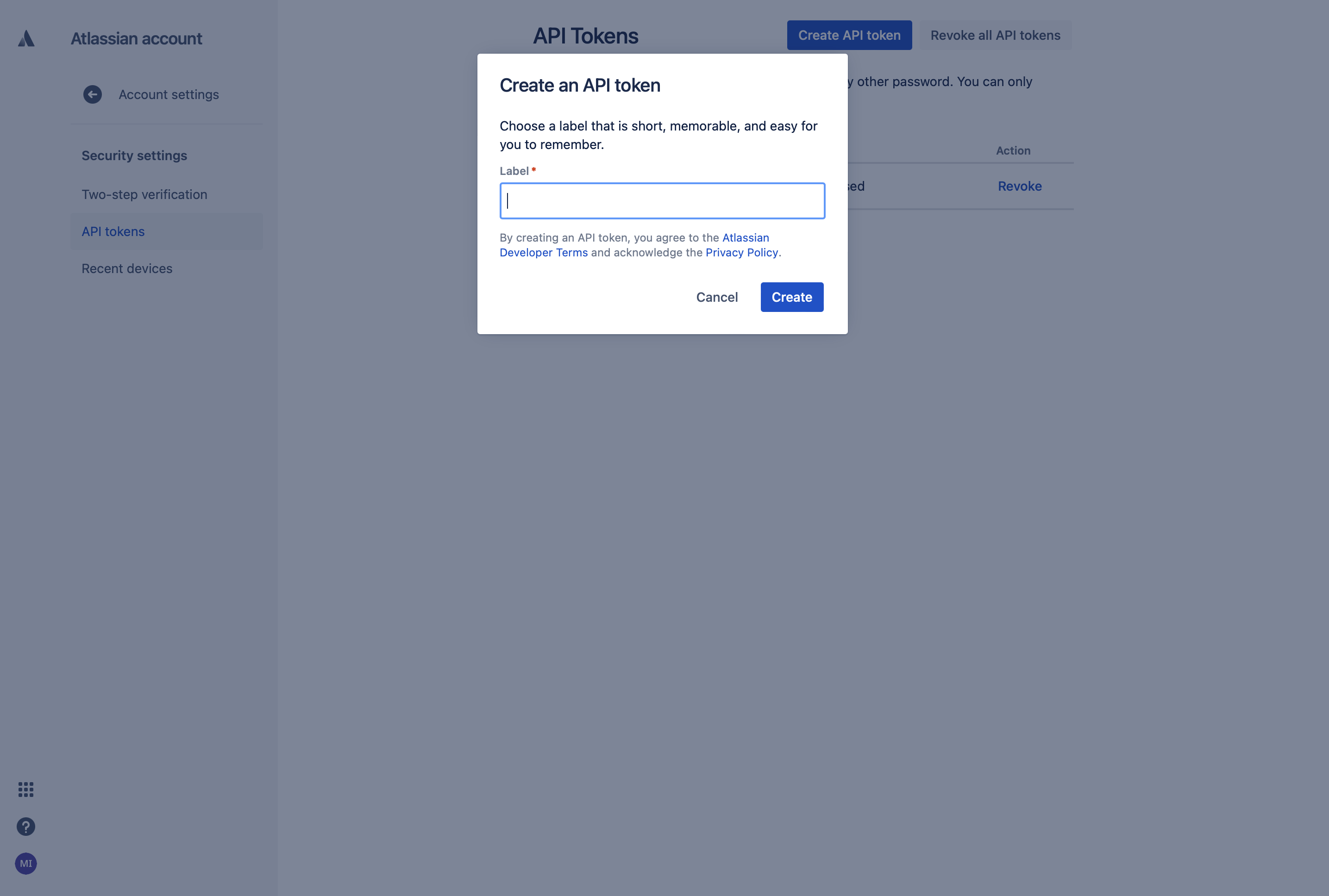
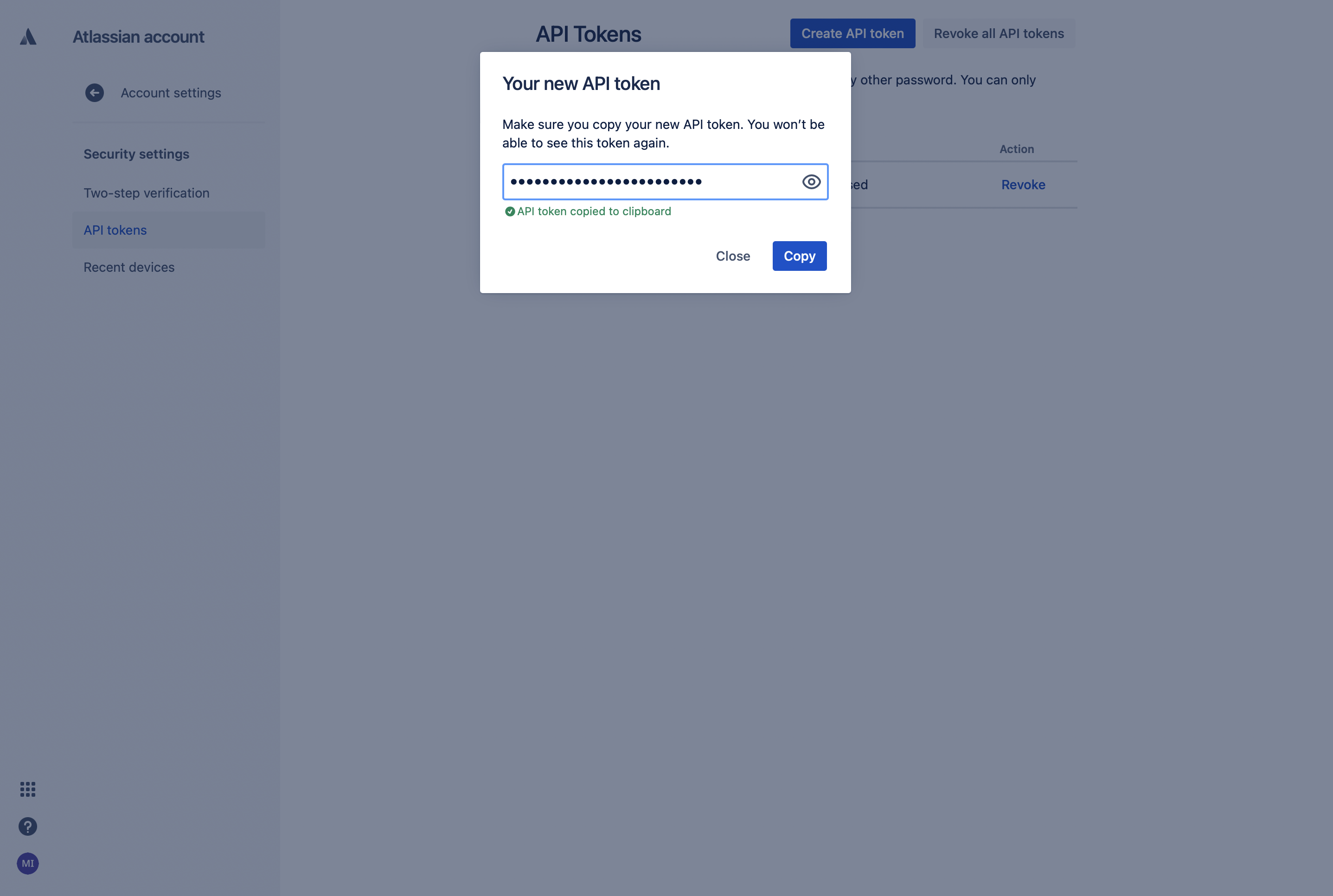
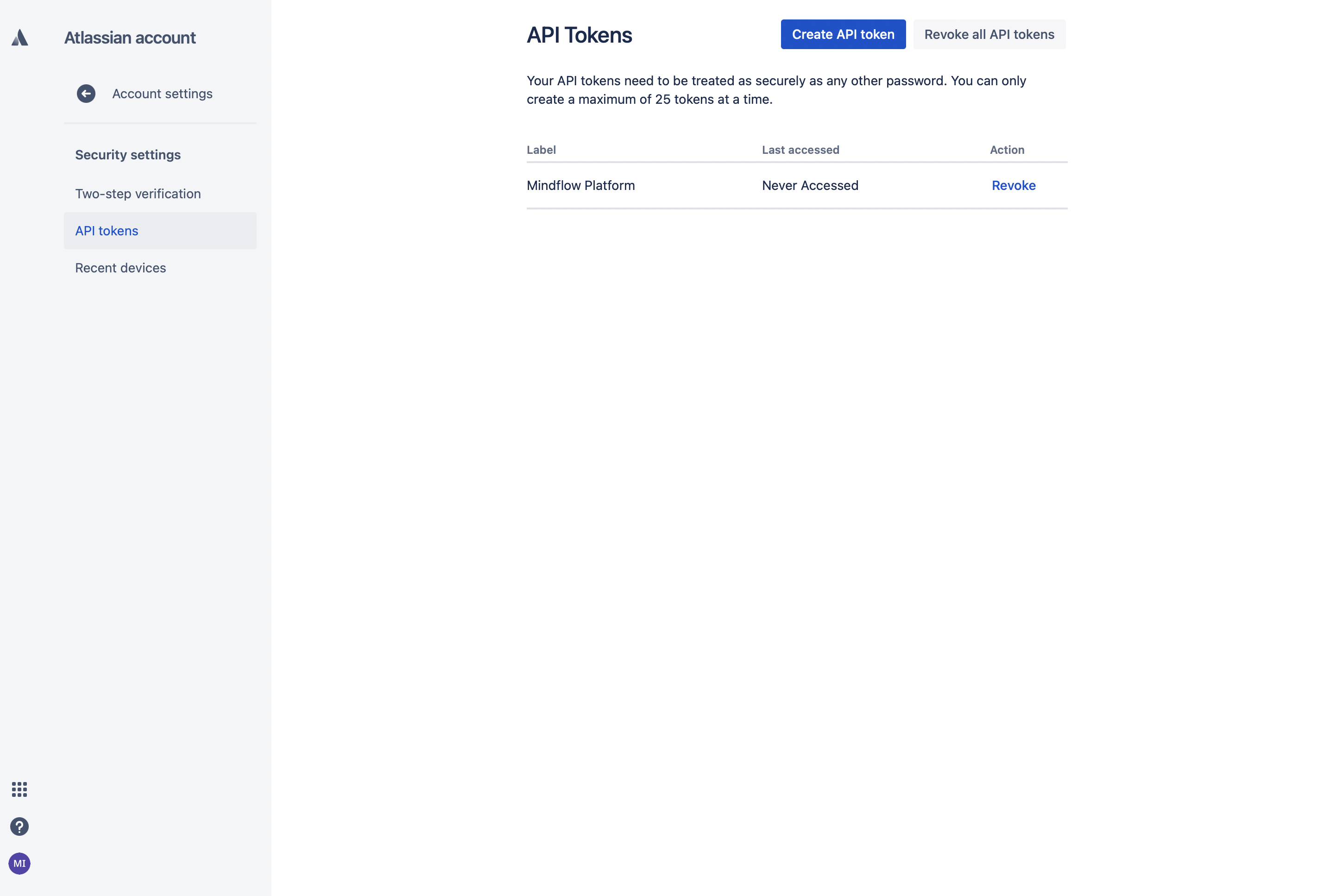
In Mindflow
Section titled “In Mindflow”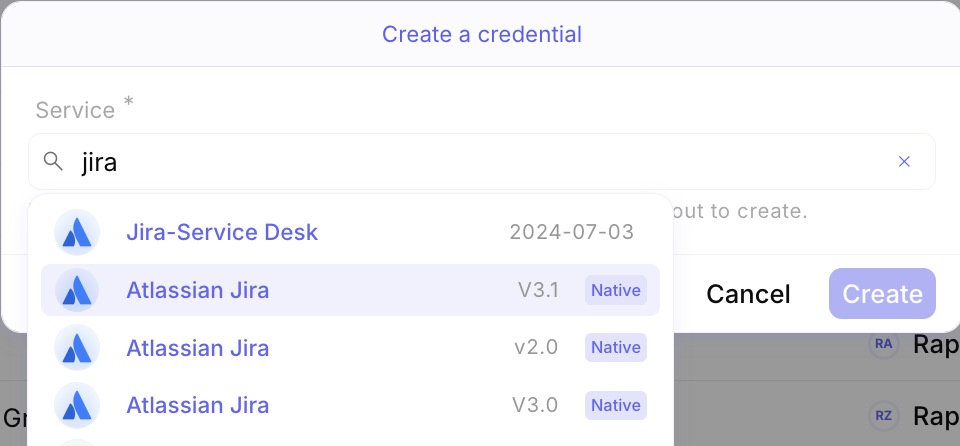
select the version you want
Then fill in the following fields
Section titled “Then fill in the following fields”