

HarfangLab
Overview
Section titled “Overview”HarfangLab is a French EDR (Endpoint Detection and Response) solution built for security operations teams. It provides real-time endpoint monitoring, multi-engine threat detection, and investigation capabilities — enabling analysts to track IOCs, spot abnormal behaviours, and respond to incidents directly from a centralised console.
Key characteristics of HarfangLab EDR:
- Open and API-first: every action available in the UI is exposed via REST API, making full automation possible.
- Flexible deployment: available as SaaS, private cloud, or on-premises (including air-gapped environments).
- ANSSI-certified: the only EDR to hold French national cybersecurity agency certification.
- Primary users: SOC analysts, IT administrators, and MSSPs managing endpoint protection at scale.
The Mindflow integration is built on the HarfangLab REST API. It is available to all Mindflow users who are also HarfangLab customers.
Prerequisites
Section titled “Prerequisites”Before configuring the integration in Mindflow, you need the following:
Generating an API token in HarfangLab
Section titled “Generating an API token in HarfangLab”-
Log in to your HarfangLab manager interface.
-
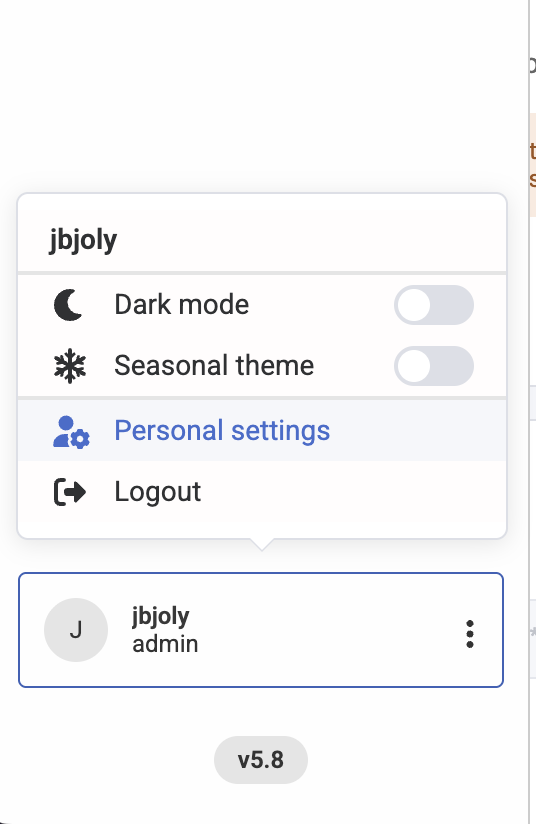
Navigate to Personal settings
-
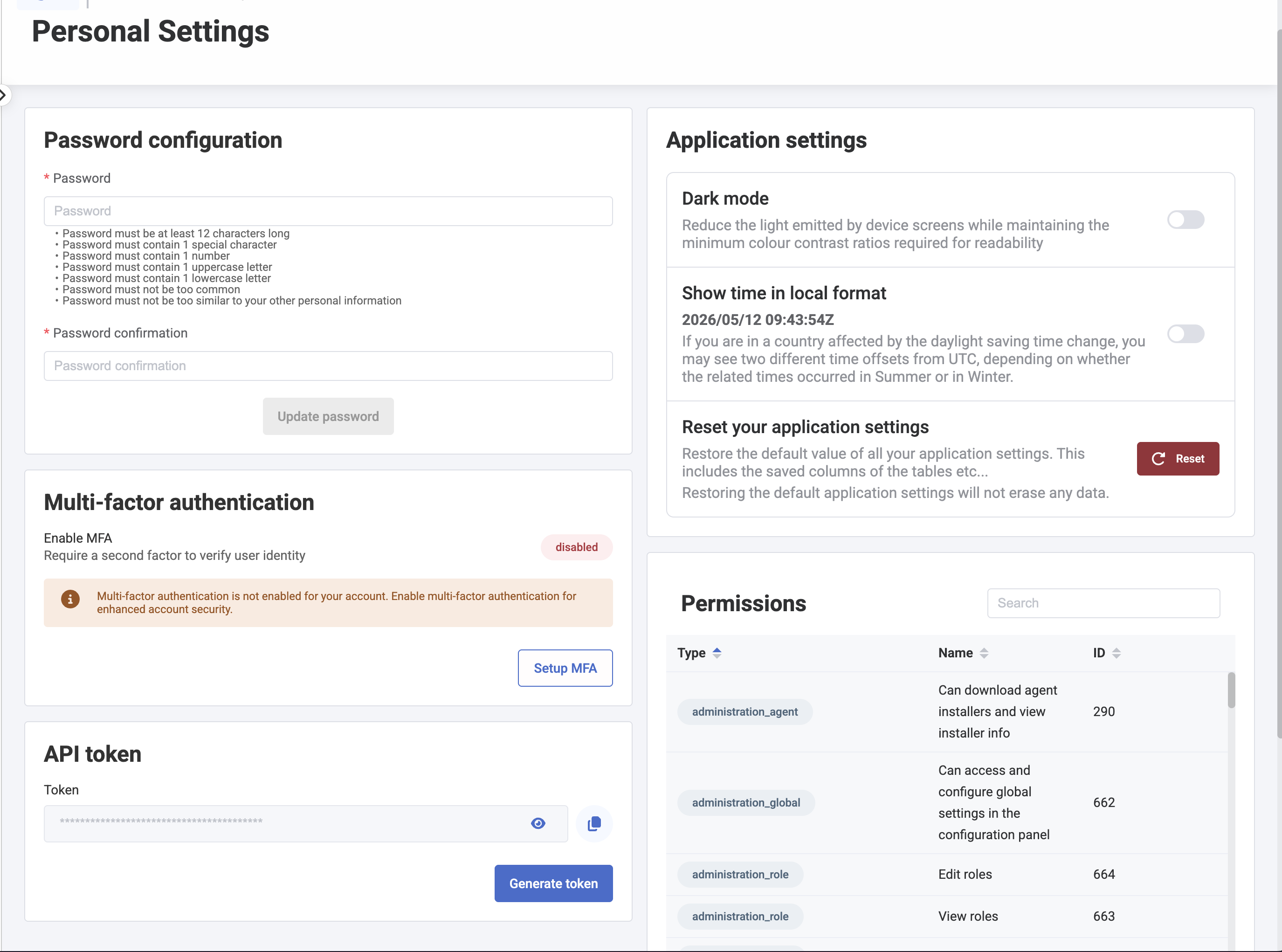
In the API Token section, click Generate token.
-
Copy the token value immediately.
Configuration in Mindflow
Section titled “Configuration in Mindflow”Once you have your instance URL and API token, open the Mindflow platform and follow these steps.
Step 1 — Add the HarfangLab integration
Section titled “Step 1 — Add the HarfangLab integration”-
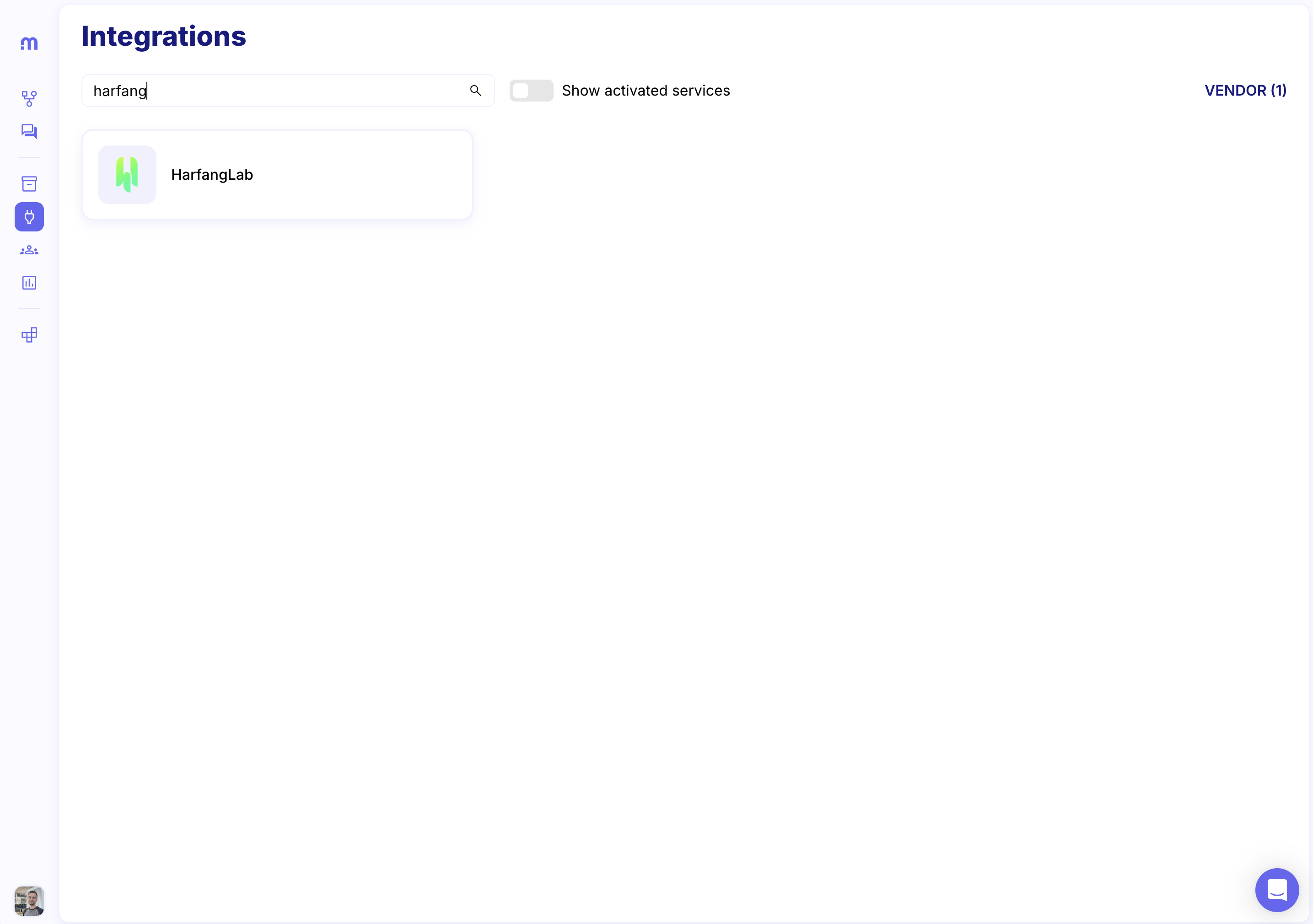
Go to Integrations in the left-hand navigation.
-
Search for HarfangLab and click on it.
-
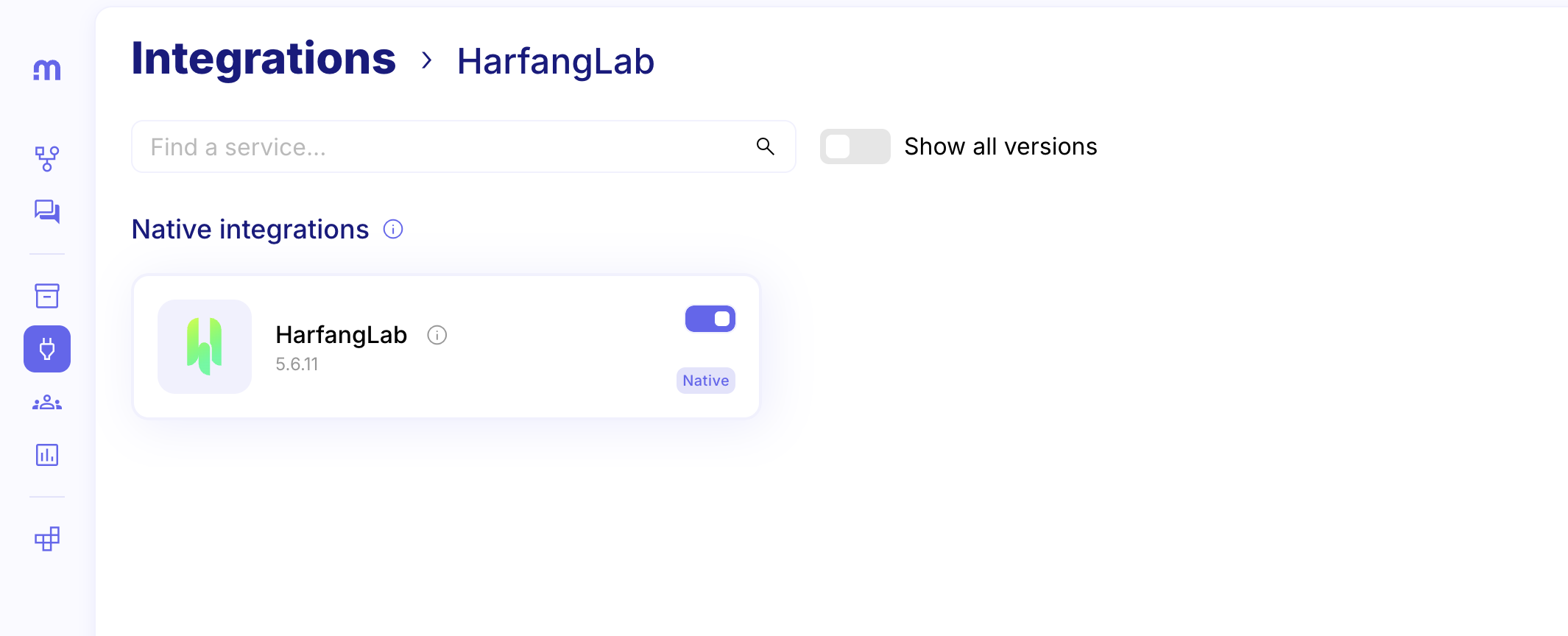
Click Add integration.
Step 2 — Add the HarfangLab credential
Section titled “Step 2 — Add the HarfangLab credential”-
Go to Environment in the left-hand navigation
-
Find the Environment were the credential will be used and click on Create a credential

-
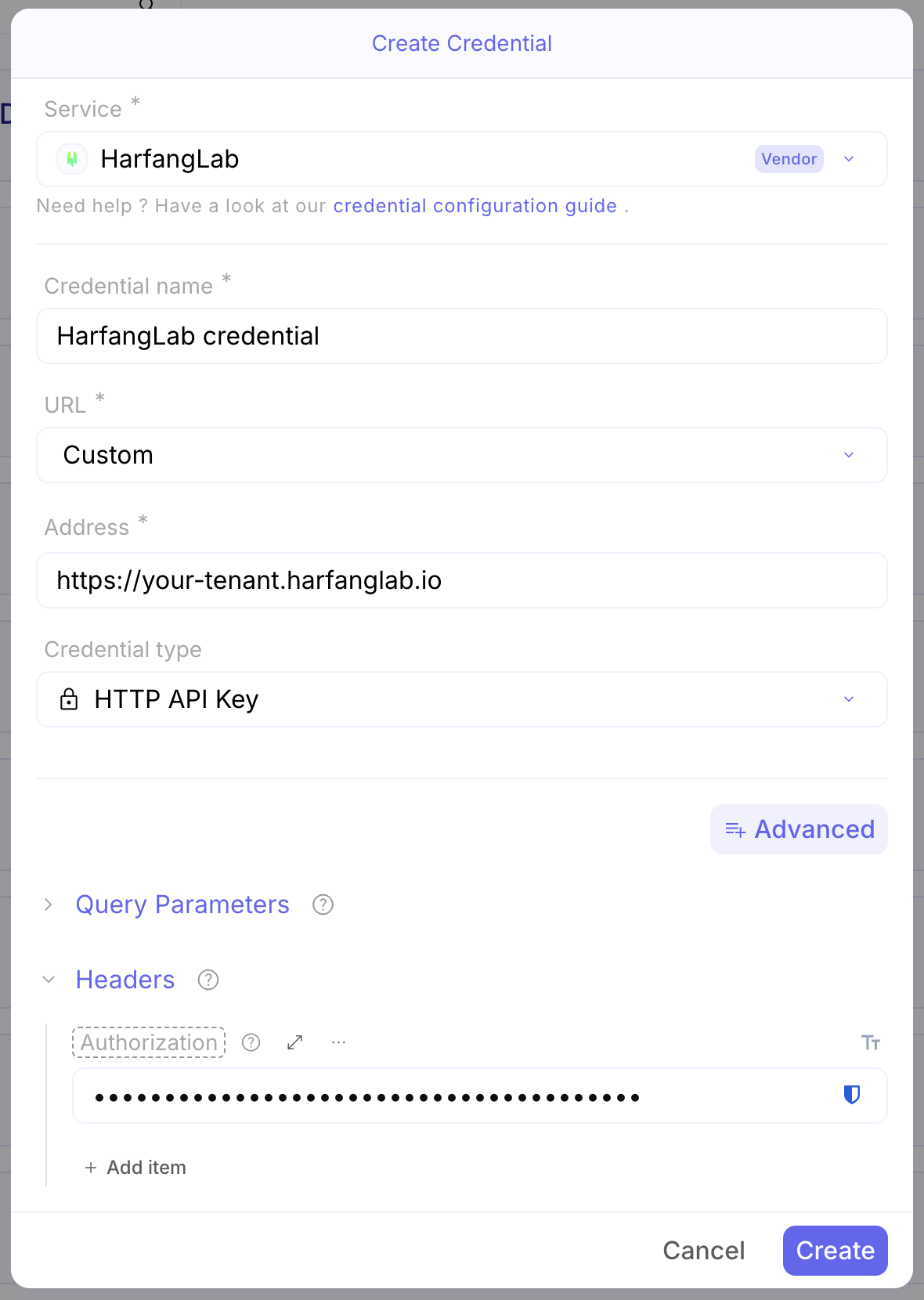
Configure the credential as follow :
- Service: HarfangLab
- Credential Type: HTTP API Key
- Adress: Your HarfangLab instance base URL — e.g.
https://your-tenant.harfanglab.io - Headers: Add an item named Authorization with your API token prefixed with
Token— e.g.Token abc123xyz
Using the integration in a flow
Section titled “Using the integration in a flow”Once configured, the HarfangLab integration becomes available as an action block in the Mindflow flow editor. You can drag and drop any HarfangLab operation into your flow and connect it to triggers or other actions.
Common operations include:
- List security alerts — retrieve active alerts filtered by severity, status, or time range.
- Get threat details — fetch full context on a specific threat or IOC.
- Isolate endpoint — disconnect a compromised host from the network to contain a threat.
- Kill process — terminate a suspicious process running on an endpoint.
- Run YARA rule — trigger a threat intelligence scan using a custom YARA rule.
- Collect endpoint artefacts — gather memory dumps or files from an endpoint for forensic analysis.
All operations support dynamic input — you can pass values from previous steps in your flow (e.g. an alert ID retrieved from a SIEM trigger) directly into HarfangLab action fields.
Example use cases
Section titled “Example use cases”Automated alert triage
Section titled “Automated alert triage”A webhook trigger receives a HarfangLab alert. Mindflow automatically enriches it with VirusTotal data, scores its severity, and either creates a Jira ticket or closes it — without analyst intervention.
Endpoint isolation on critical alerts
Section titled “Endpoint isolation on critical alerts”When HarfangLab detects a high-severity threat, Mindflow isolates the affected endpoint, notifies the SOC team on Slack, and opens an incident in your ticketing system — all in a single automated flow.
Threat intelligence correlation
Section titled “Threat intelligence correlation”Mindflow periodically fetches new IOCs from an external threat intelligence feed and pushes them as YARA rules or detection rules into HarfangLab to keep detection coverage up to date.