SentinelOne
Credentials
Section titled “Credentials”Procedure:
-
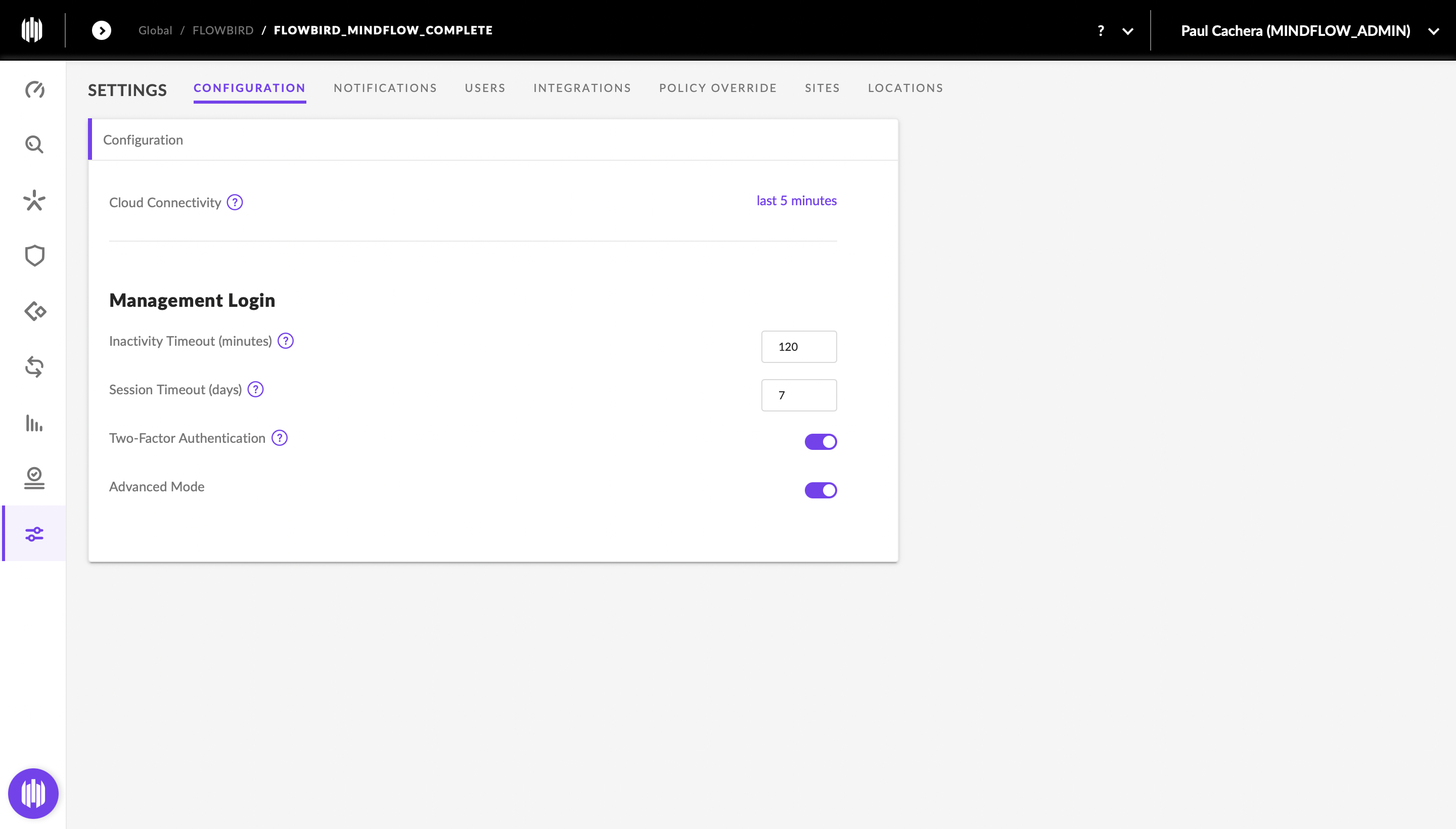
Connect to your SentinelOne account
-
Create API token
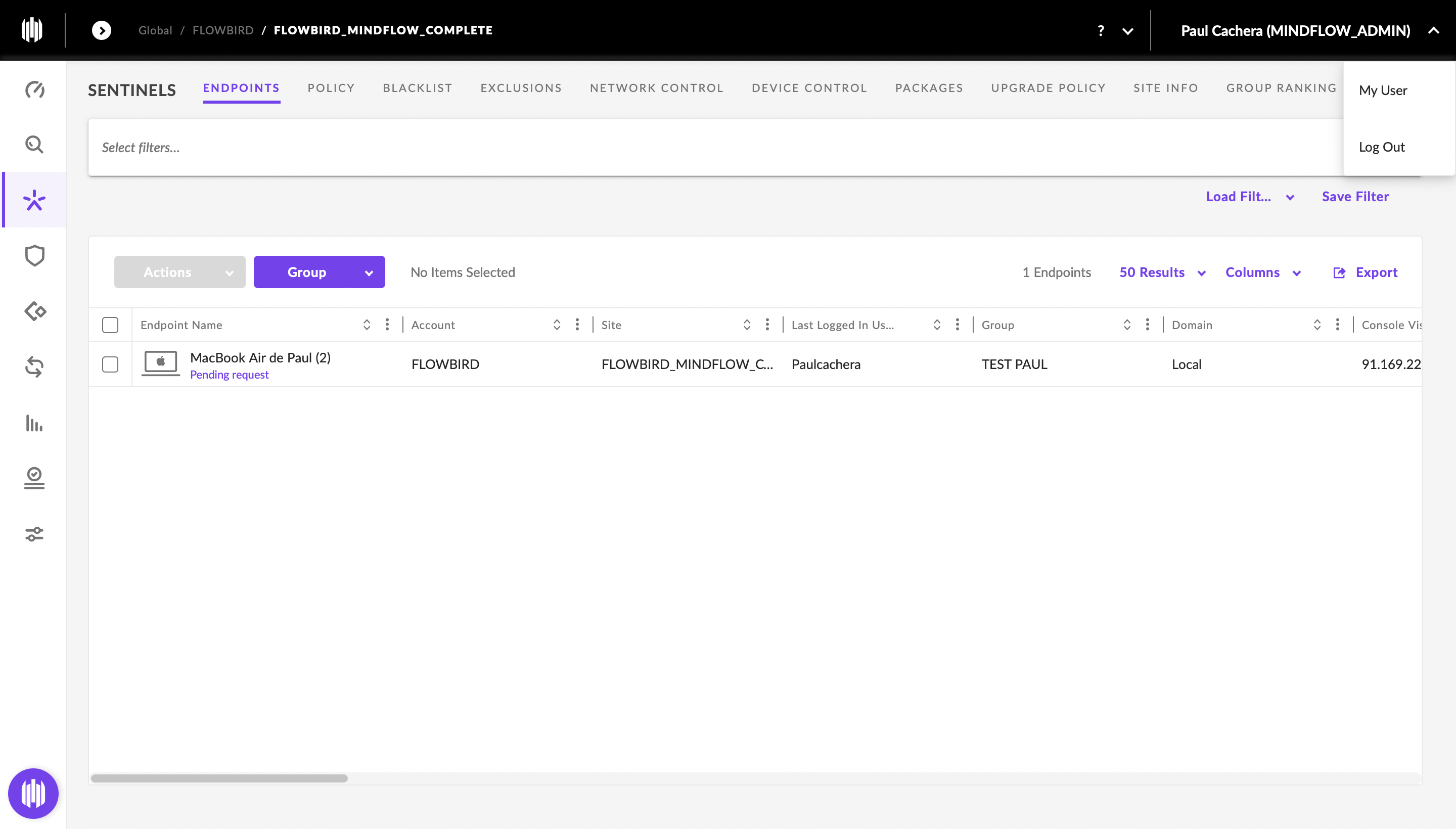
- On your profile menu, pick
My User - Click
Option Menu - Click
Regenerate API Token
- On your profile menu, pick
-
Screenshots
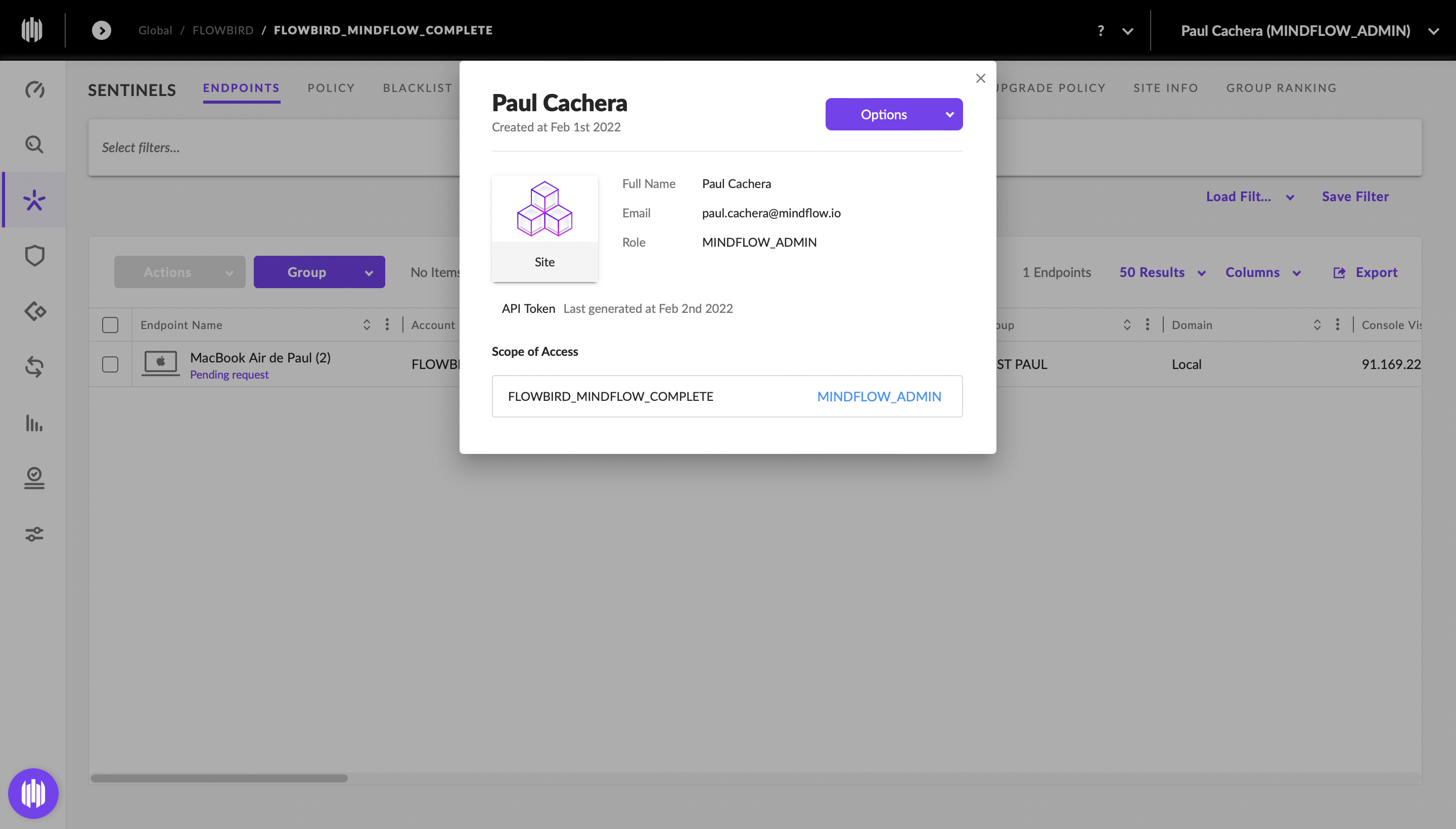
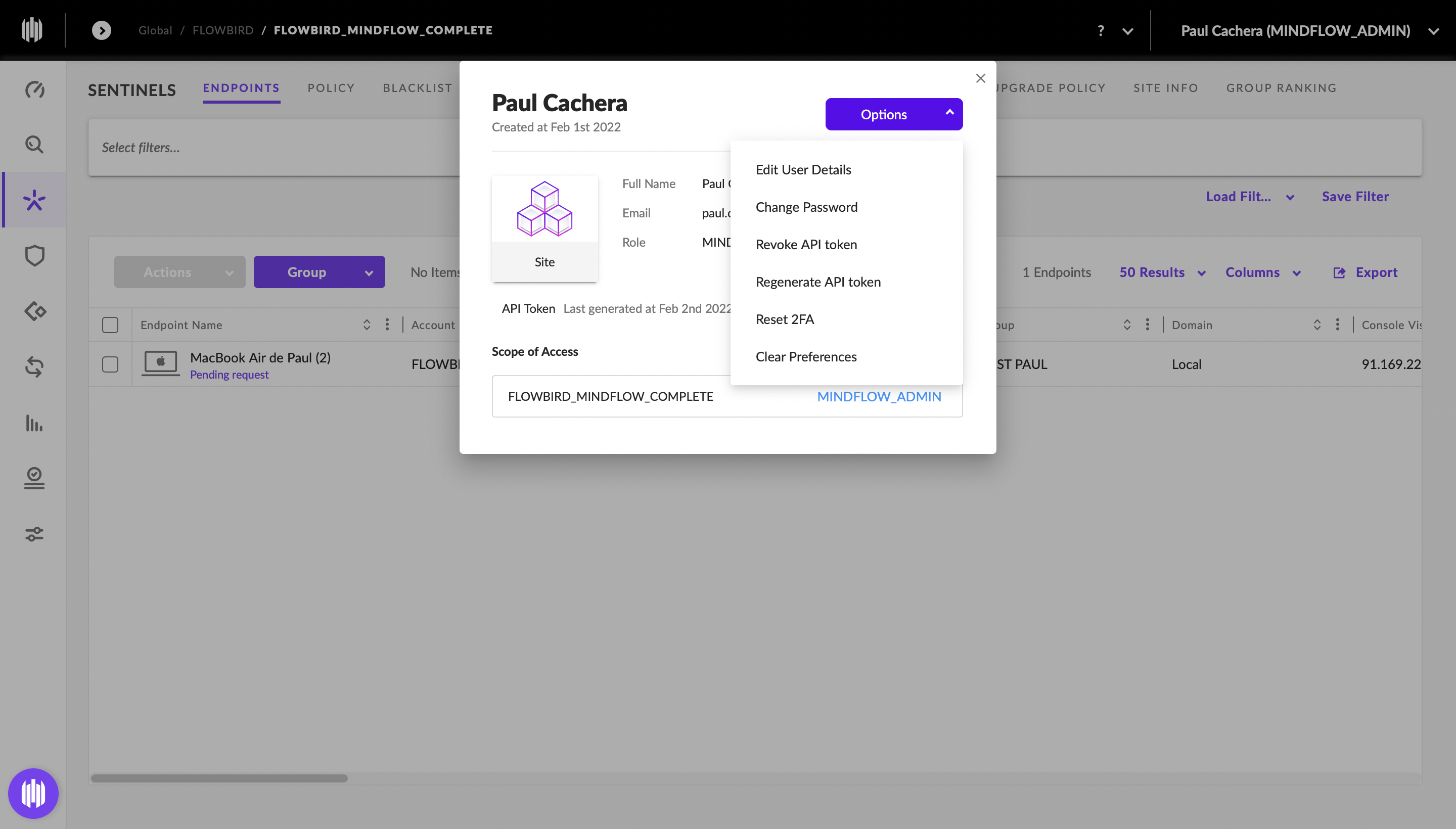
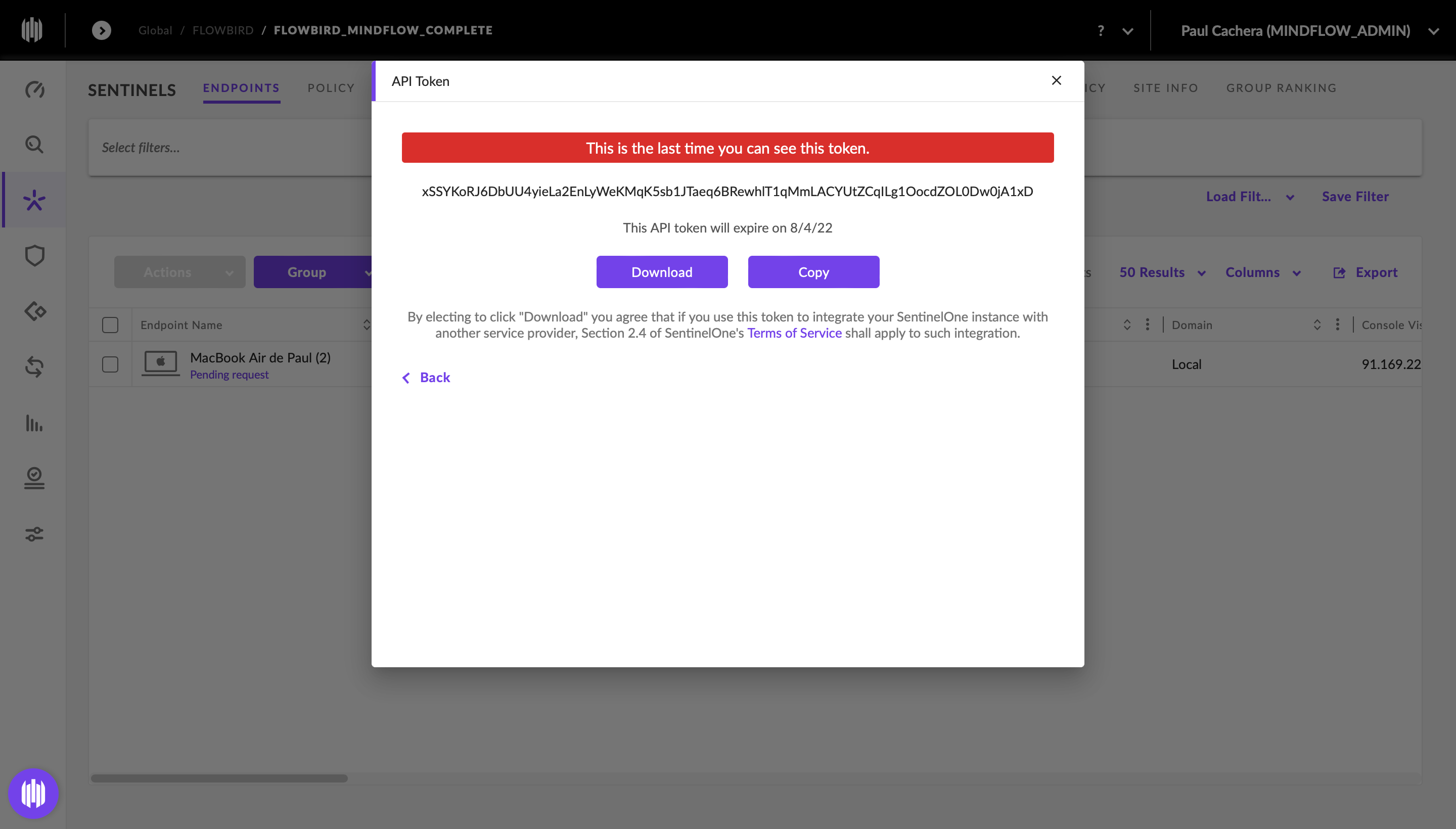
Enroll a PC (Mac)
Section titled “Enroll a PC (Mac)”Procedure:
-
Install SentinelOne Agent
- Connect to your SentinelOne account
- Go here: your SentinelOne console:
https://<your-tenant>.sentinelone.net/sentinels/packages - Select the version you want and click on the download icon
- Save the site token obtainable here:
https://<your-tenant>.sentinelone.net/sentinels/siteInfo - Install the Agent and follow the steps
- Insert the site token
- Screenshots
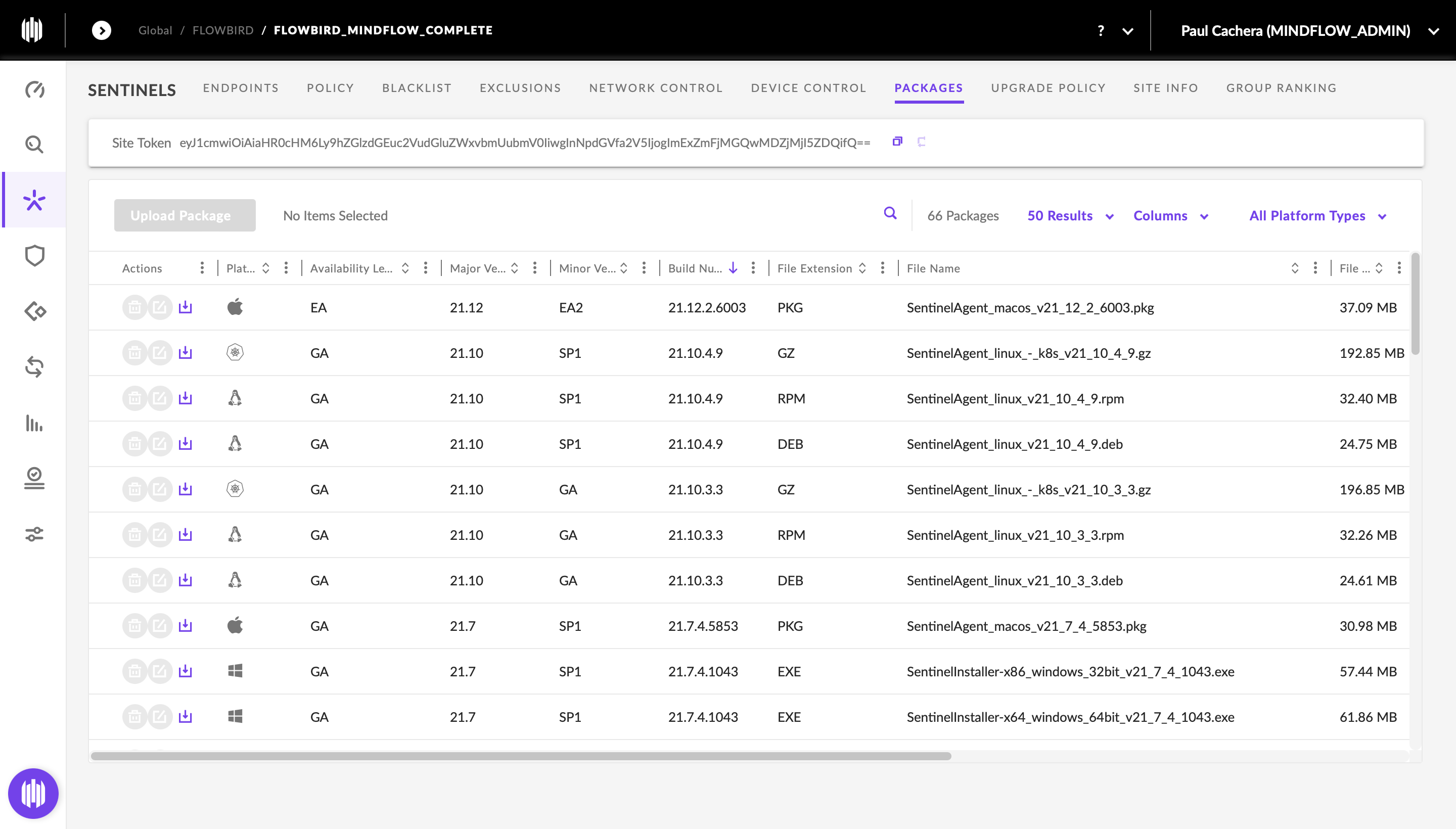
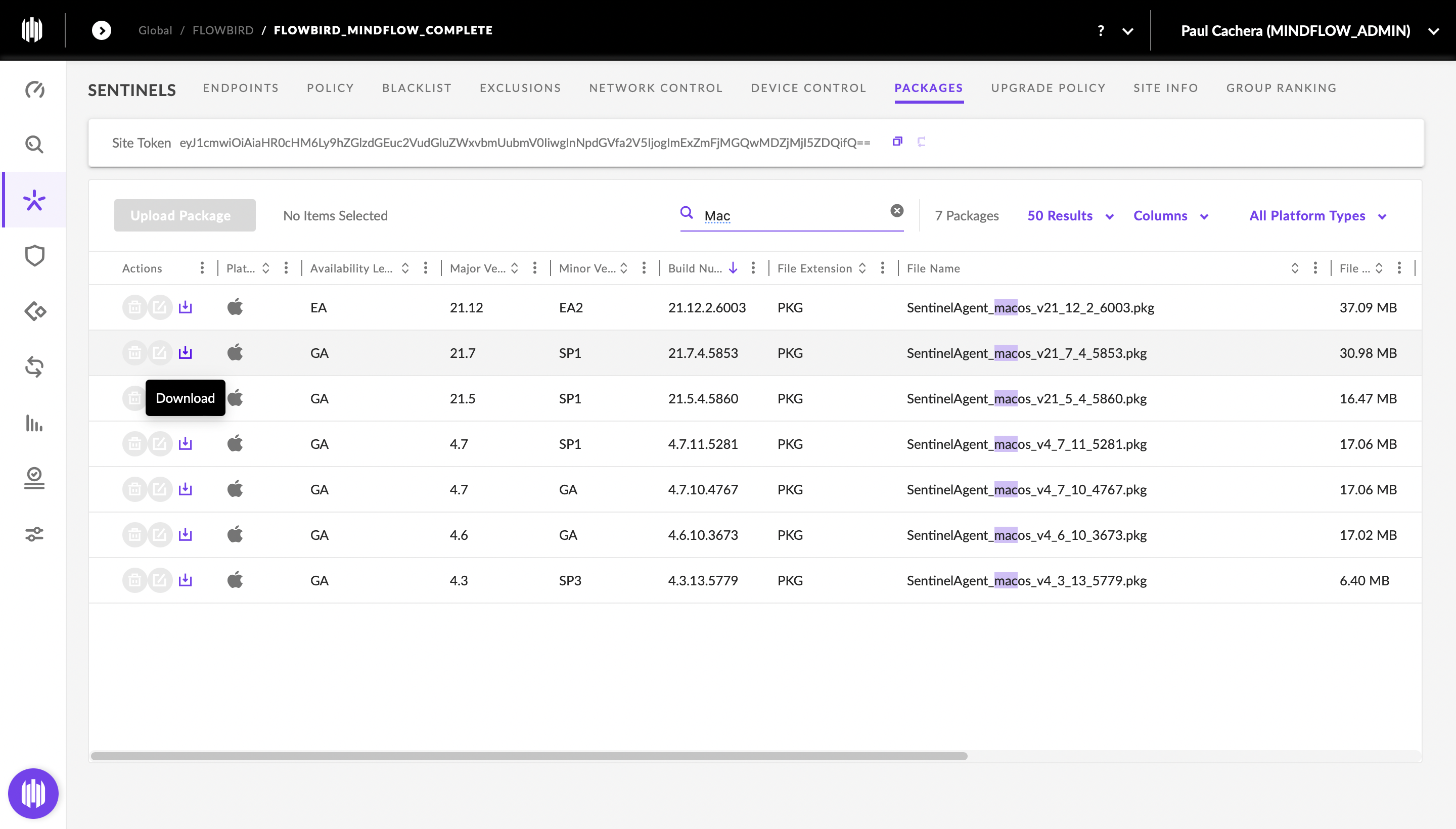
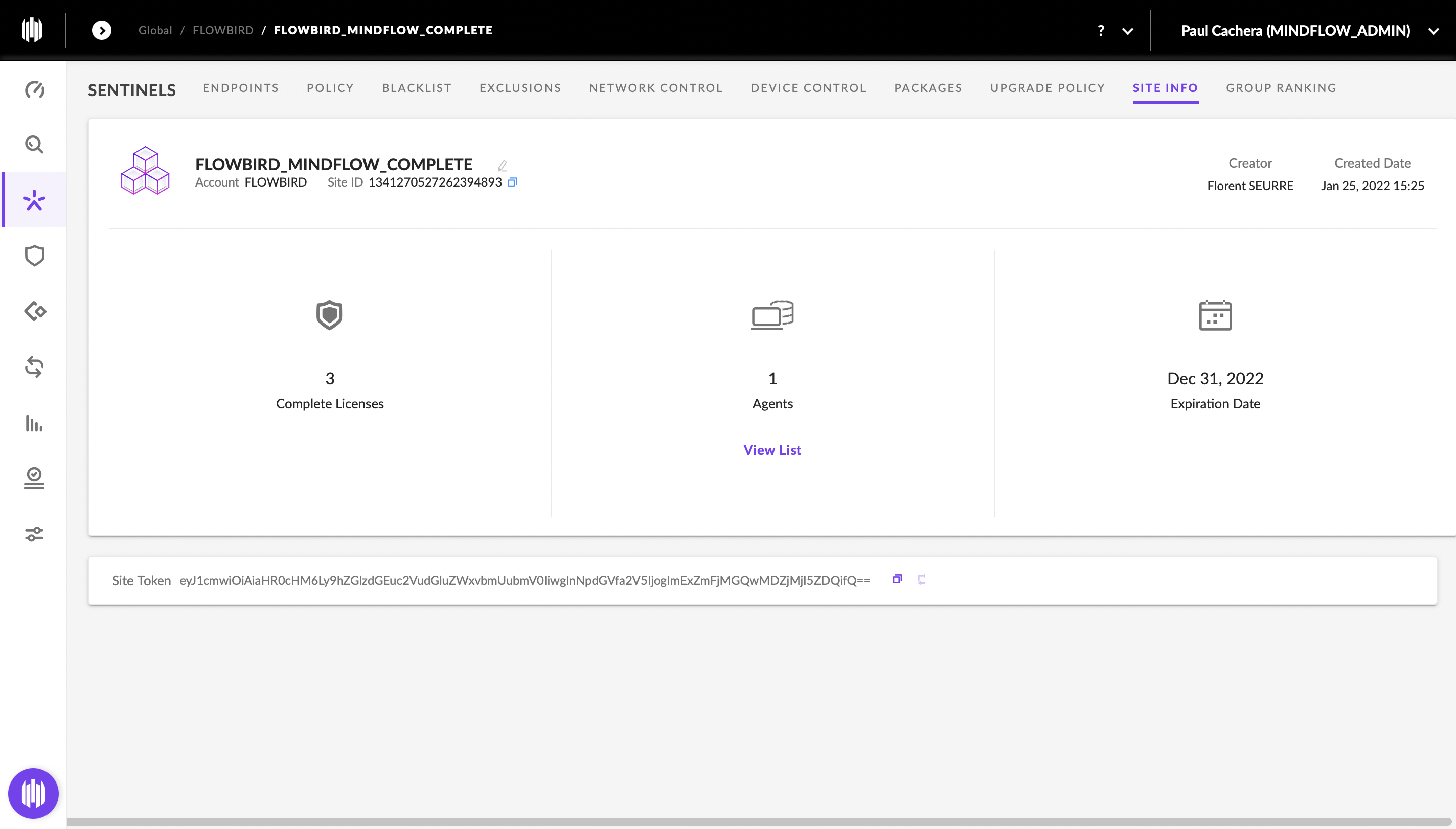
-
Authorizing Full Disk Access
- Open
System Preferences - Select
Security & Pricavy - Select
Full disk access - Click on the
Cadenaat the bottom left - Allow
sentineldsentineld andsentineld_help - Screenshots
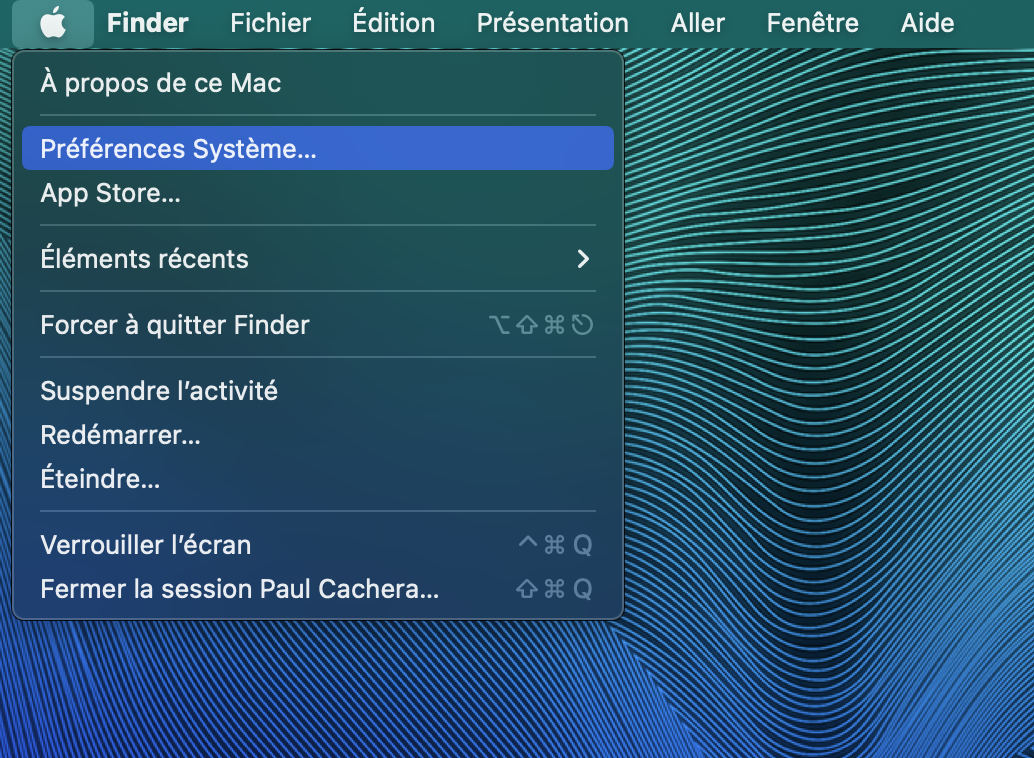
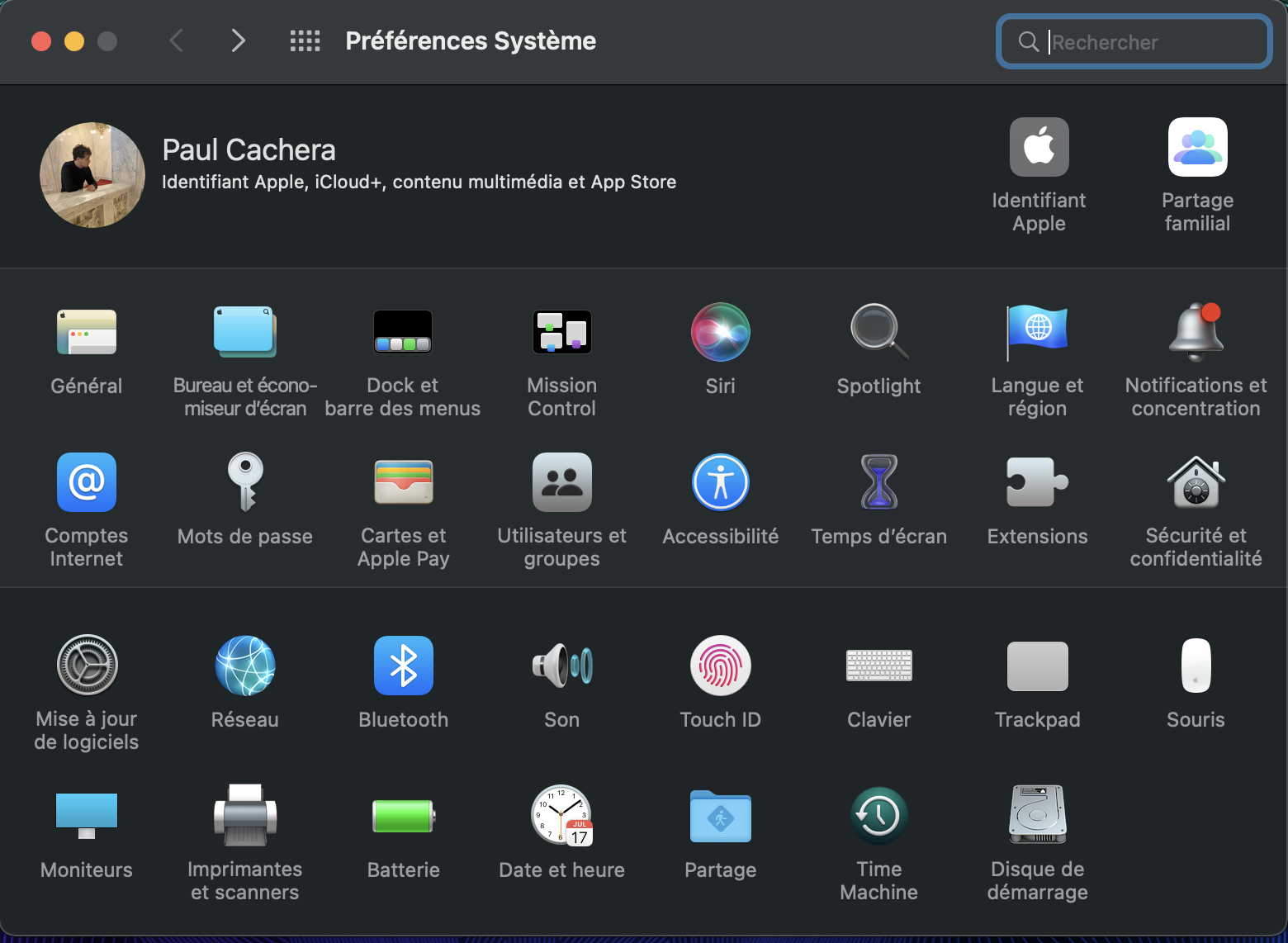
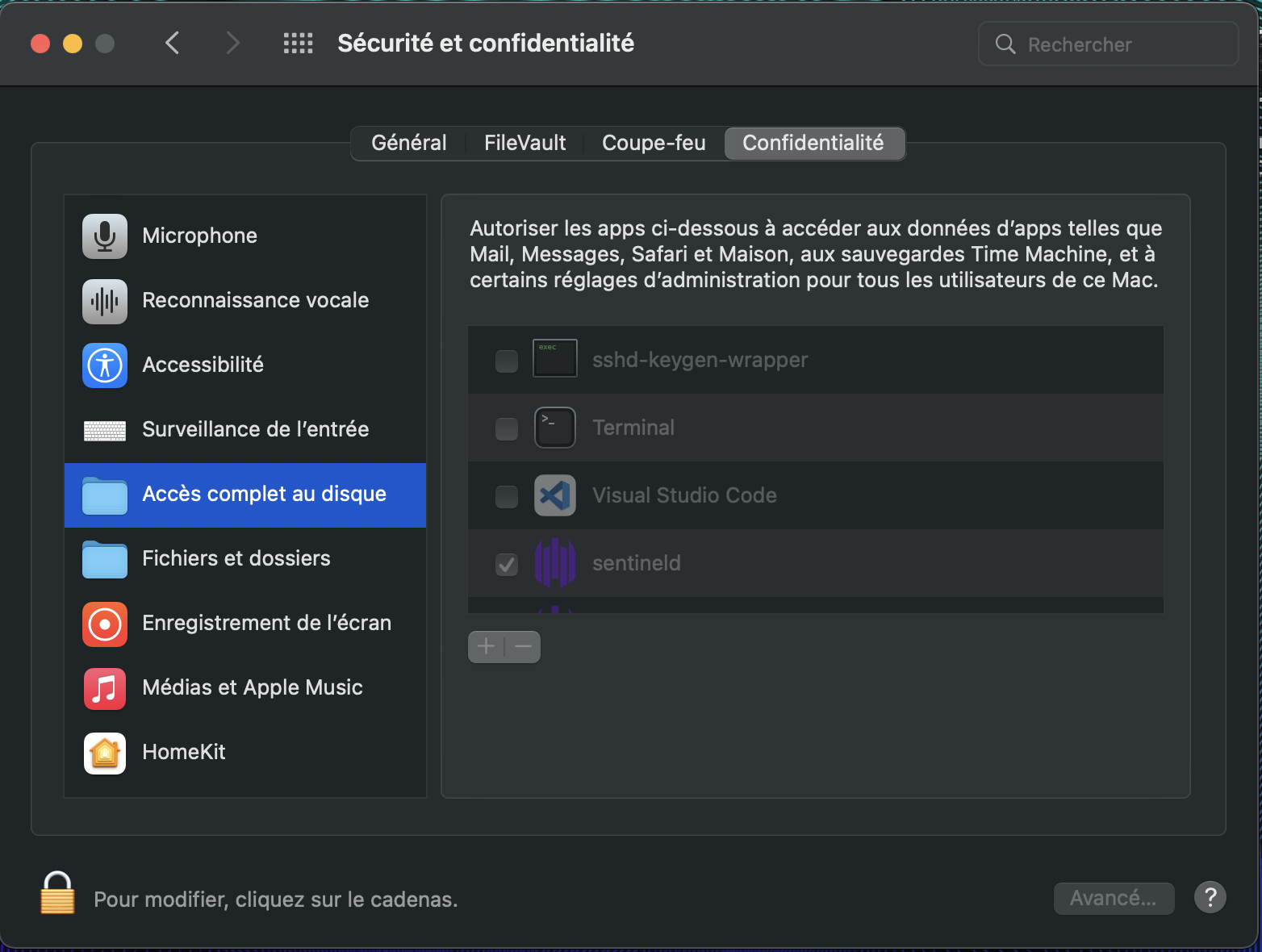
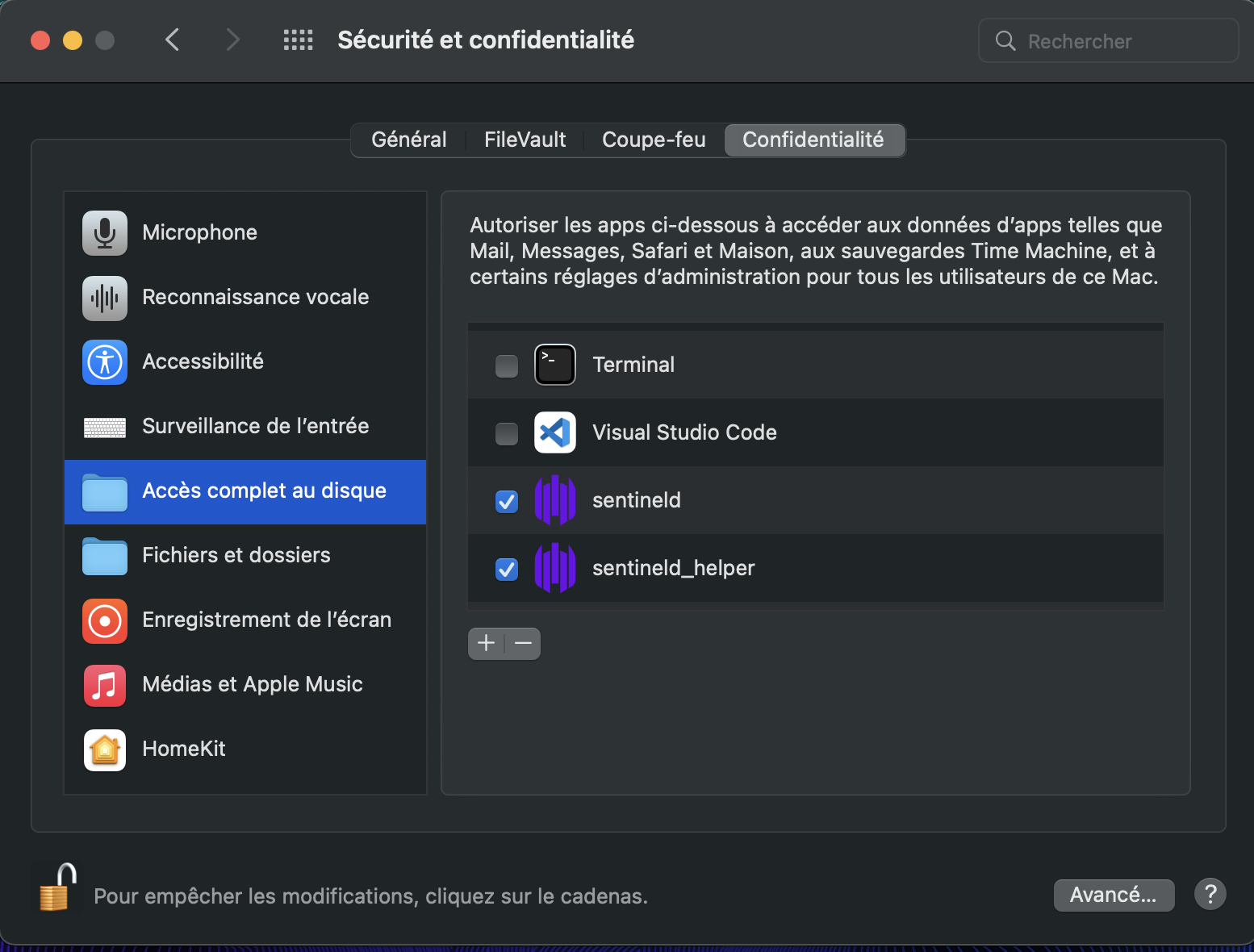
- Open
Add a recipient for alerts
Section titled “Add a recipient for alerts”Procedure:
-
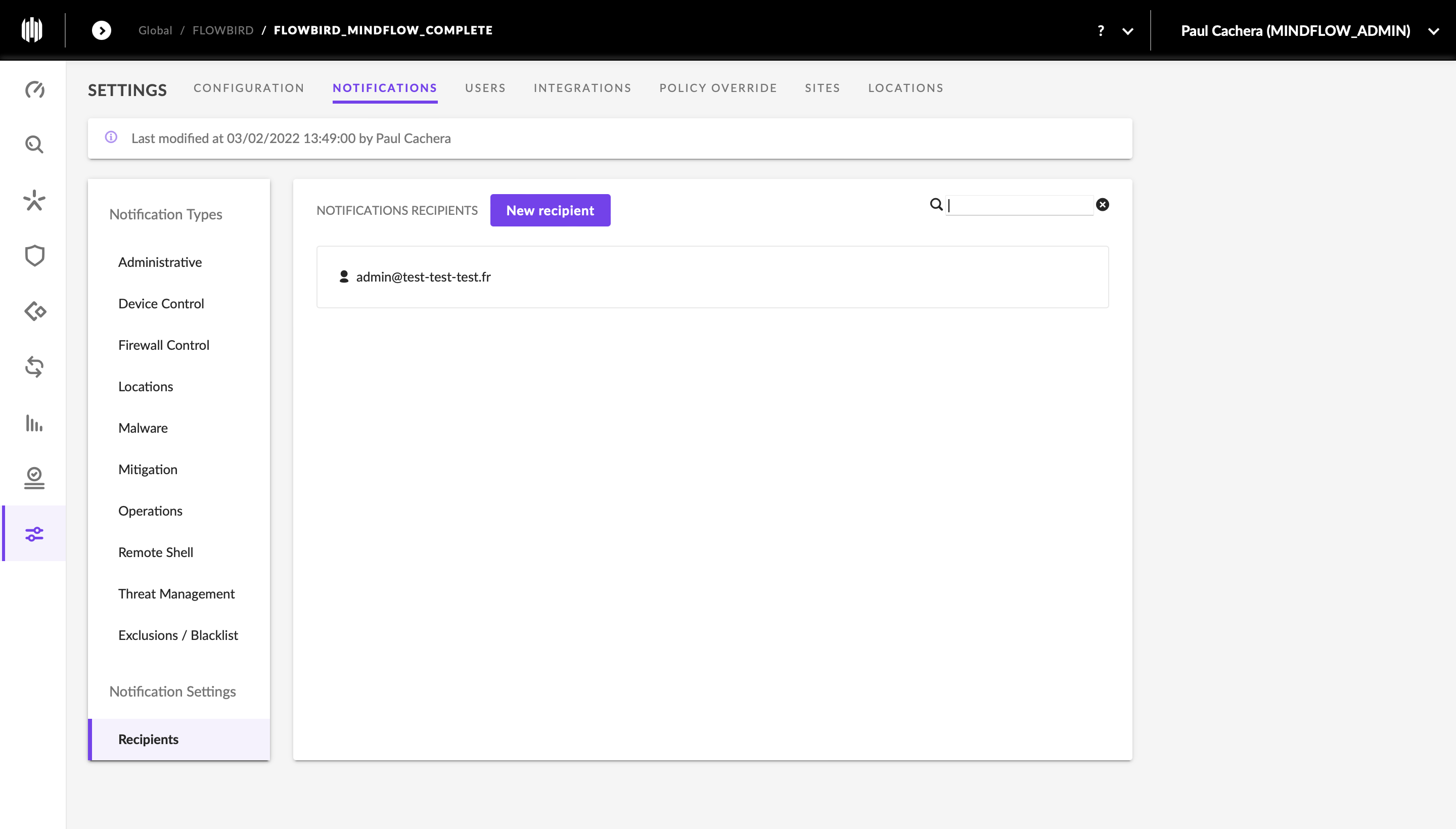
Go to the
Settingstab -
In the
Settingstab, go to theNotificationscategory -
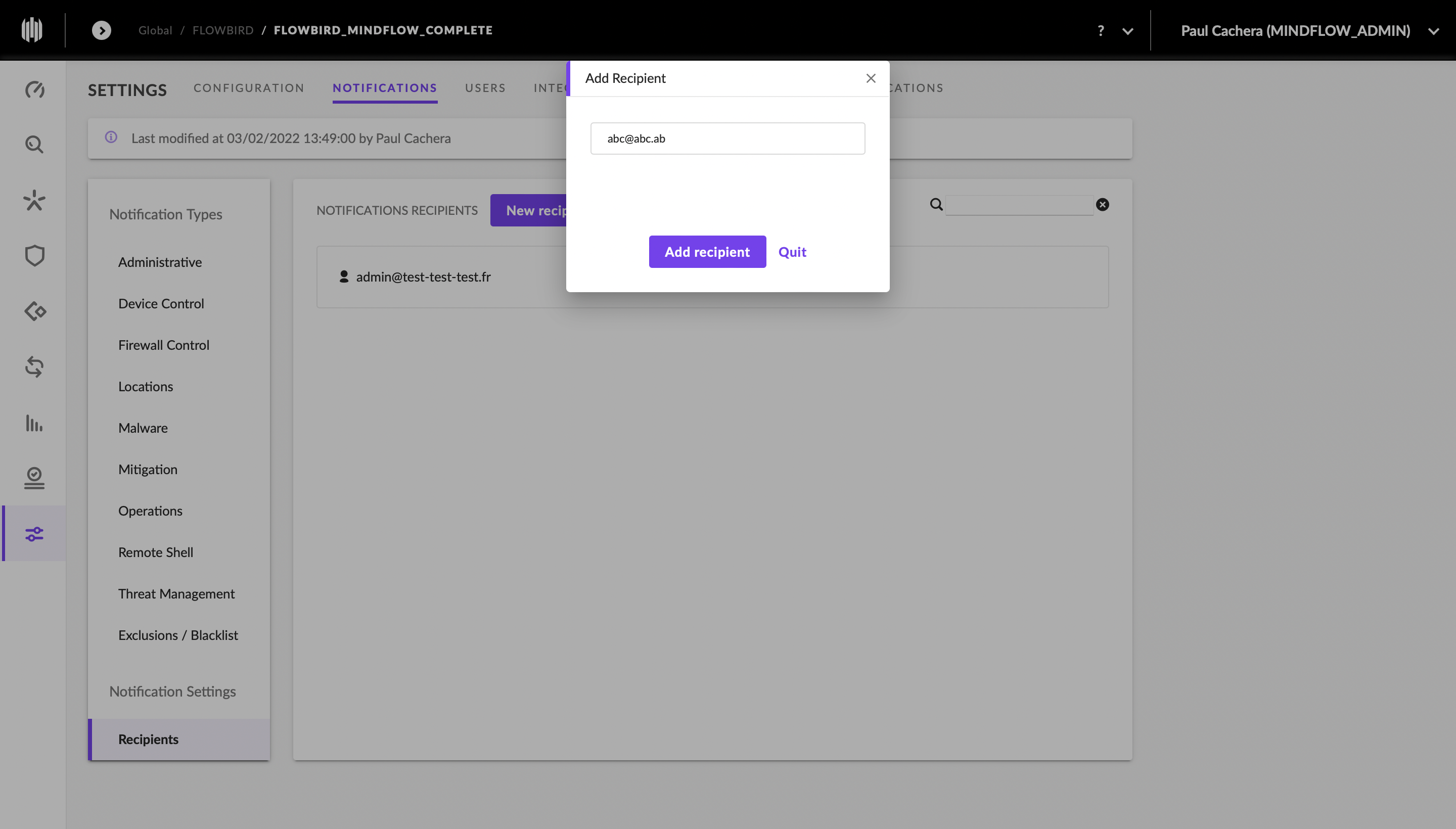
Click on
New RecipientNew Recipient and indicate the desired email -
Screenshots