

Elastic Cloud
Credentials
Section titled “Credentials”Reference: https://www.elastic.co/guide/en/cloud/current/ec-api-authentication.html
Procedure:
- Log in to the Elasticsearch Service Console.
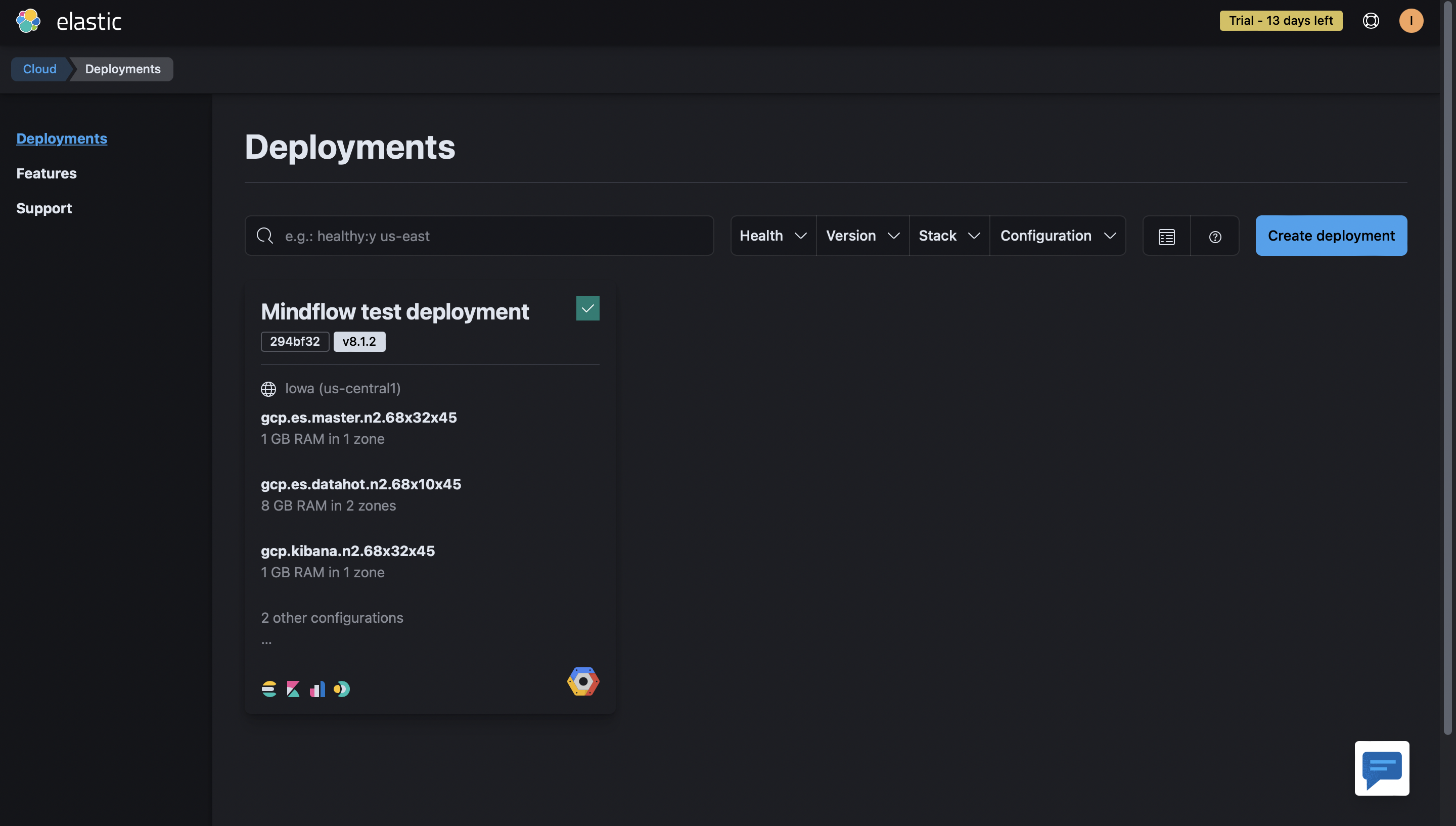
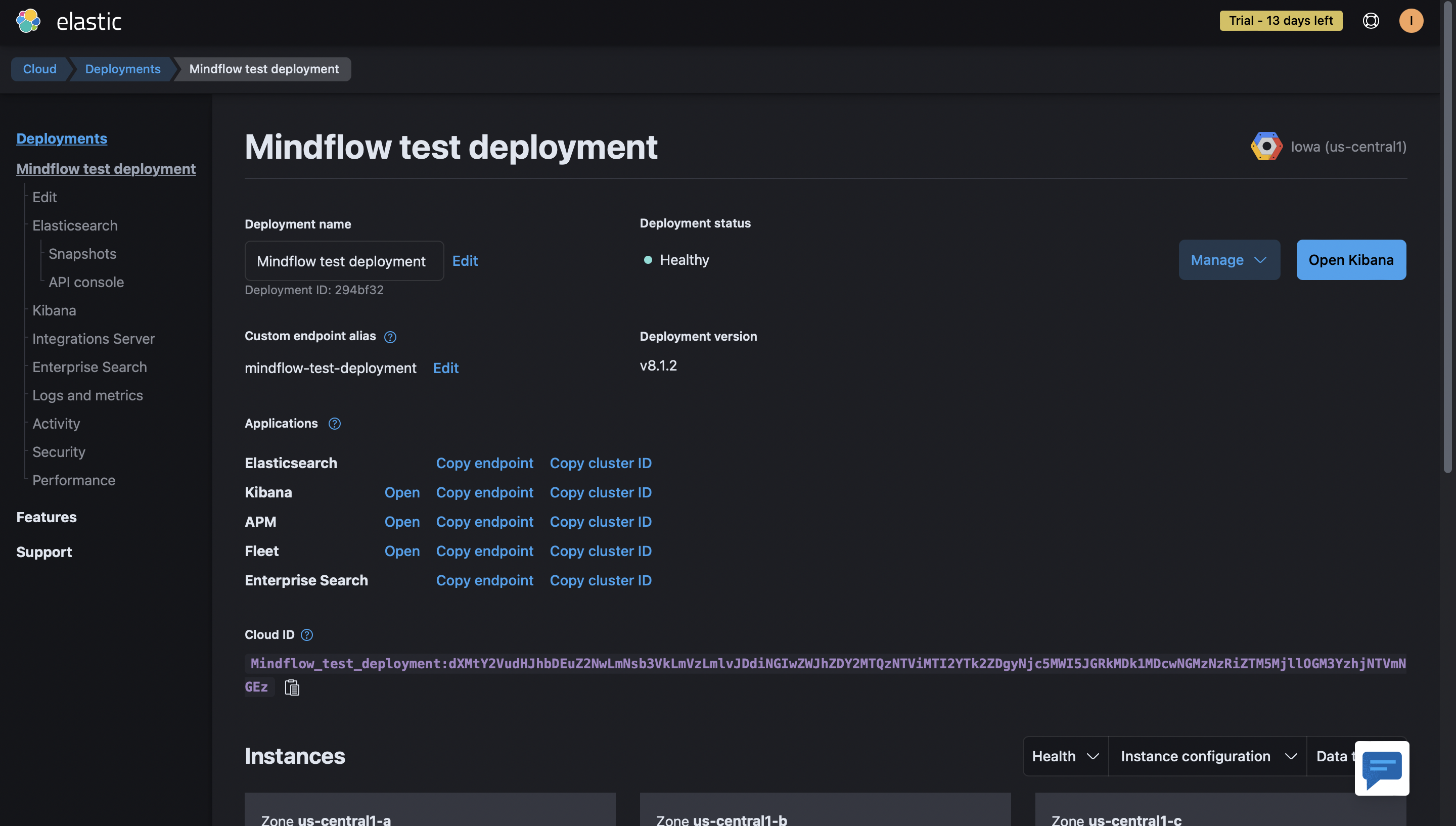
- Select your deployment on the home page in the Elasticsearch Service card or go to the deployments page.
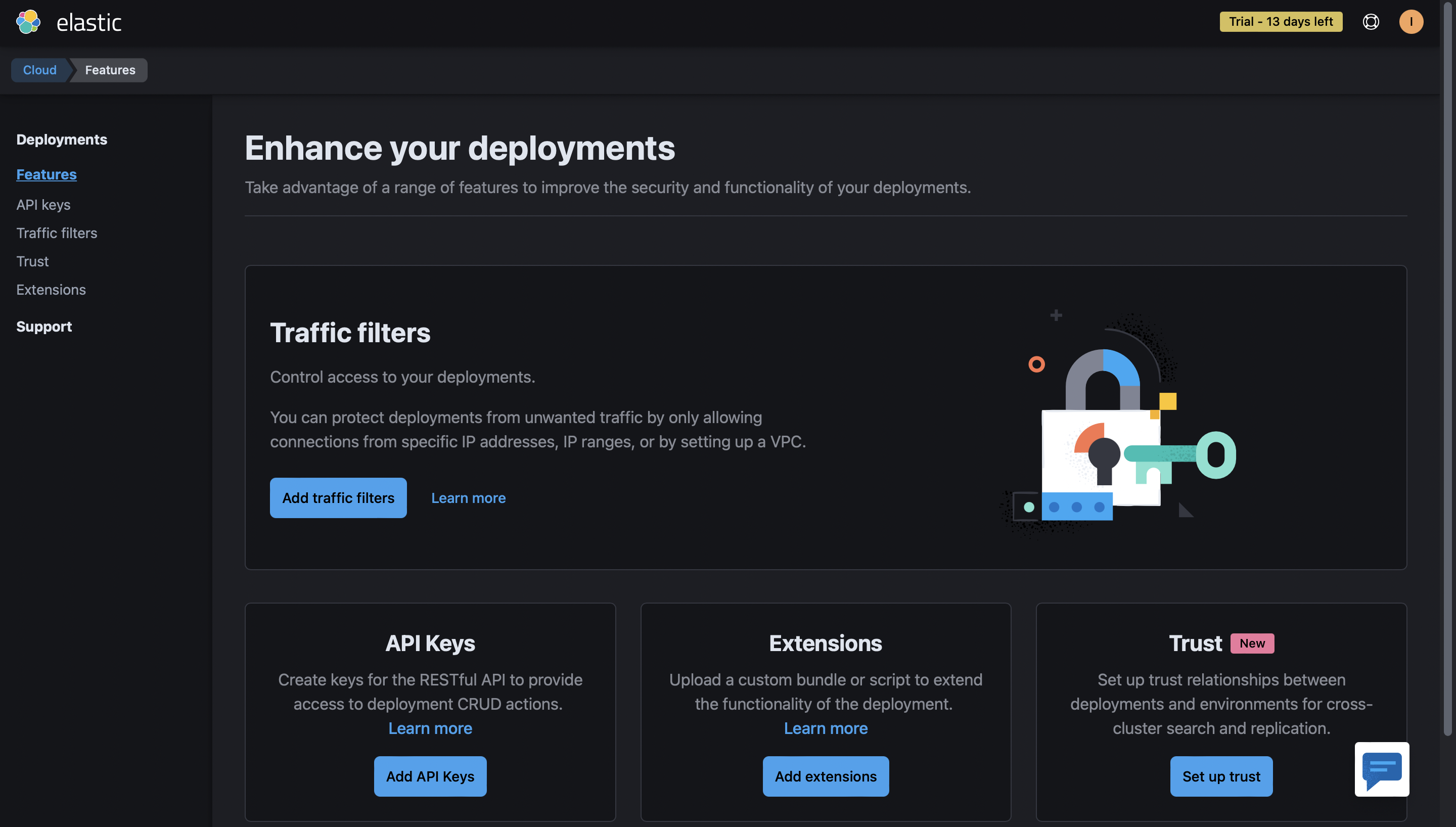
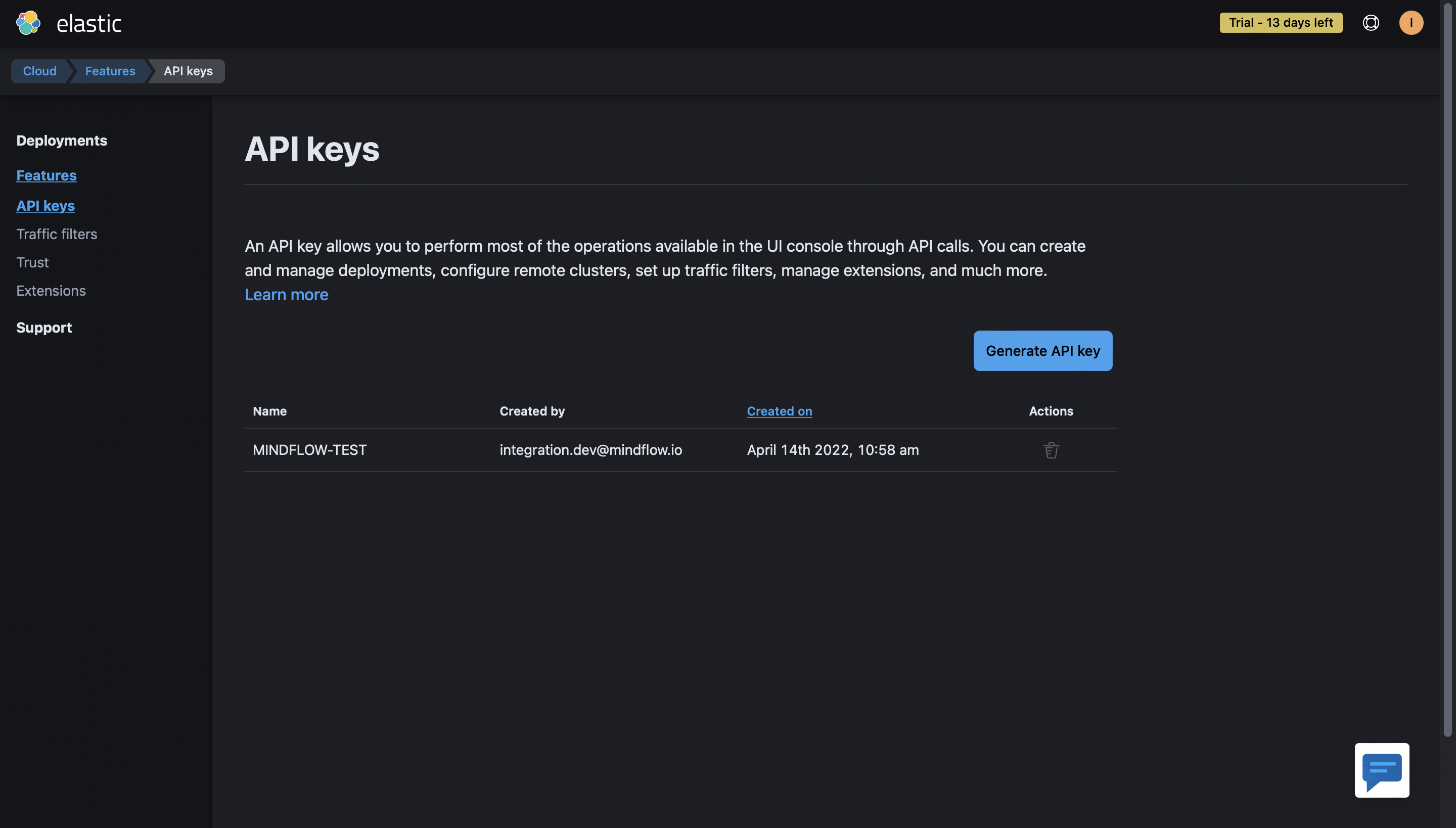
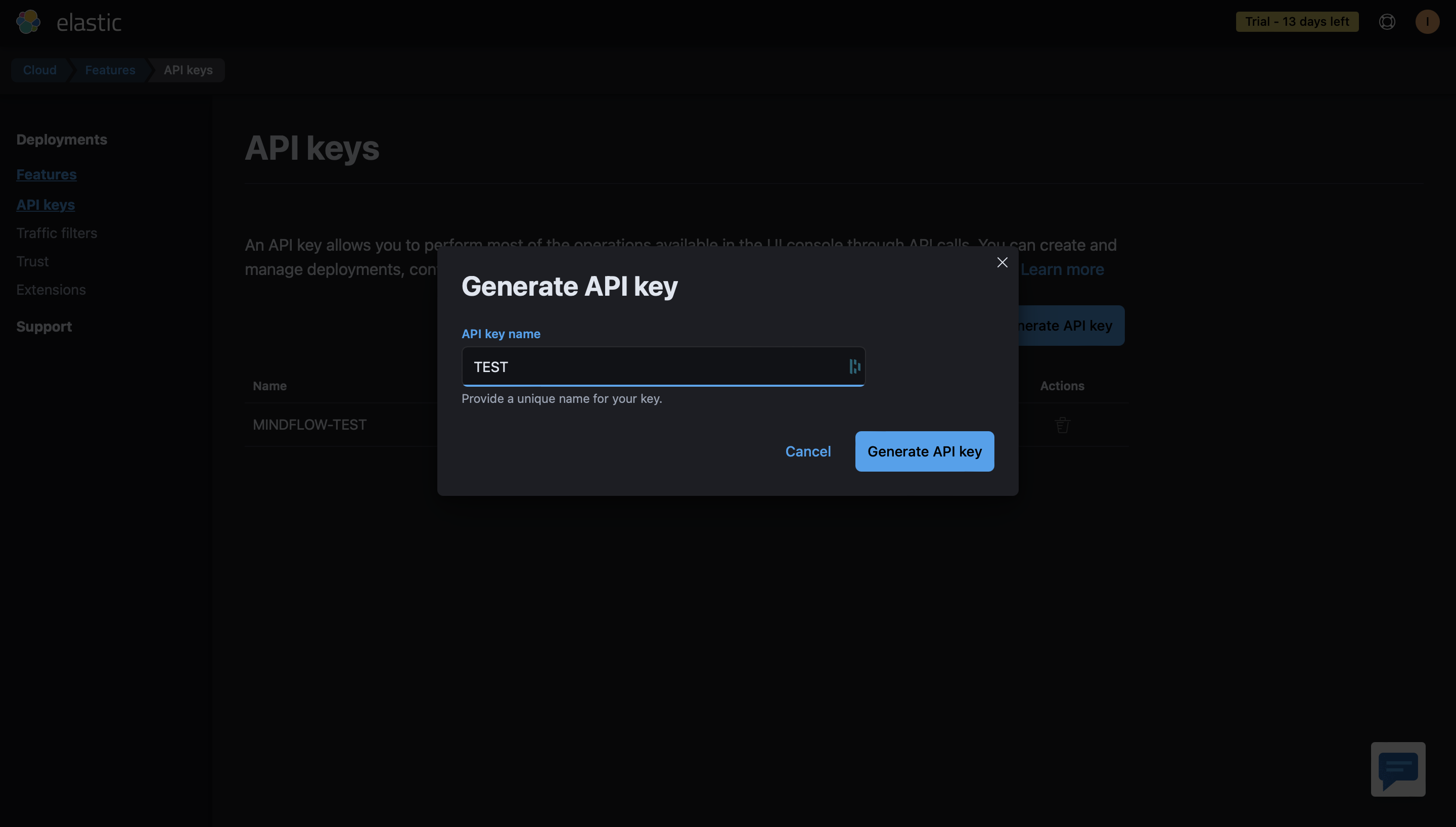
- Under the Features tab, open the API keys page. Any keys currently associated with your account are listed.
- Select Generate API key.
- Provide a name and select Generate API key.
-
Screenshots
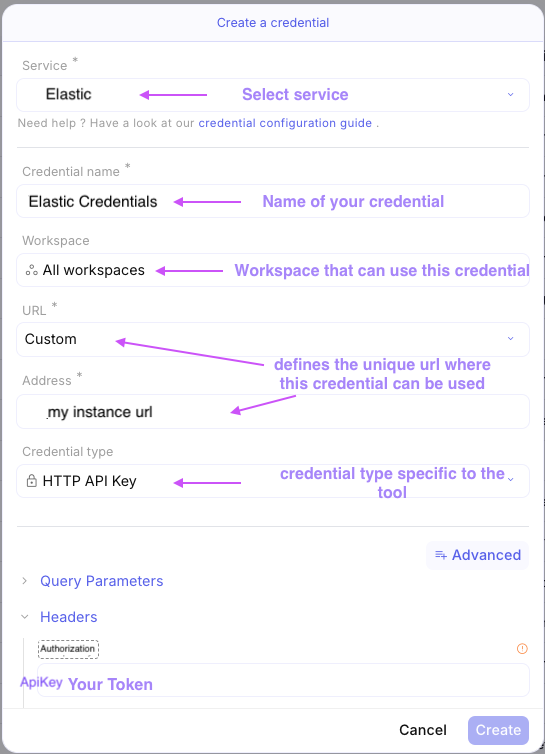
Authentification
Section titled “Authentification”-H Authorization: ApiKey <YOURTOKEN>
← Previous
Next →