

Phoenix
This release brings secure SFTP file transfers, a new Artifacts connector to persist large payloads, and expanded AI support with OpenAI Pro and the latest Mistral models. The phoenix is a mythical bird from ancient Greek and Egyptian mythology that cyclically regenerates — when it dies, it bursts into flames and is reborn from its own ashes, symbolizing immortality, renewal, and resilience
Exchange files via SFTP 📂
Section titled “Exchange files via SFTP 📂”Ref: #11645
SFTP (SSH File Transfer Protocol) is a secure way to transfer files between systems over the internet or a private network. It runs over SSH, so it encrypts both authentication and data in transit, and it supports common file operations like upload, download, rename, and delete.
- What it’s used for: exchanging sensitive files (exports, reports, logs, backups, batch inputs) with partners or internal systems while meeting security requirements (encryption + access control).
- Typical setup: an SFTP server (host), user accounts/SSH keys, and one or more folders with permissions.
Mindflow customer example: a customer has a legacy ERP that can only ingest nightly CSV files from an SFTP folder. With the SFTP connector, a Mindflow workflow can generate the daily “orders-to-invoice” export and upload it to /inbox/erp/, then archive the file to /archive/ after successful processing (or retrieve error files from /outbox/errors/ for monitoring and retries).
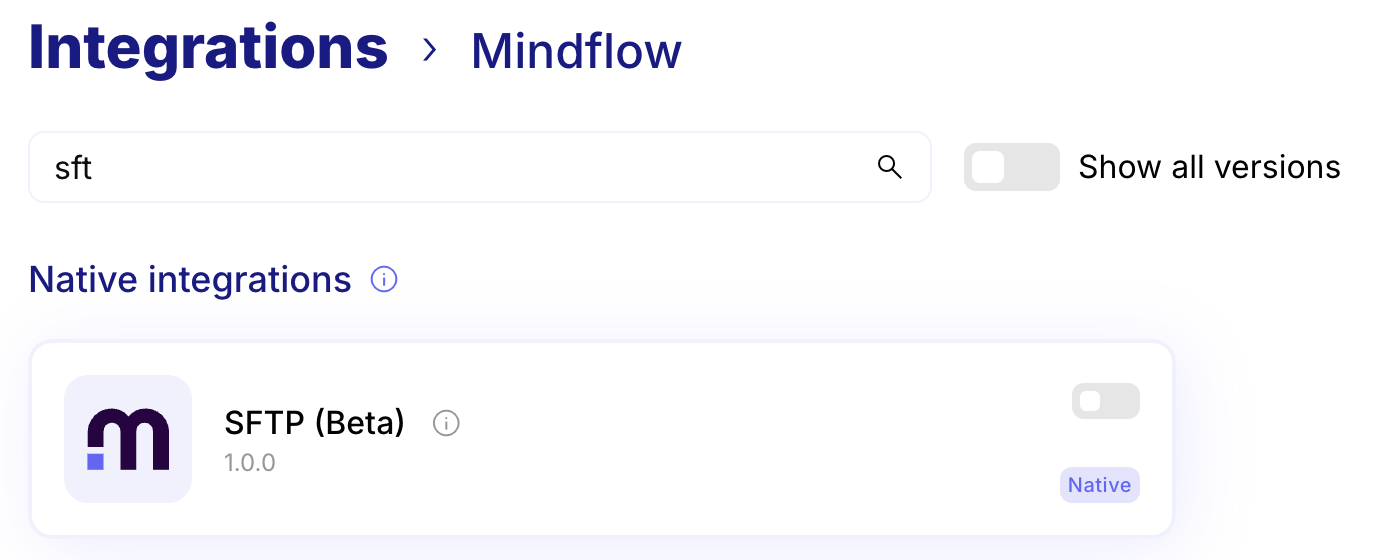
The connector is available under the Mindflow Integrations
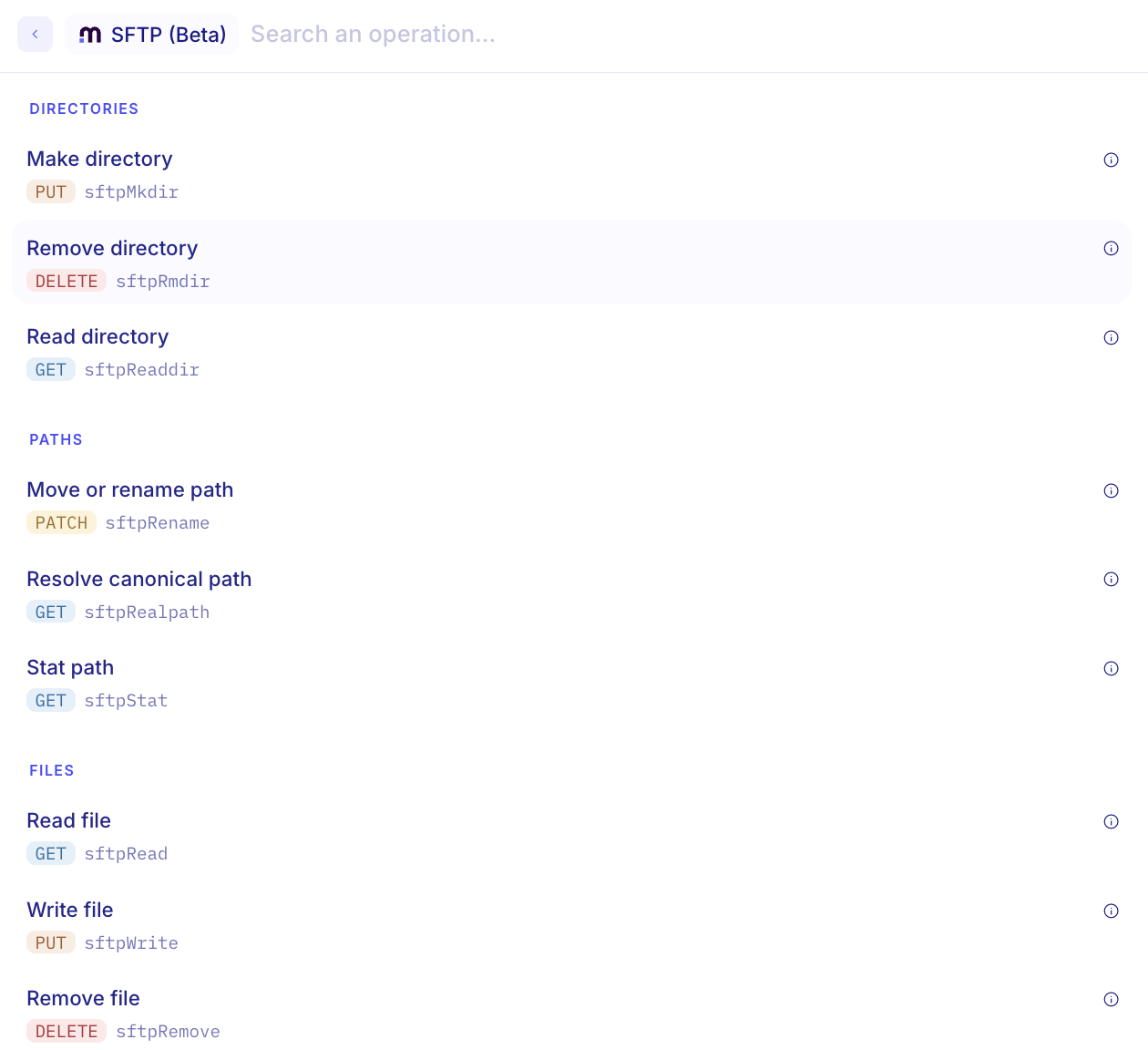
Here is the list of available operations
Store your data with Artifacts 🗄️
Section titled “Store your data with Artifacts 🗄️”Ref: #11440,#11755
The Artifacts connector lets workflows persist and reuse large payloads (files, JSON objects, model outputs, generated reports, etc.) across runs. Artifacts stay in secure managed storage and are referenced by an artifact ID, so you can write once and read later without passing the full payload through every step.
Artifacts are shared within the same Environment (not across environments).
-
How it works
- Store: a workflow step writes an artifact (optionally with metadata such as name/type).
- Reference: the step returns an artifact ID / handle that you can pass around cheaply.
- Retrieve: later steps (or later workflow runs) fetch the artifact by ID when they actually need the data.
- Operate: you can list, download, or delete artifacts to manage lifecycle and keep storage tidy.
-
Example (cybersecurity — deduplication)
Scenario: A cybersecurity team ingests daily threat‑intel IOC feeds from multiple vendors and needs normalization + deduplication before continuing the process.
- Ingest: pull multiple STIX/TAXII/CSV feeds.
- Store (raw): write each vendor payload as an artifact (keep vendor + timestamp metadata).
- Process: normalize indicators (canonicalize domains/IPs/hashes) and deduplicate (merge duplicates, keep provenance).
- Store (consolidated): write the unified indicator set as a second artifact.
- Reuse later: during tuning / incident response / reruns, reload the exact same raw + consolidated artifacts to reproduce dedup logic, compare feed deltas, regenerate an export, and keep an audit trail.
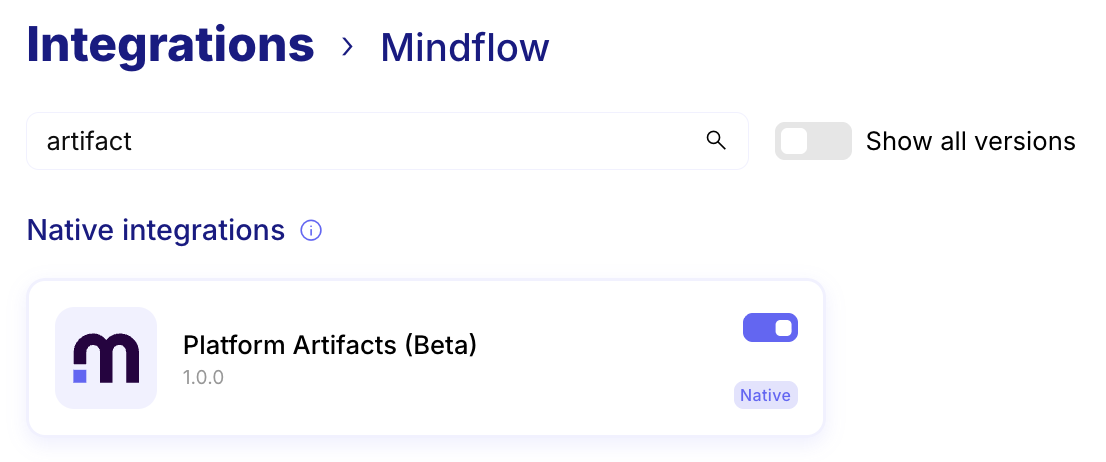
The connector is available under the Mindflow Integrations
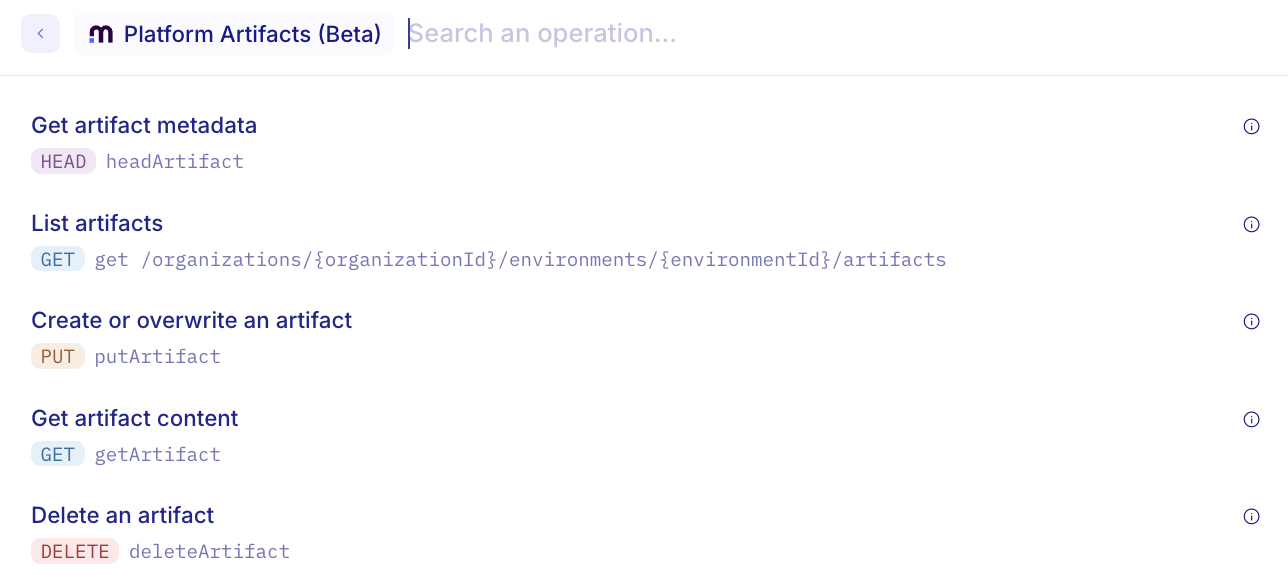
Here is the list of available operations
Connect your AI··Tasks to external MCP servers seamlessly 🔌
Section titled “Connect your AI··Tasks to external MCP servers seamlessly 🔌”Ref: #8934
You can now securely connect your AI··Tasks to external MCP (Model Context Protocol) servers. Using your own credentials, AI··Tasks can discover and invoke tools exposed by MCP servers directly from tools tab. This unlocks powerful new integration possibilities, enabling your AI to interact with external systems, automate complex workflows, and extend its capabilities beyond the platform.
To connect your AI··Task to an MCP server, follow these simple steps:
-
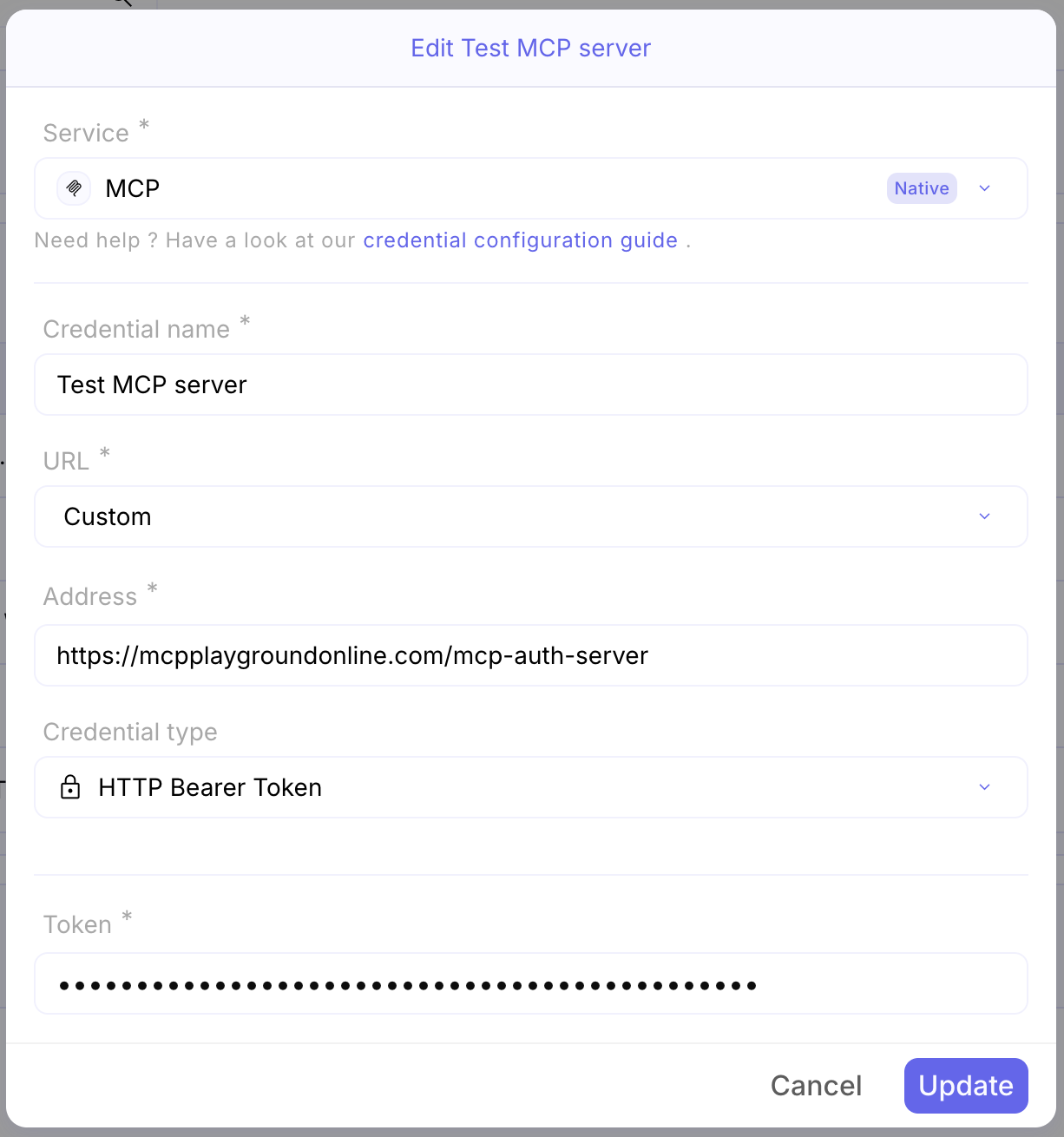
Create a Credential in your environment for the MCP service, and configure the MCP server URL and the necessary authentication data
-
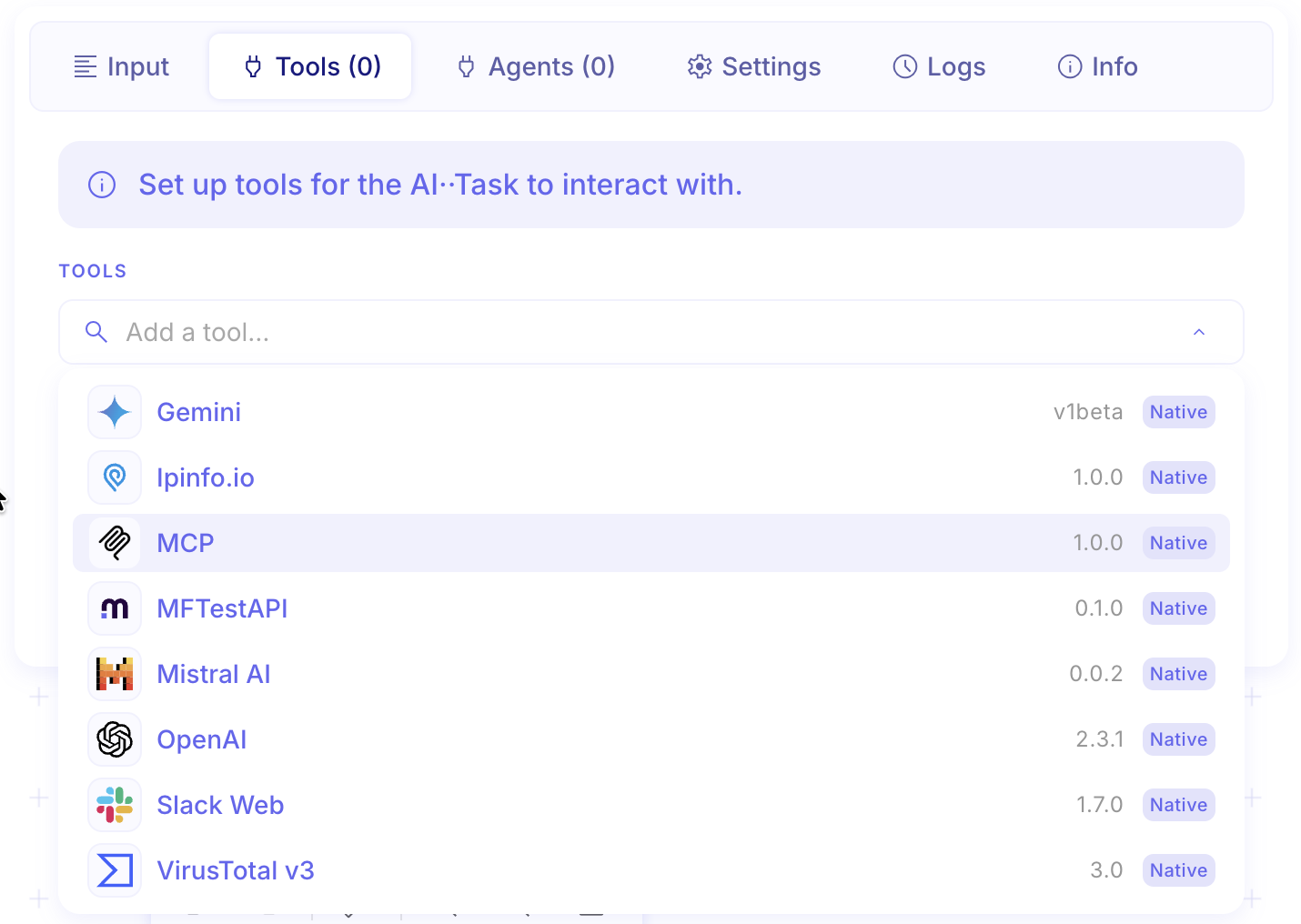
In your AI··Task, under the tool tab add an MCP tool
-
Configure the MCP tool with the MCP server credential
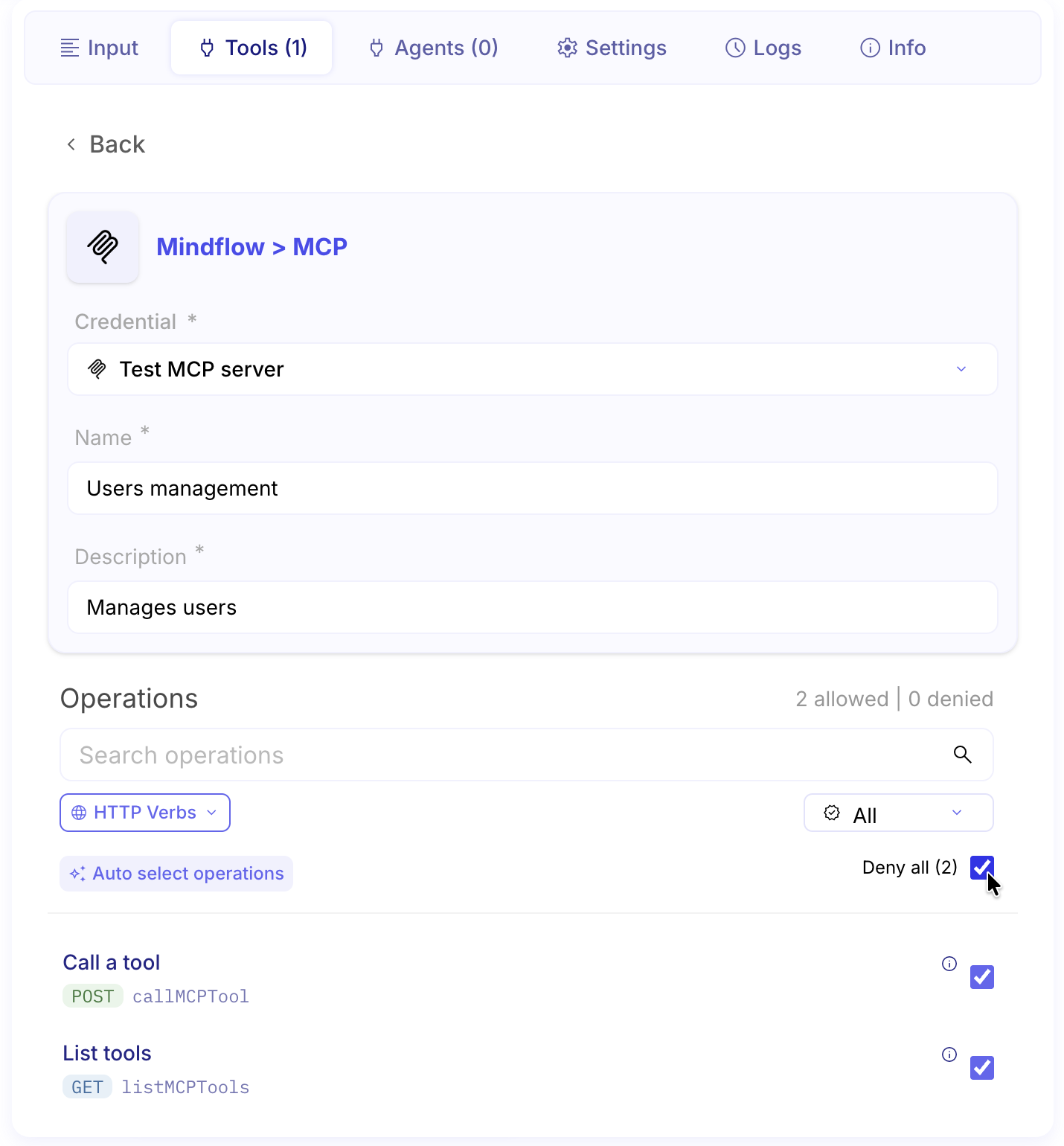
You can now prompt your AI··Task to use the MCP server, it will automatically discover and call the appropriate tools.
Create MCP servers for any service API in a single click 🔌
Section titled “Create MCP servers for any service API in a single click 🔌”Ref: #8934
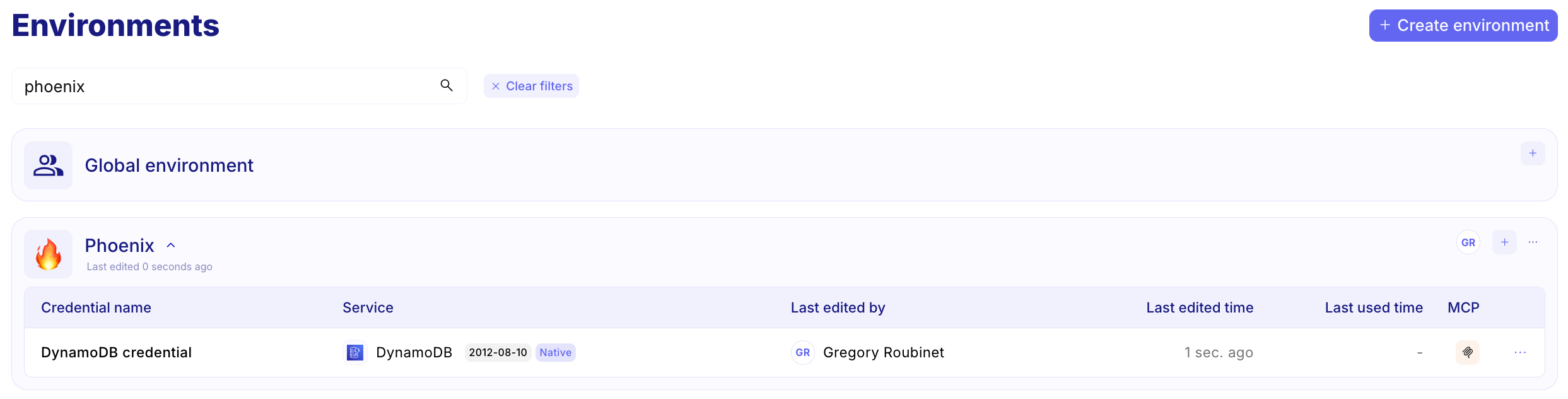
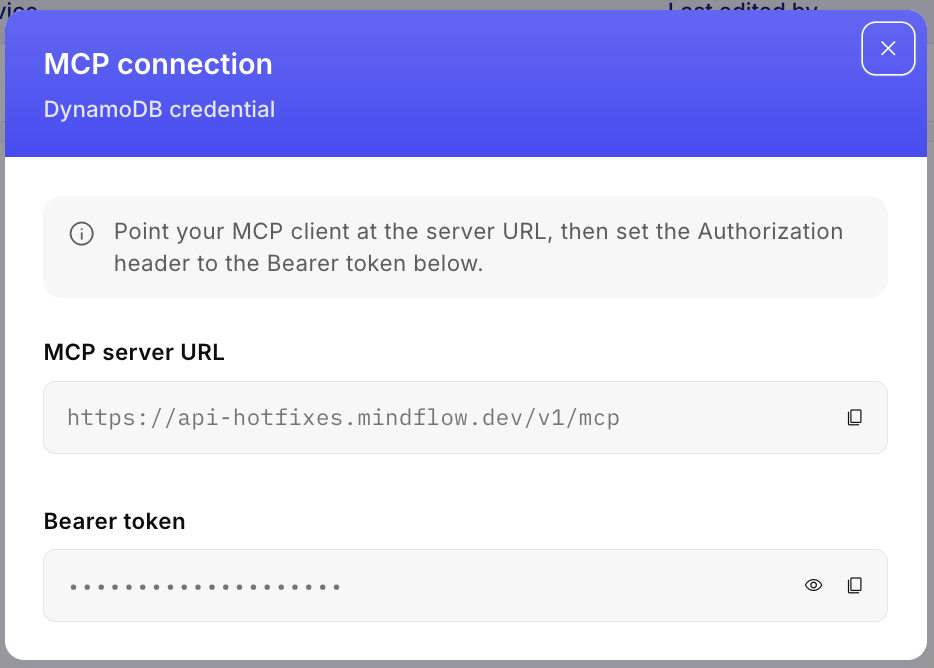
You can now expose integrations as MCP (Model Context Protocol) servers with a single click. From any credential, select the MCP button to instantly generate a secure MCP server, complete with its own endpoint URL and authentication token.
These MCP servers can be connected to any MCP-compatible client, including AI assistants such as Claude Desktop, ChatGPT, Cursor, Windsurf, and custom AI··Agents. Once connected, users can securely access and invoke Mindflow provided services through natural language.
CHANGES
Section titled “CHANGES”OpenAI Pro and reasoning models now available 🤖
Section titled “OpenAI Pro and reasoning models now available 🤖”Ref: #11730
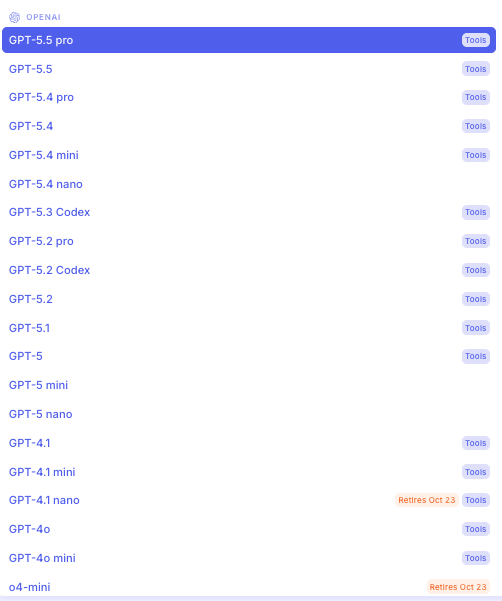
OpenAI Pro-class reasoning models are now available (GPT‑5.2/5.4/5.5 Pro, up to 400k context). This is especially useful for workflows that need to reason over long documents or complex multi-step tasks with fewer truncation issues.
New Mistral models now available 🤖
Section titled “New Mistral models now available 🤖”Ref: #11580
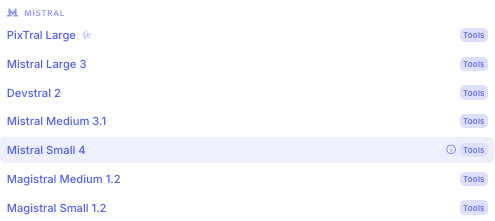
We have expanded our AI model offerings with the addition of new Mistral models. Users can now leverage the latest Mistral capabilities directly within the platform, unlocking enhanced language understanding and generation performance for their workflows. This is useful when you want a strong alternative model family for chat, summarization, and extraction—balancing quality, latency, and cost per workload.
Depreciation information on models🤖
Section titled “Depreciation information on models🤖”AI moves fast, and so do model lifecycles. Vendors deprecate models quickly. To help you plan ahead and pick the right model with full context, we now surface deprecation dates directly in the model picker.

- Fixed various regressions related to loading and AI··Tasks. (#11763)
- Memory latency between two chat messages due to suggestions. (#11737)
- The copy button does not provide feedback. (#11734)
- Logos in the pills are not centred. (#11733)
- Fixed empty content in memory message (Bedrock validation) (#11728)
- MS Graph Sites search optimizations (#11616)
- Pills not evaluable from the Send Email step (#11535)
- Characters with an accent are skipped during key normalization in the JSON Schema Builder. (#10929)