

Istres
Vault revamped for usability and security
Section titled “Vault revamped for usability and security”Vault has been entirely revamped to make credential management easier and more secure.
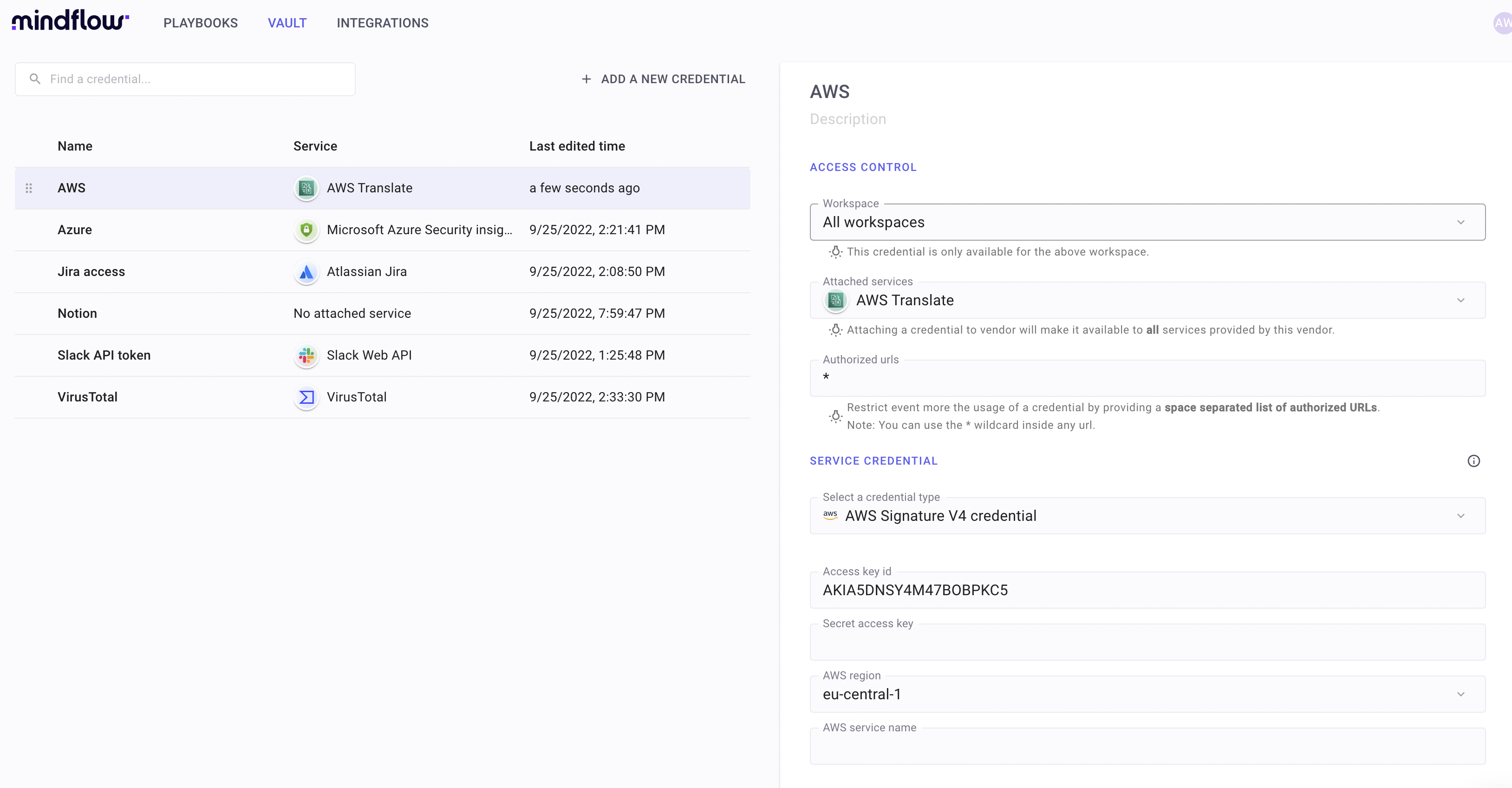
Here are the changes:
- Credentials have their own top-level standalone page.
- This is convenient as every credential can be managed and audited in a centralized panel.
- Credentials can be attached to specific integrations or vendors/portfolios (ex: all AWS services). They can also be scoped to all workspaces or a particular workspace.
- This is more secure than before: a credential cannot be used for another service or workspace it has been configured for. That mitigates human errors such as sending a credential to the wrong service provider, disclosing some sensitive secrets to a 3rd party, or using it in another workspace (in preparation for RBAC - role-based access controls). This security enforcement is obviously made server-side.
- Constants have been removed from Vault and moved to Playbook variables. They are non-secret values and do not deserve to be mixed with credentials.
- A new type of credential is available: AWS Assume Role.
- That allows our customer to have a better security model, avoiding to disclose any secret to Mindflow.
In the coming weeks, Vault will be improved again. Stay tuned!
Audit logs for build
Section titled “Audit logs for build”You can now browse the journal of playbook and/or step executions while building your playbooks:
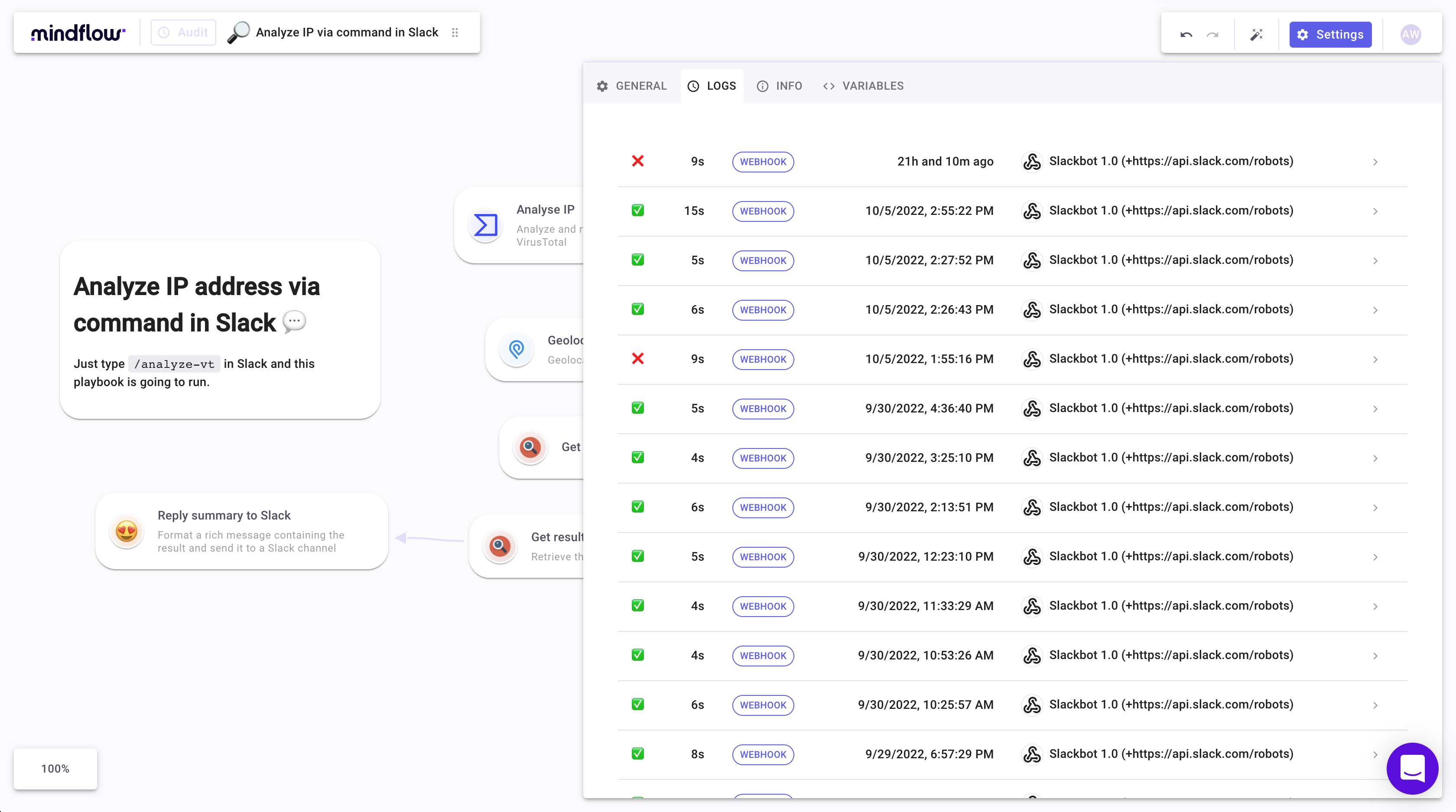
Those audit logs are super convenient both for debugging and diagnostics.
Audit logs for run are also in preparation.
Integrations page enhanced
Section titled “Integrations page enhanced”Browsing our catalog of integrations is now much more convenient.
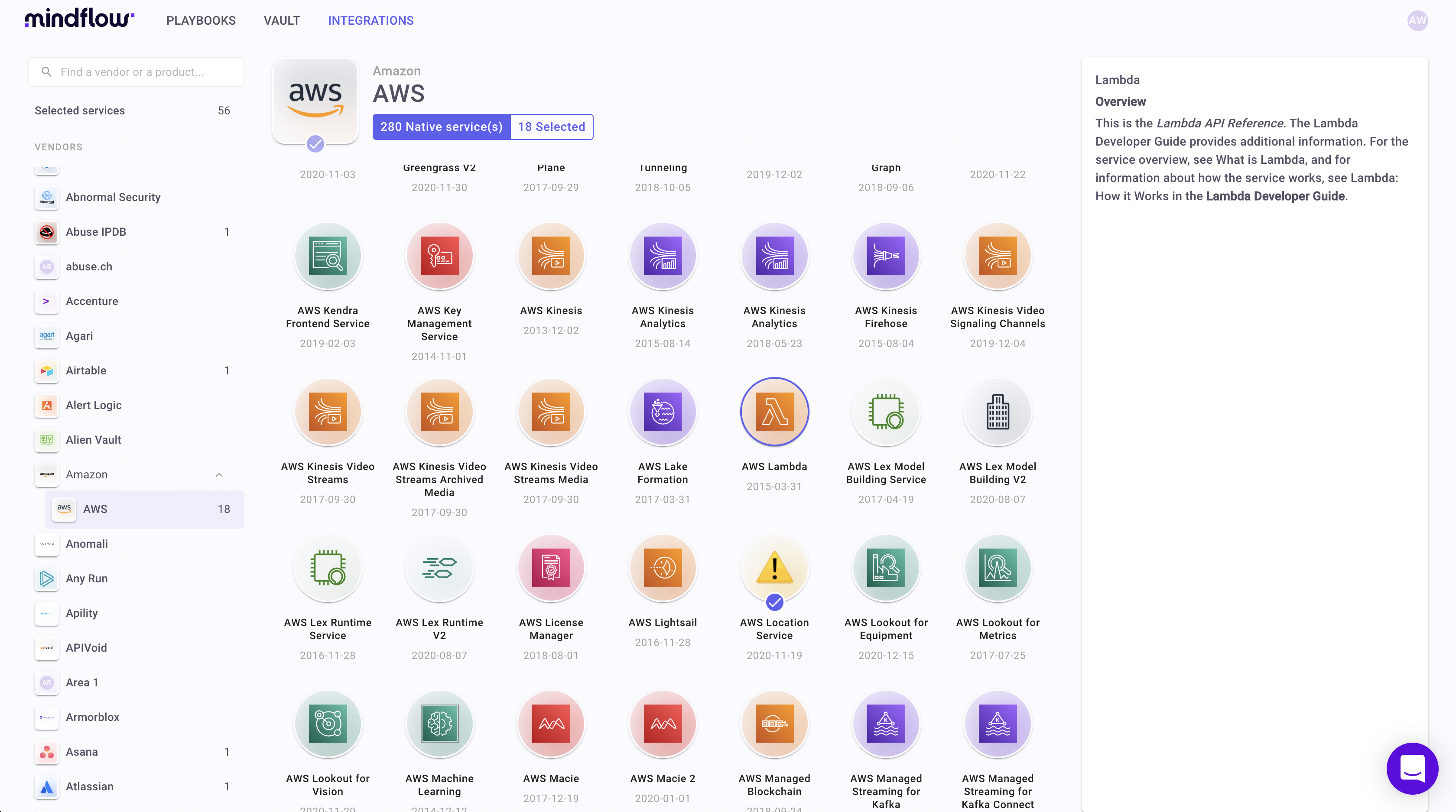
You can browse integrations per vendor and/or portfolio. This improves user experience and was necessary to support Vault revamping.
Sign in and sign up page improved
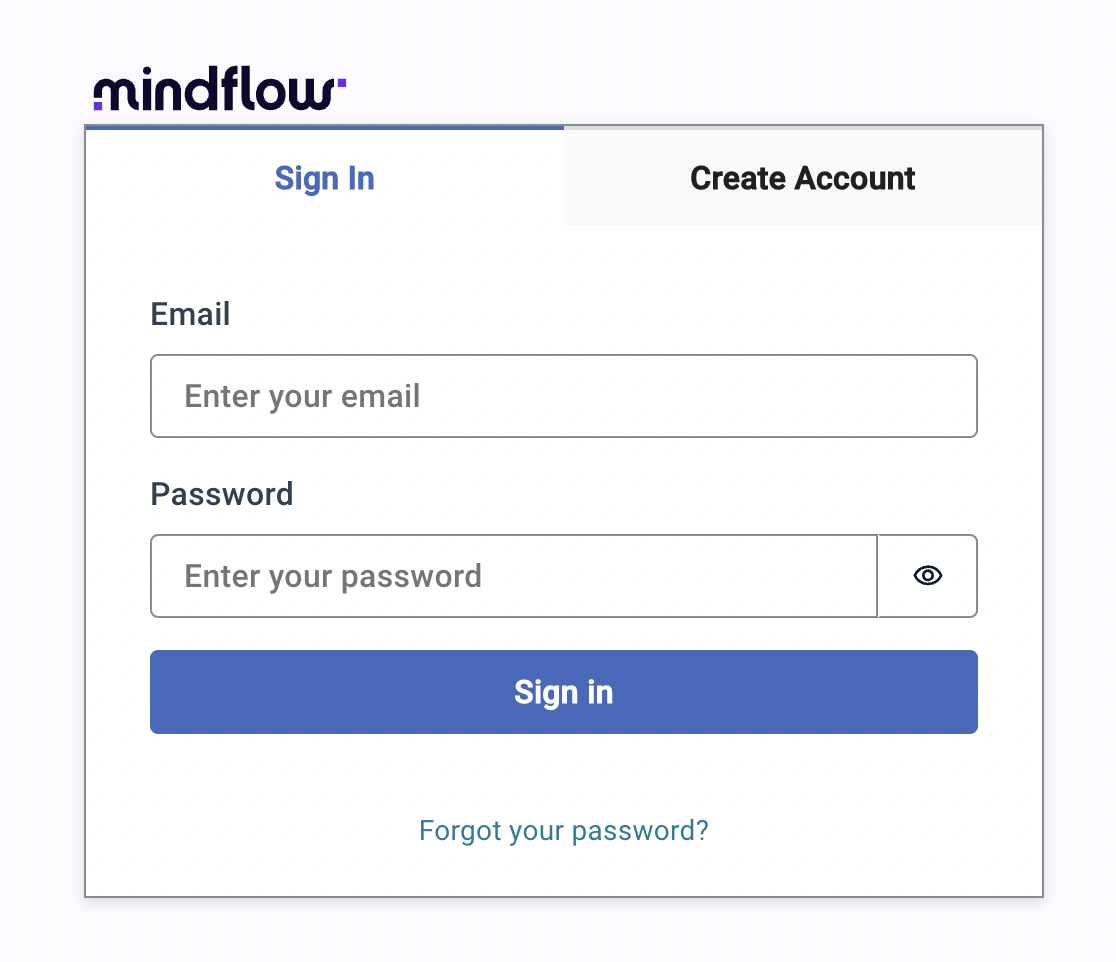
Section titled “Sign in and sign up page improved”Account creation and sign-in have been enhanced in preparation to MFA feature (can be activated per customer on demand).
New crazy set of integrations available
Section titled “New crazy set of integrations available”Integrations are being made available every week. The catalog has been enormously extended to cybersecurity tools as well as IT software.
Web application firewall
Section titled “Web application firewall”Mindflow platform can now be secured with AWS WAF.
This mitigates many attack vectors, such as popular Top 10 OWASP.
Embedded support chat
Section titled “Embedded support chat”You can now contact support directly from Mindflow studio.
CHANGES
Section titled “CHANGES”New playbook, step, and credential settings panel
Section titled “New playbook, step, and credential settings panel”Settings have been vastly improved:
- They are now structured in tabs for clarity.
- The look and feel for the input are much better with various enhancements such as the edition and instant help (no more toggle).
Stay tuned, as those settings will soon be displayed as a popover, which will improve the user experience again.
Web application security policy
Section titled “Web application security policy”Our platform security has been improved following our external pentest (even if it was only MEDIUM and LOW severity issues with no actual security impact). New security measures have been implemented, such as response security headers in our web application.
Various improvements
Section titled “Various improvements”- Key bindings in some menus
- Error codes and messages for diagnostic (HTTP response)
- Overall performance
- Look & feel for logos
- Dry run shortcut button aside from each step
- Generic resume address webhook URL available in Playbook settings
- The previous step is now selected when the current step is deleted. Handy.
- Cosmetic changes on icons, spinners, and more…
Numerous data functions fixed and now available for formulas
Section titled “Numerous data functions fixed and now available for formulas”A lot of functions available in formulas have been unlocked (ex: JSON path). This formula feature, still in beta, is continuously improved.
Please see Catalog of functions (beta)
Multiple operations in various integration fixed
Section titled “Multiple operations in various integration fixed”- Settings for many operations for some integrations were broken due to weak API/JSON handling (ex: Github, TheHive…). Support for this kind of operation has been unlocked.
- Many AWS operations unlocked due to the wrong content type and HTTP protocol
Various bugs fixed
Section titled “Various bugs fixed”- Broken links when custom zoom factor in browsers
- Sign up: fixed issue on code confirmation and account activation.
- HTTP verb icons restored in Add step menu
- Progress indicator fixed for wait and for each step.
- Size of variable names
- JSON edition cursor glitch when typing fast fixed
- Scrolling in the Signup/sign-in page.
- Fixed copy/paste of playbooks failing when quitting session. Network performance and reliability improved.
HTTP requestandSend mailoperations are now available by default for all users. No need to activate it under the Integrations page.- Fixed issue on condition step settings not correctly refreshed.
- Fixed a few visual glitches (padding, spacing) in the playbook and vault settings.
- Improved autolayout on notes and for each.
- … and many more!
KNOWN LIMITATIONS
Section titled “KNOWN LIMITATIONS”- A number of functions in the function catalog are still not operational. Feature is marked as beta in the web interface. They will be fixed along the next releases.