

Le Lavandou
Role-based Access Control (RBAC) 🔏
Section titled “Role-based Access Control (RBAC) 🔏”We are excited to announce the introduction of role-based access control (RBAC) to our platform.
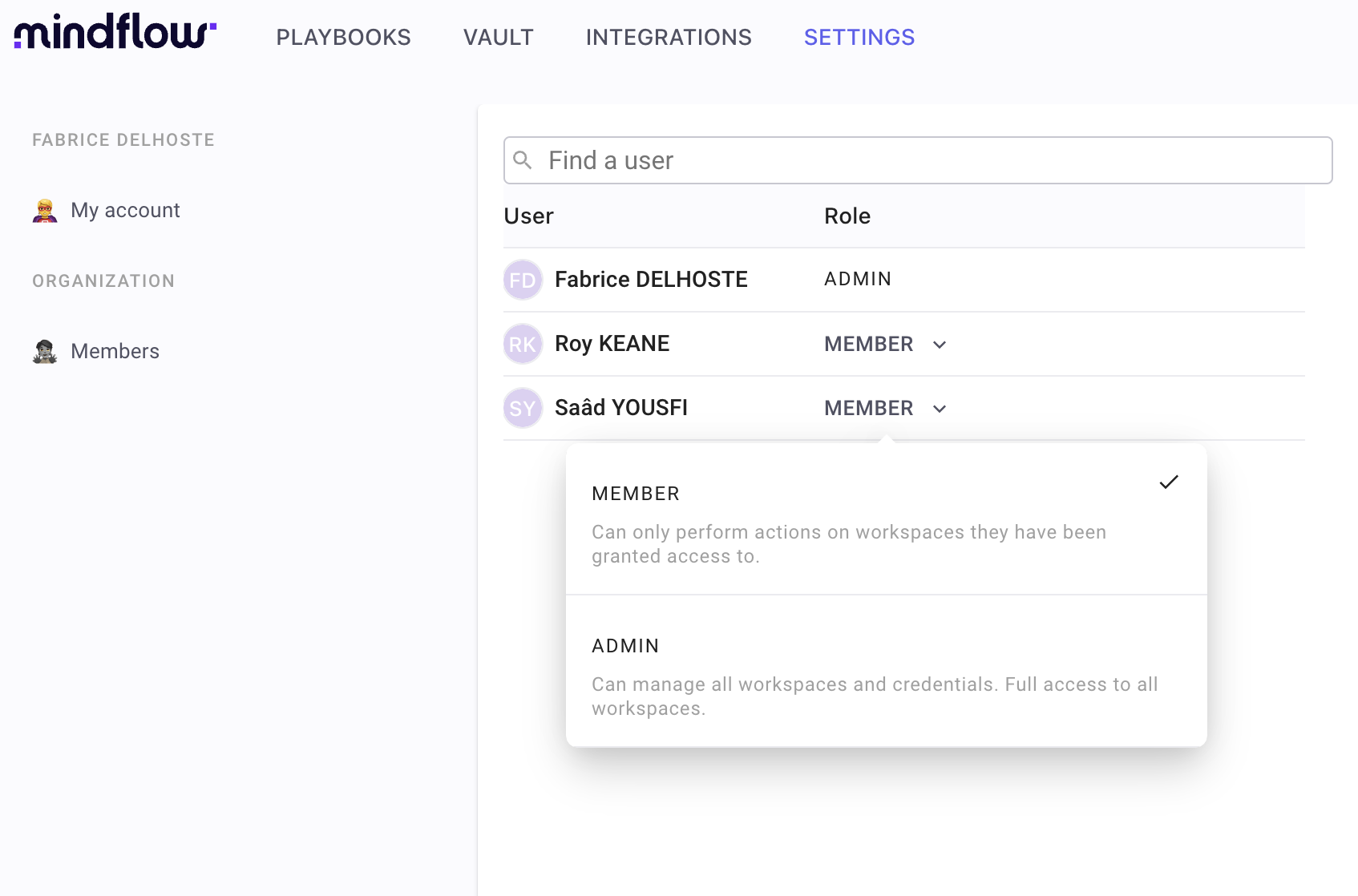
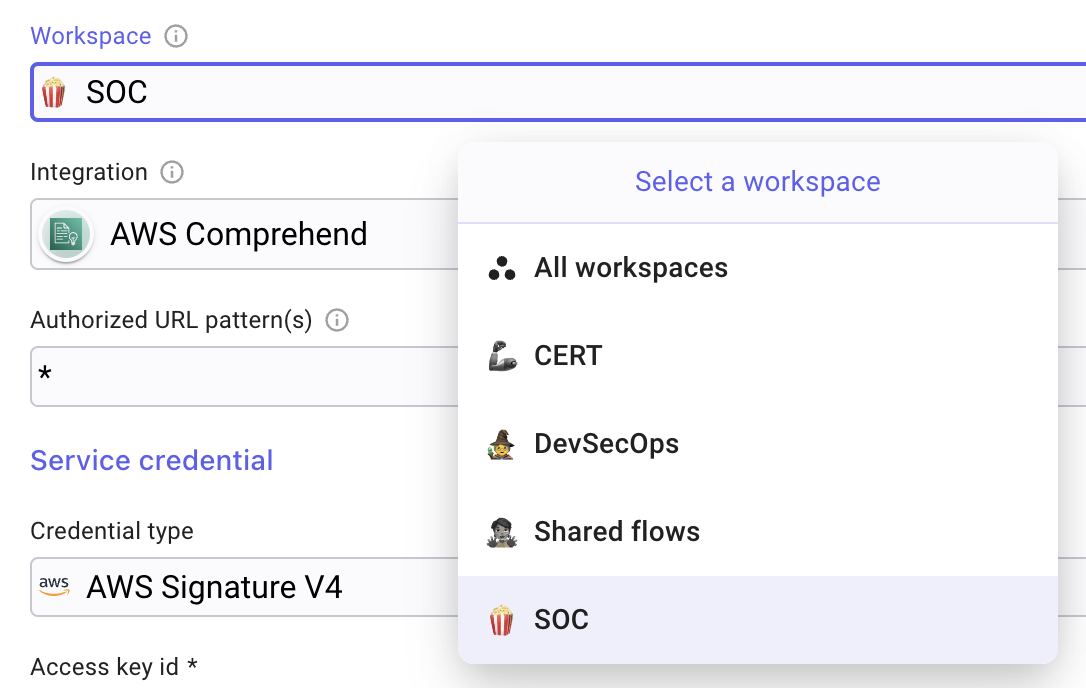
With RBAC, users will now have specific roles and permissions that determine their access to certain features and functionality. Roles such as Owner, Editor, Auditor, or Viewer (see screenshot for further details) are attached to Workspaces. Permissions also applies to Vault credentials where you can restrict usage in a specific workspace.
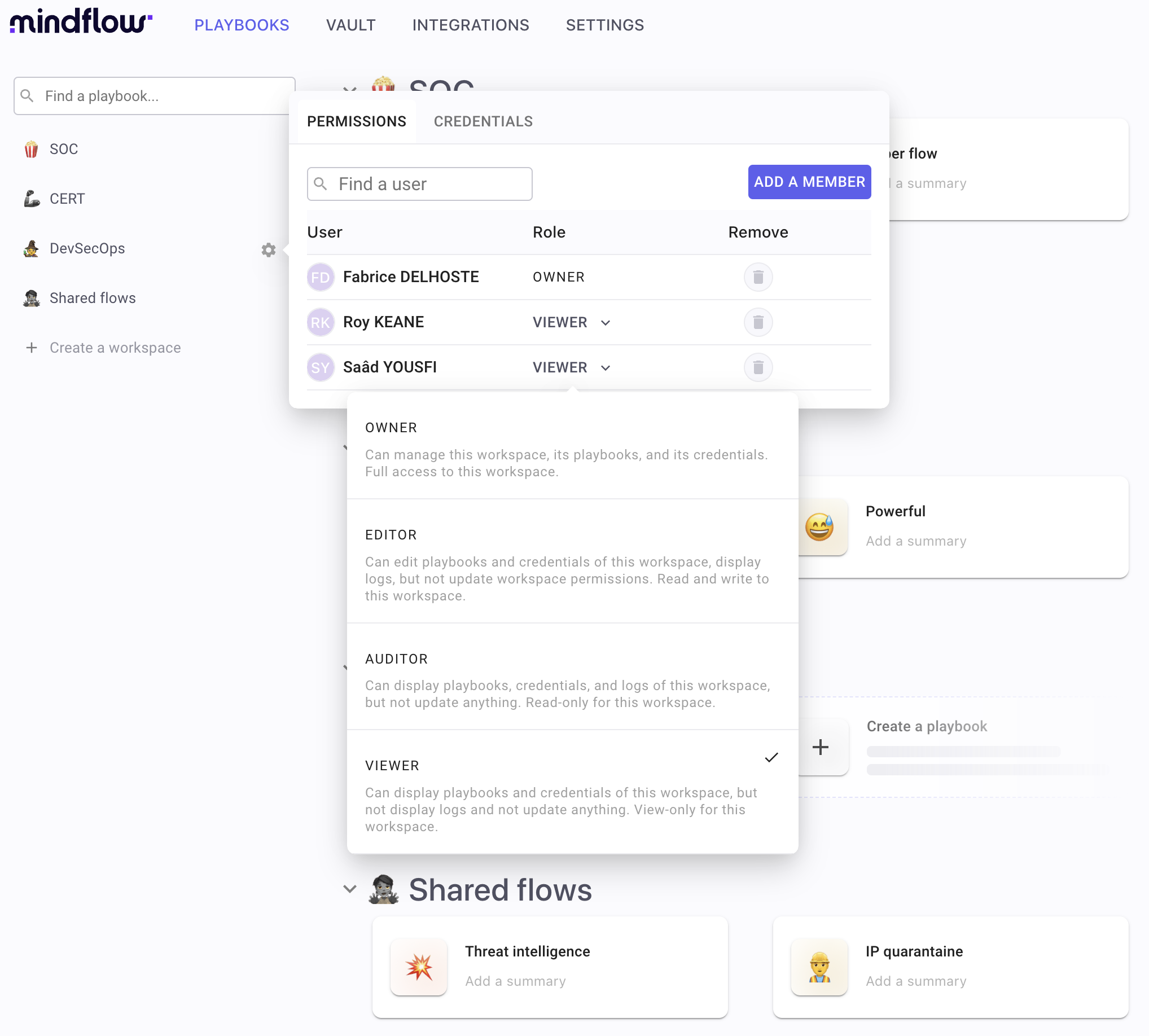
This allows for a more secure and streamlined experience for our users and more granular control. Users can display and manage roles through an easy interface.
And let’s not forget the fun part, you can now show off your virtual badge of honor with your specific role to your colleagues 😅
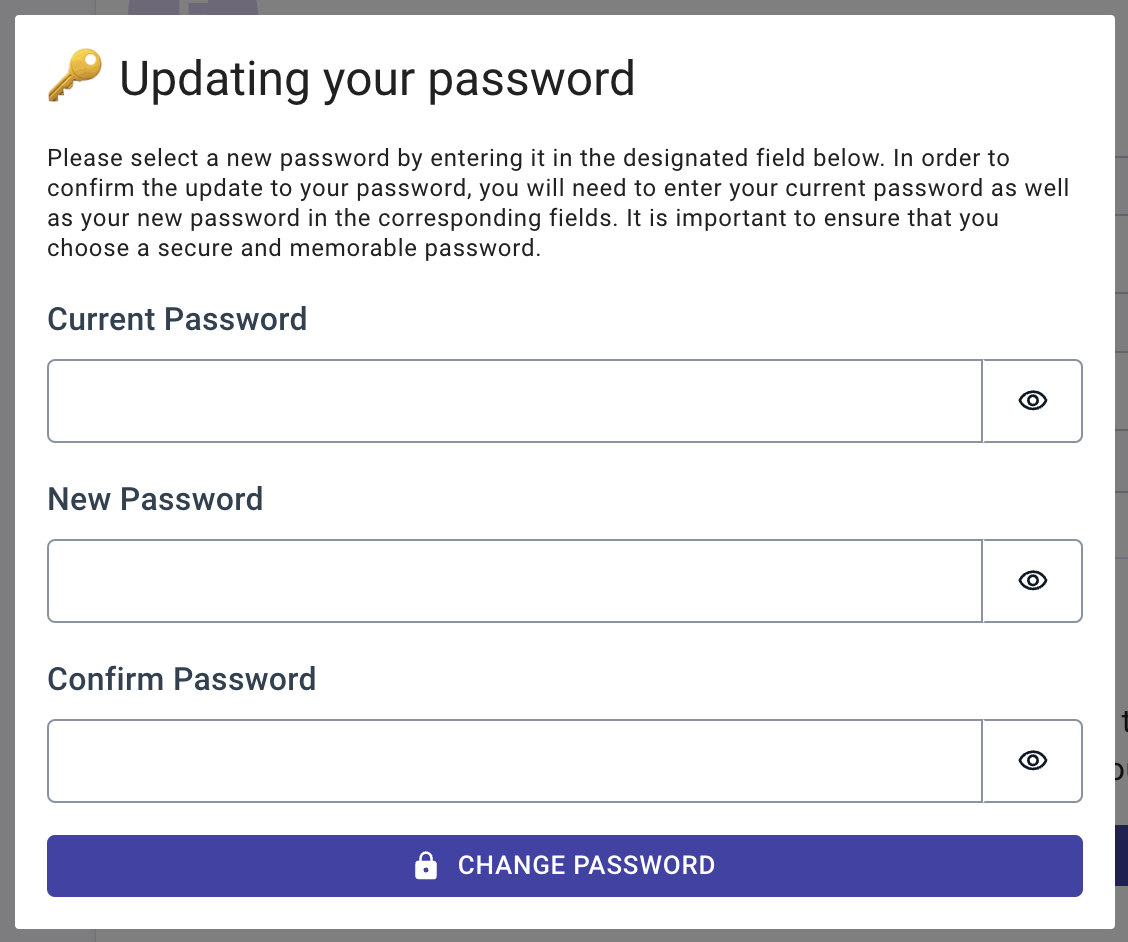
Profile page and Update password 👤
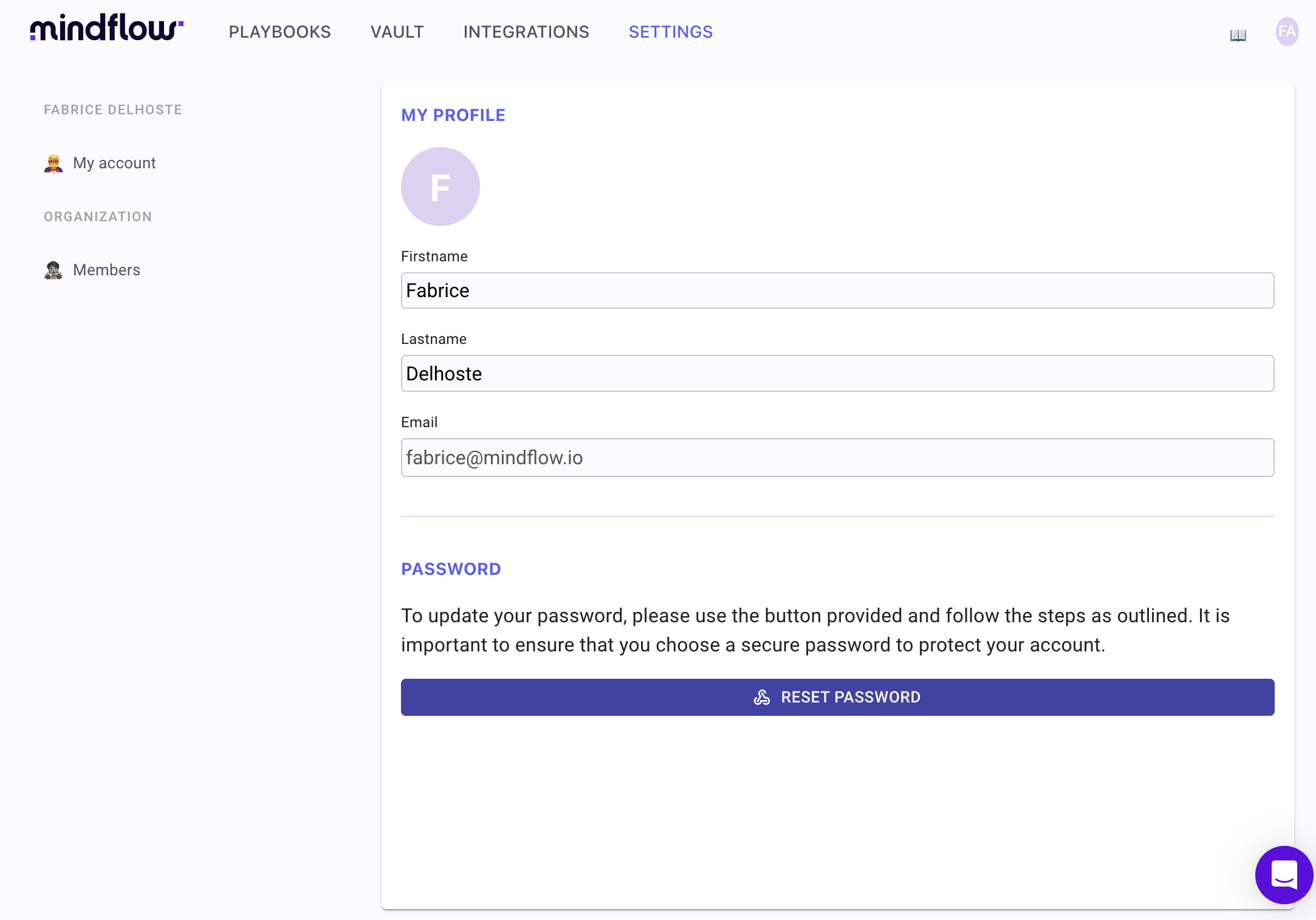
Section titled “Profile page and Update password 👤”Introducing a profile page and the ability to update your password with ease.
Logs for For-each step 📑
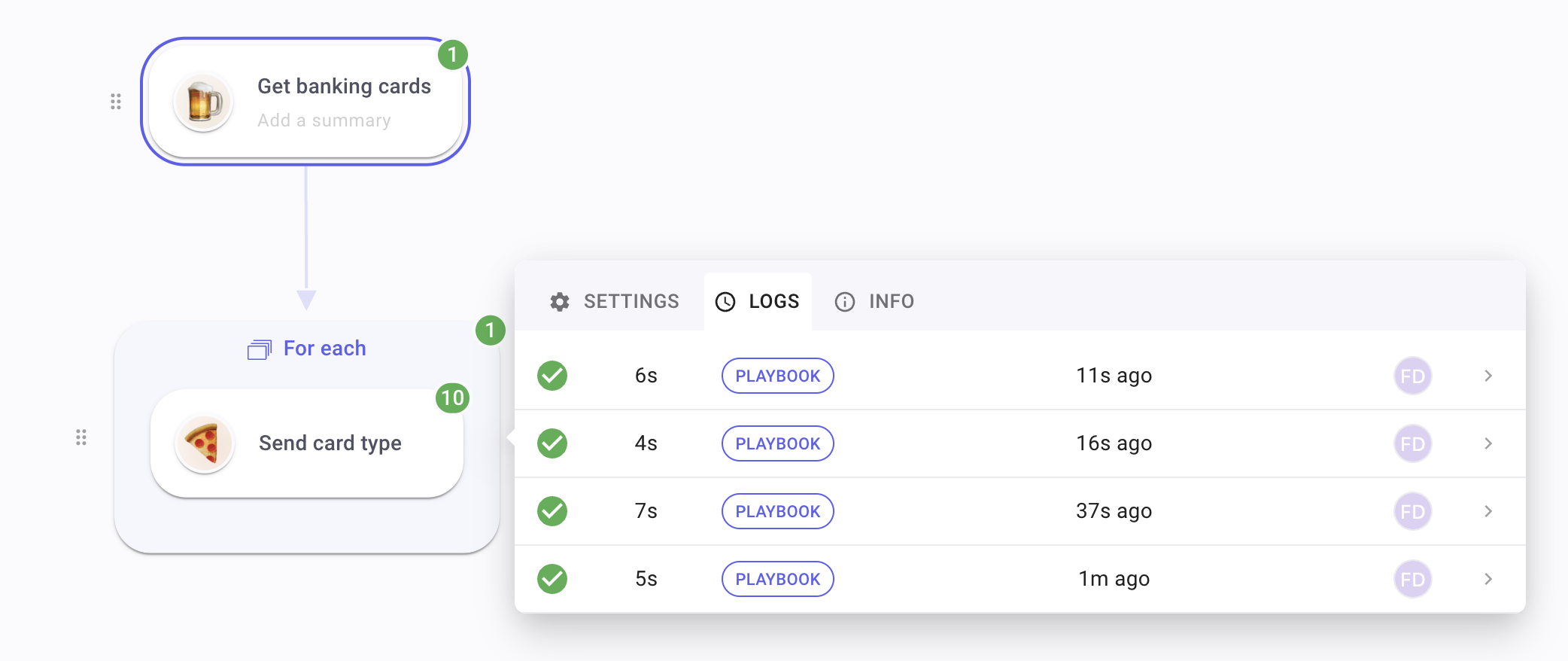
Section titled “Logs for For-each step 📑”Get ready to dive into the depths of your loop data like a pro! You can now access logs for each step, allowing you to analyze iteration and overall looping data with precision and ease.
CHANGES
Section titled “CHANGES”Better conditions ↔️
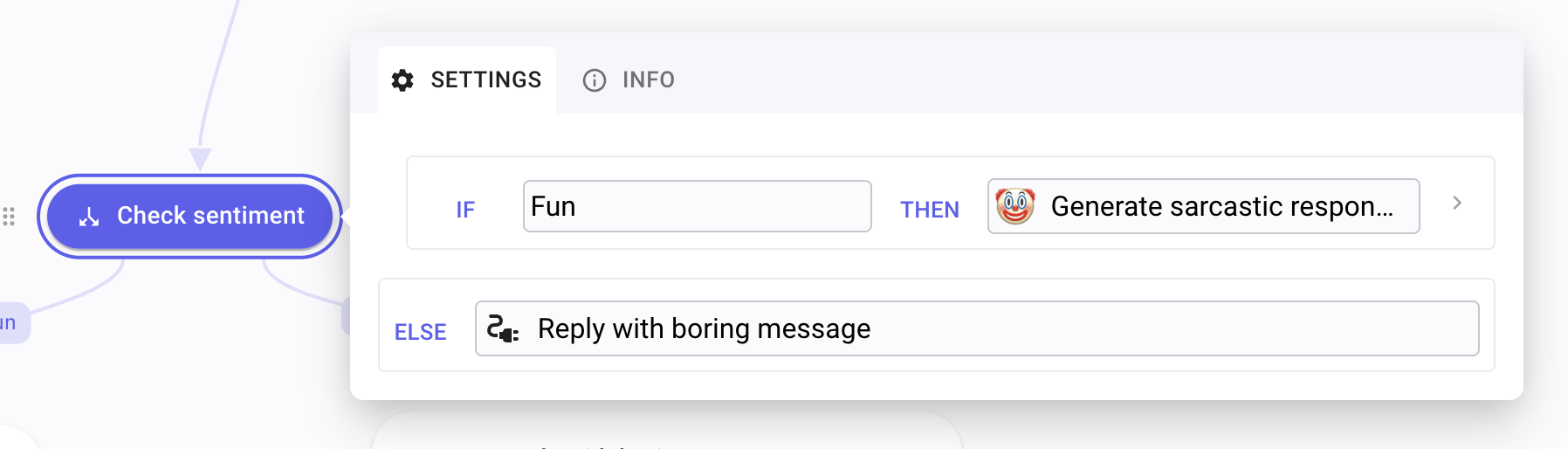
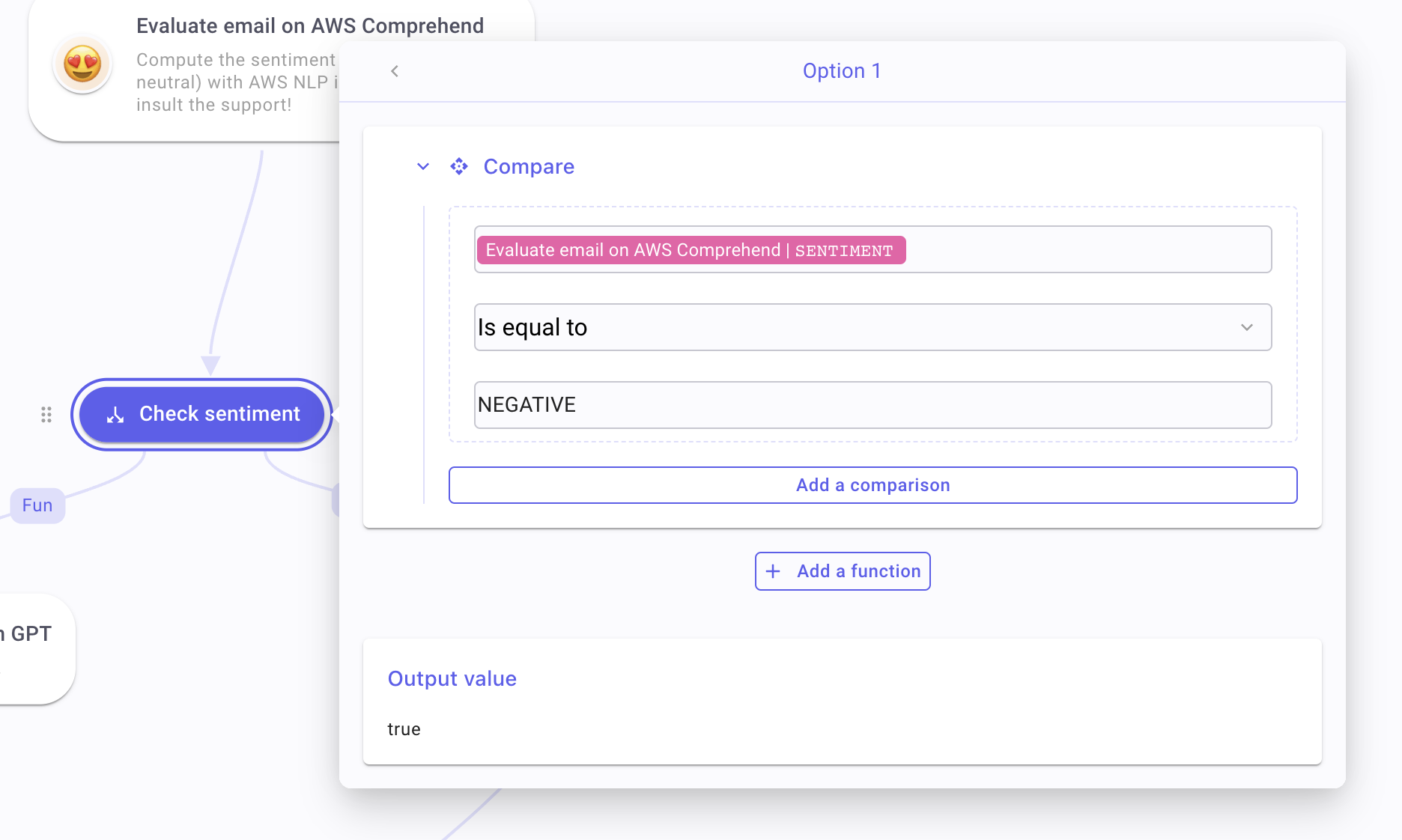
Section titled “Better conditions ↔️”Improved the user experience of building conditions by implementing intuitive navigation patterns and enhancing the editing functionality.
Default vendor logos ↔️
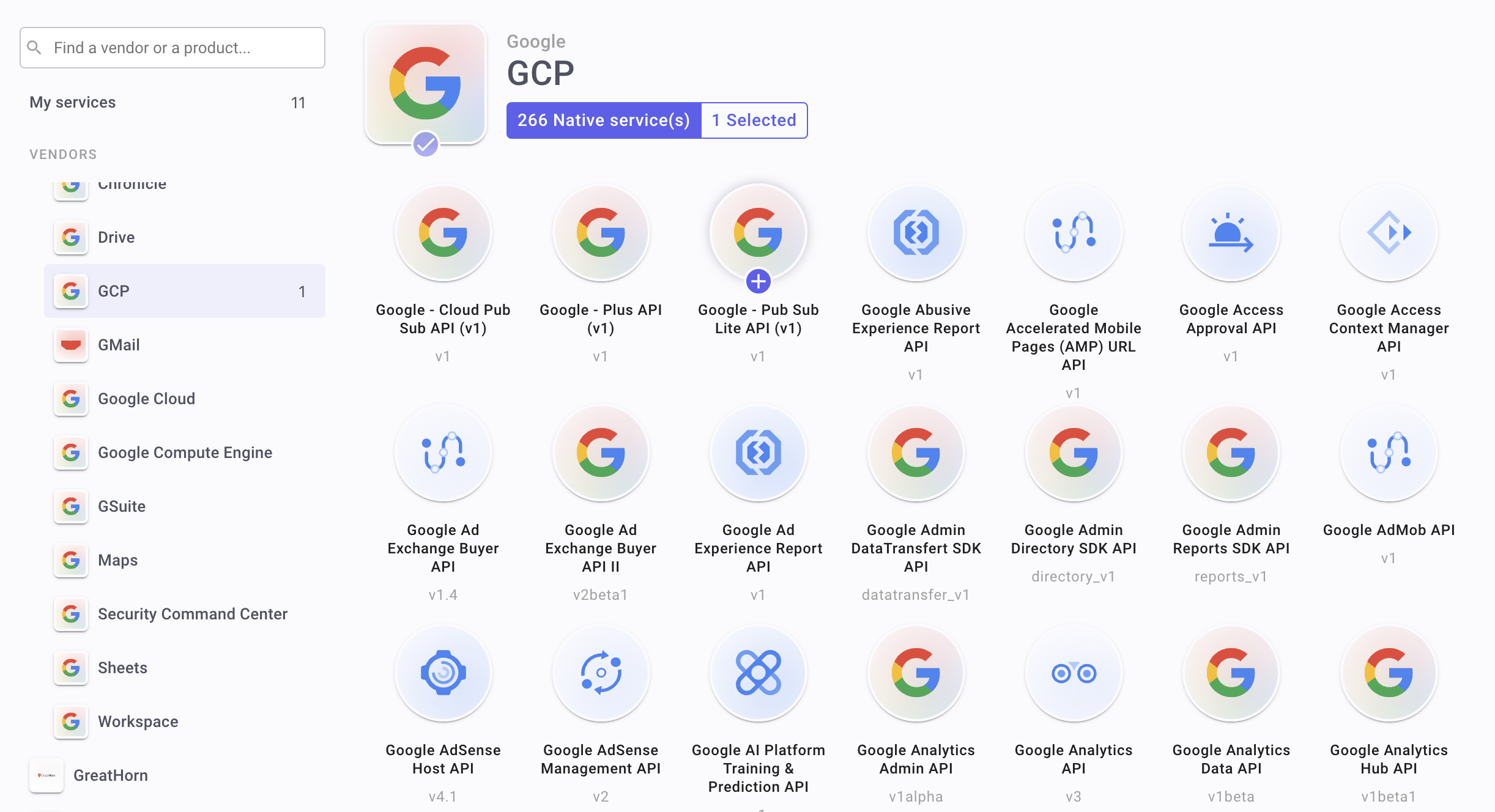
Section titled “Default vendor logos ↔️”Improved vendor logos for native integrations and HTTP presets. Previously, service initials were used instead.
Various 💬
Section titled “Various 💬”- Information panel for steps improved (operation description).
Bugs fixed
Section titled “Bugs fixed”- Error 400 is now considered as a failure (it was not).
- False-positive warnings on steps mitigated.
- Safari issues
KNOWN LIMITATIONS
Section titled “KNOWN LIMITATIONS”- A number of functions in the function catalog are still not operational. Feature is marked as beta in the web interface. They will be fixed along the next releases.
Changelog
Section titled “Changelog”March 10, 2023 - 1.0.17
Section titled “March 10, 2023 - 1.0.17”- Under certain network conditions, Studio may freeze when deleting steps and links.
March 8, 2023 - 1.0.16
Section titled “March 8, 2023 - 1.0.16”Fixes (2)
Section titled “Fixes (2)”- Using a number in the title of a workspace or playbook cause issues loading the studio.
- Resetting a password also resets a user’s permissions.
- Variable names are truncated when selecting data.
- The optional settings for some steps are displaying incorrectly.
Improvements
Section titled “Improvements”- The search bar is now focused when adding a new step.
Changes
Section titled “Changes”- ⚠️ Moving flows has been temporarily disabled. In some cases, using them can result in loss of flow. This feature will be restored in an upcoming release, along with more reliable cut/copy/paste functionality.
February 27, 2023 - 1.0.13
Section titled “February 27, 2023 - 1.0.13”Fixes (3)
Section titled “Fixes (3)”- Some flows are failing to open.
- Some links between steps have been removed after copy and paste.
- Issues on
For eachiteration output. - In some cases, logs at the flow level may be empty.