

Marseille
Scheduler 🗓️
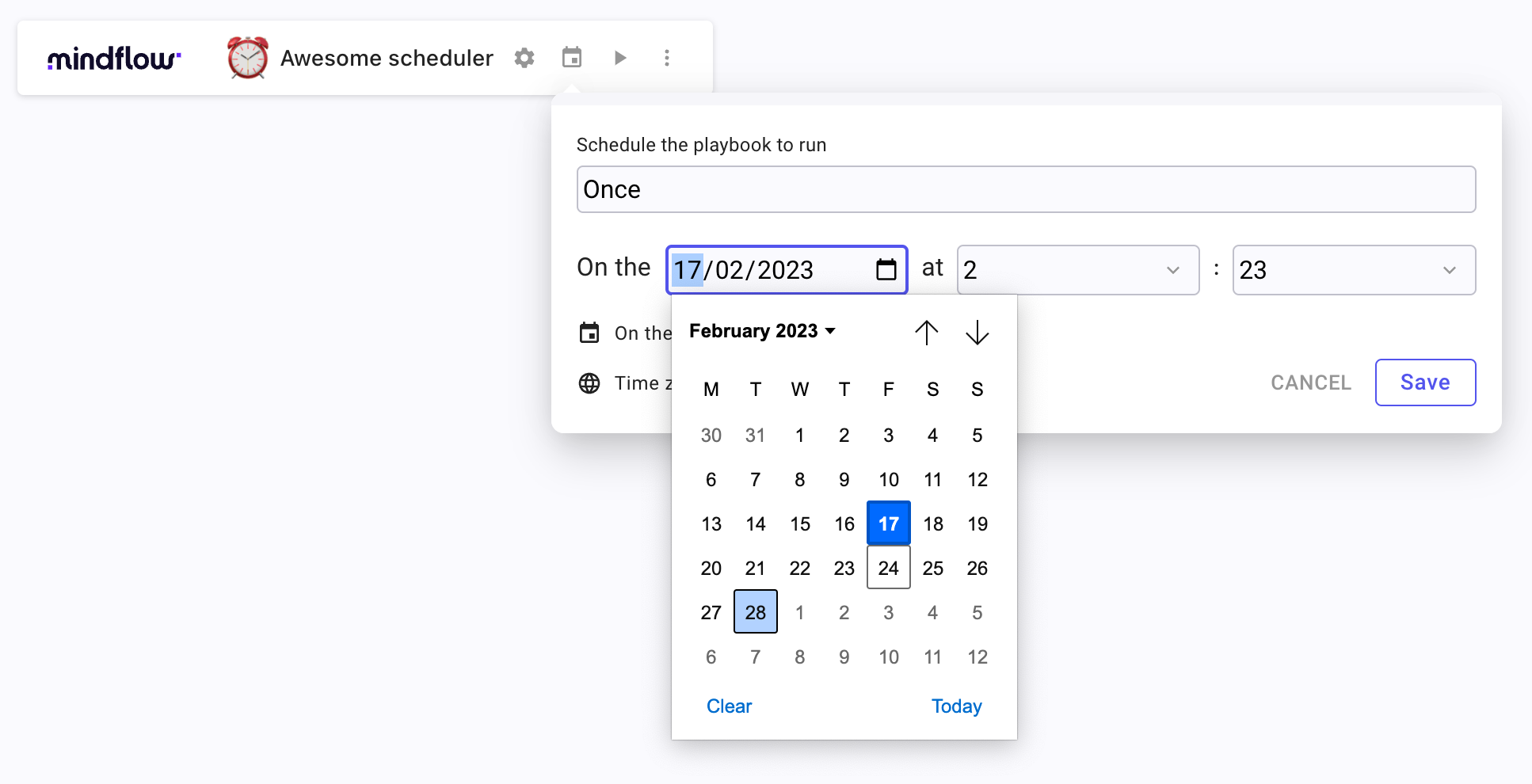
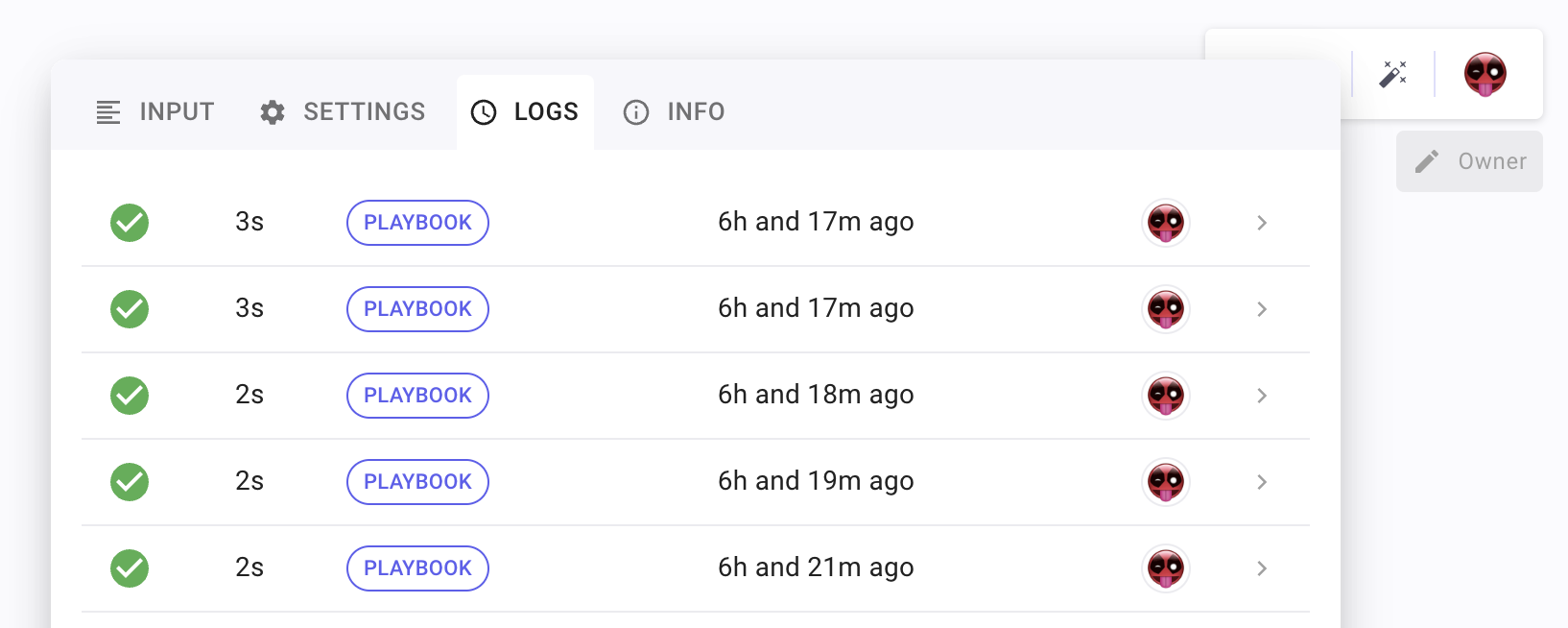
Section titled “Scheduler 🗓️”We’re excited to introduce the new Scheduler feature in this update. You can now schedule your workflows to run at regular intervals or on specific dates, allowing you to streamline your processes and save time.
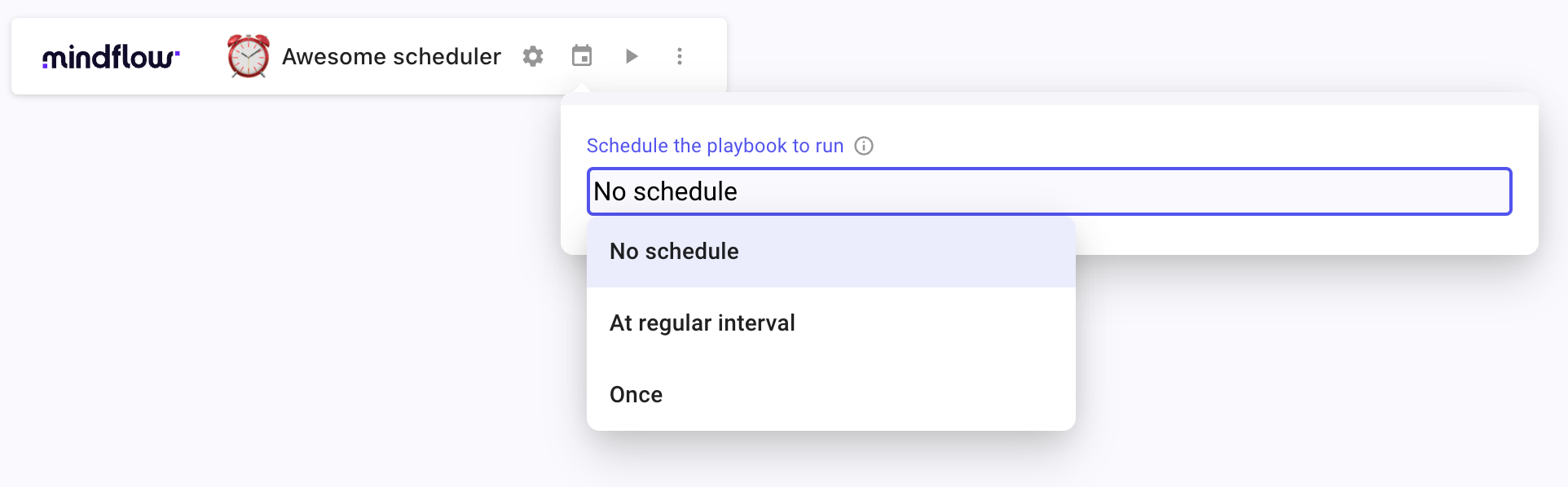
You can easily set up your playbook to run in the background at whatever schedule you need - daily, weekly, monthly, or yearly. Once you’ve set up your schedule, our automation tool takes care of the rest, running your playbook behind the scenes so you can focus on other important tasks.
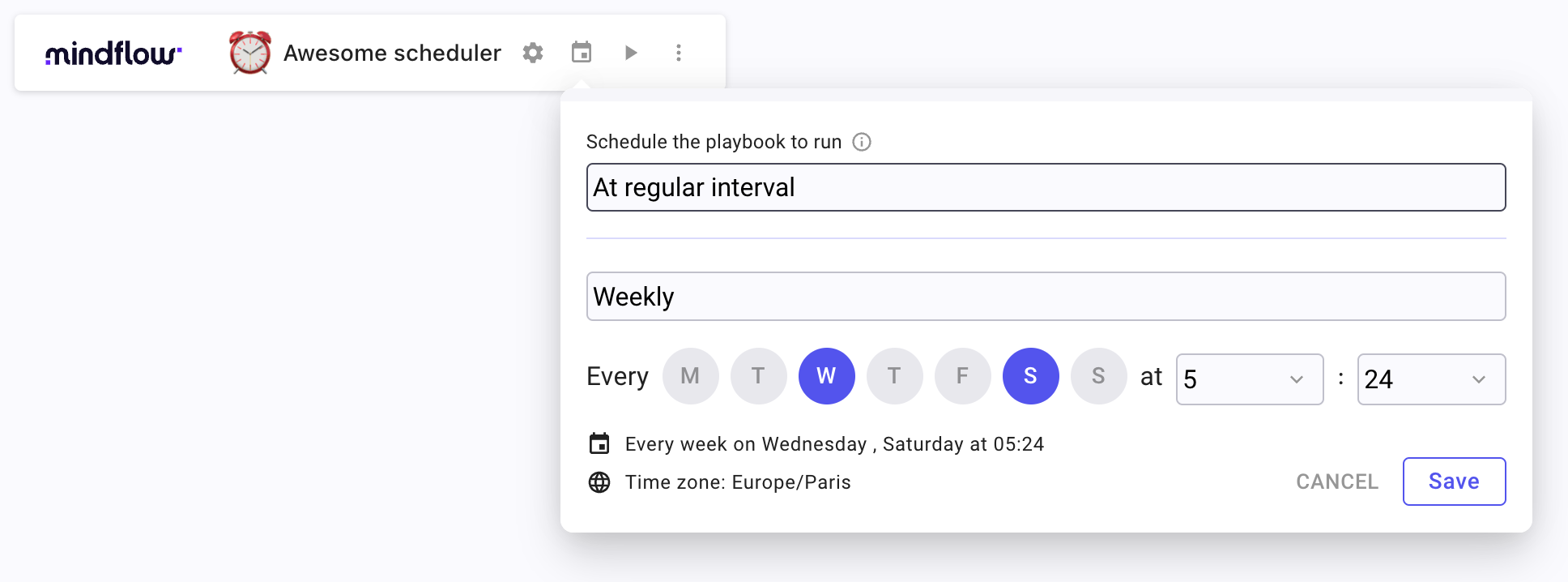
Whether you need to automate routine tasks, perform regular maintenance, or generate reports on a regular basis, Scheduler has you covered.
Profile picture 📸
Section titled “Profile picture 📸”Users can now upload a profile picture to add a personal touch to their accounts. Profile pictures can be uploaded in the following formats: JPG, or PNG. The maximum file size is 400kb, and the recommended dimensions are 200x200 pixels for optimal display across the platform.
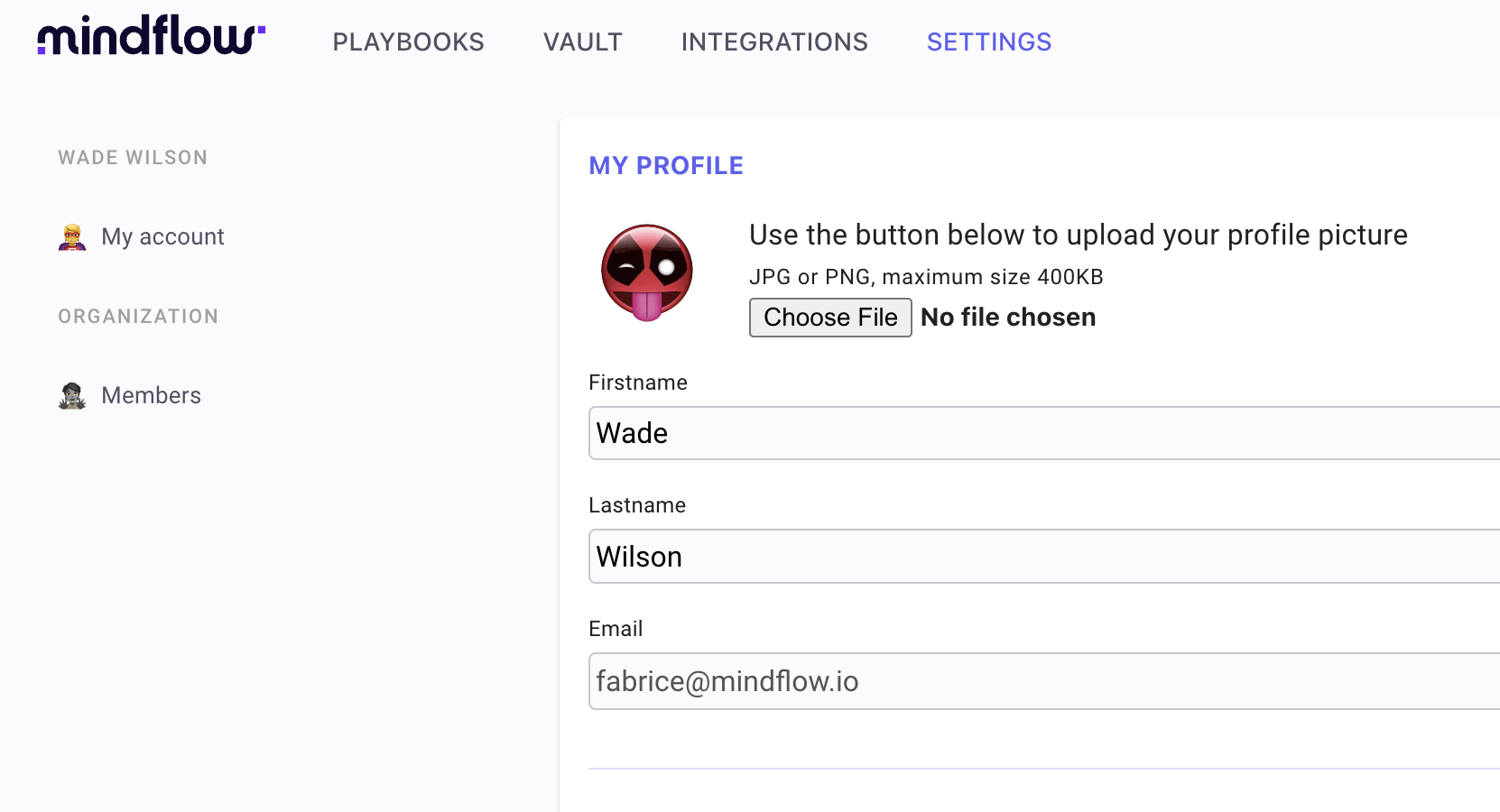
This image will be displayed in various sections of the platform.
Switch to Admin or User view ⛑️
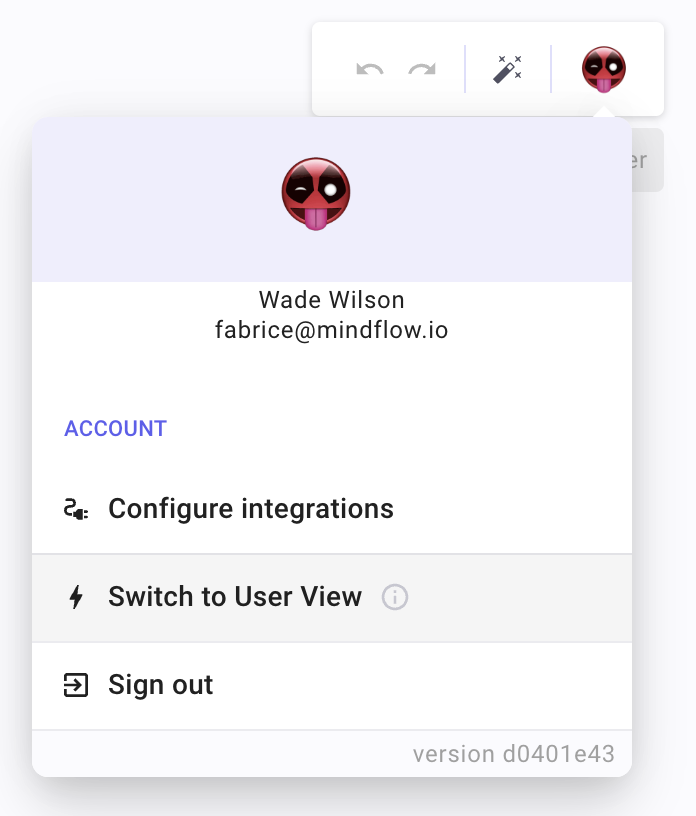
Section titled “Switch to Admin or User view ⛑️”Administrators can now toggle between the admin view, which grants them full access to administrative functionalities, and the user view, which offers a regular user experience. This toggle can be accessed through the user menu in the top-right corner of the platform. By default, administrators will be connected in user view mode.
New array functions and more 🧪
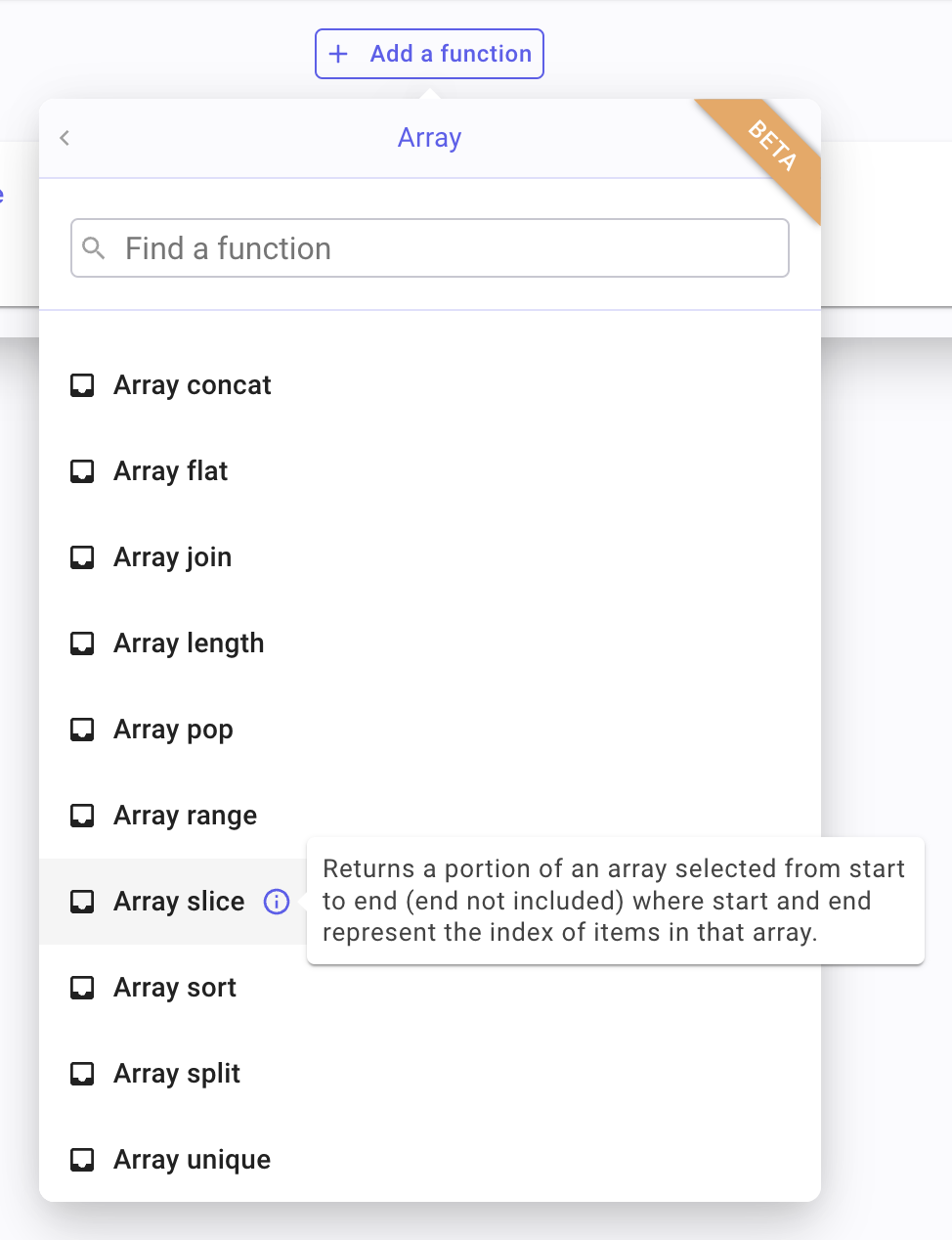
Section titled “New array functions and more 🧪”We’re thrilled to announce the addition of new array functions in formulas, providing users with even more flexibility and efficiency when working with arrays. These functions will simplify the process of manipulating and transforming arrays, making it easier to manage and analyze your data.
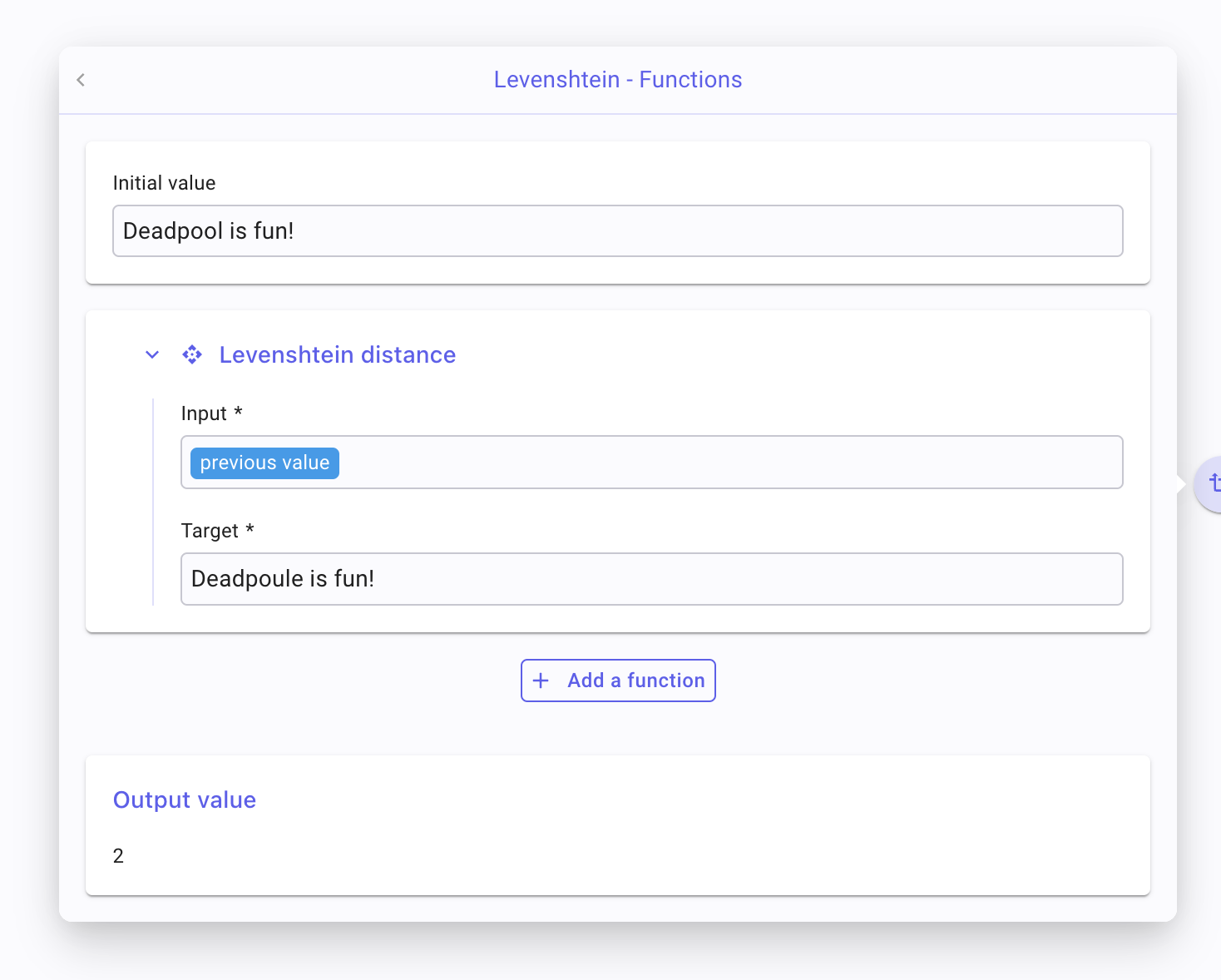
Also, the Levenshtein function has been added. This powerful addition enables users to calculate the Levenshtein distance between two strings, providing an effective method to measure the similarity of text data.
CHANGES
Section titled “CHANGES”Oauth 2.0 support 🔑
Section titled “Oauth 2.0 support 🔑”With enhanced OAuth credential management, you can now easily connect and authorize third-party integrations to seamlessly connect with Mindflow, giving you a more streamlined experience.
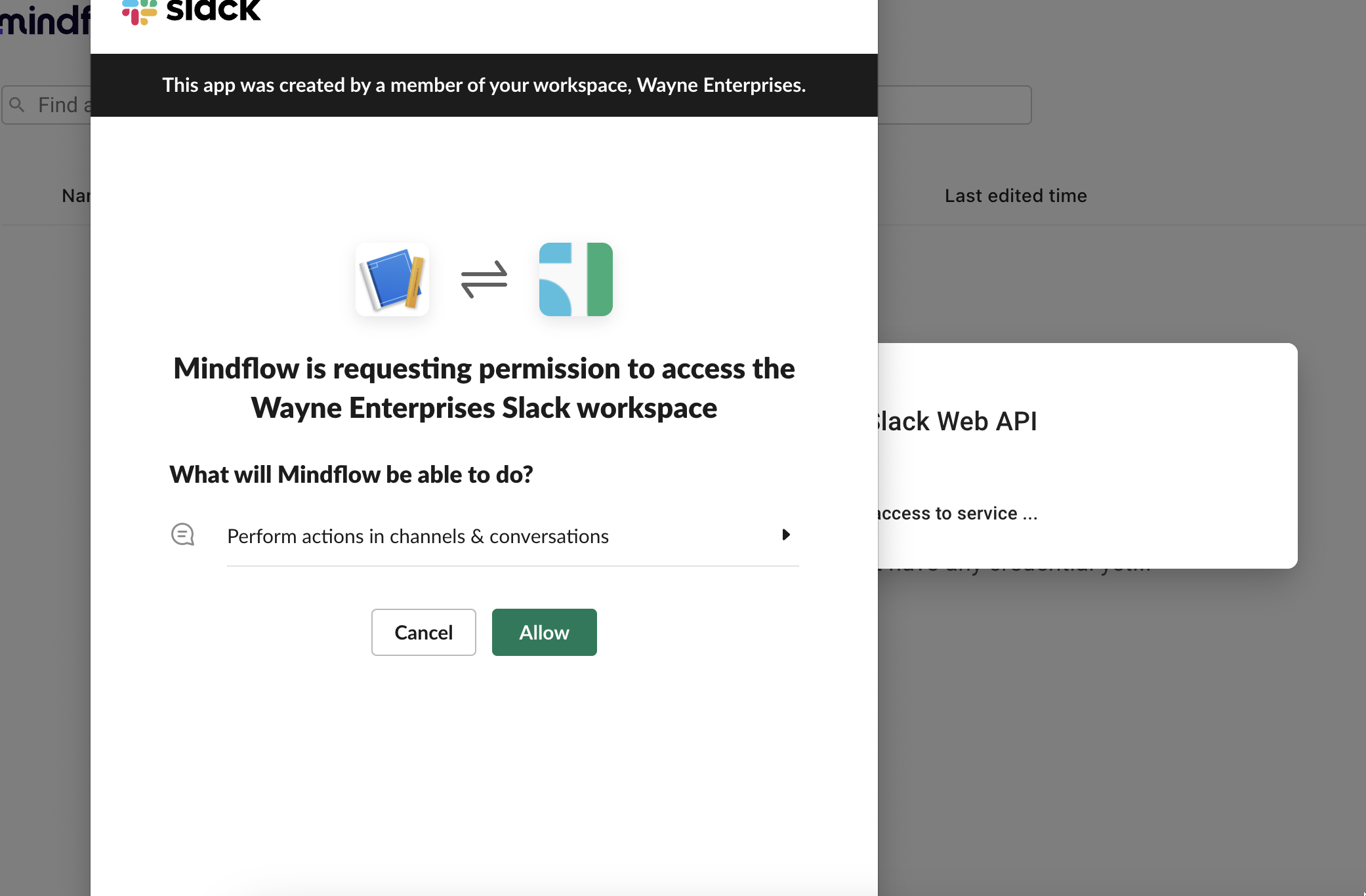
In the past, connecting to external services and applications could be a complicated, error-prone and time-consuming process. But with our improved OAuth credential management, it is now simpler and more user-friendly than ever before.
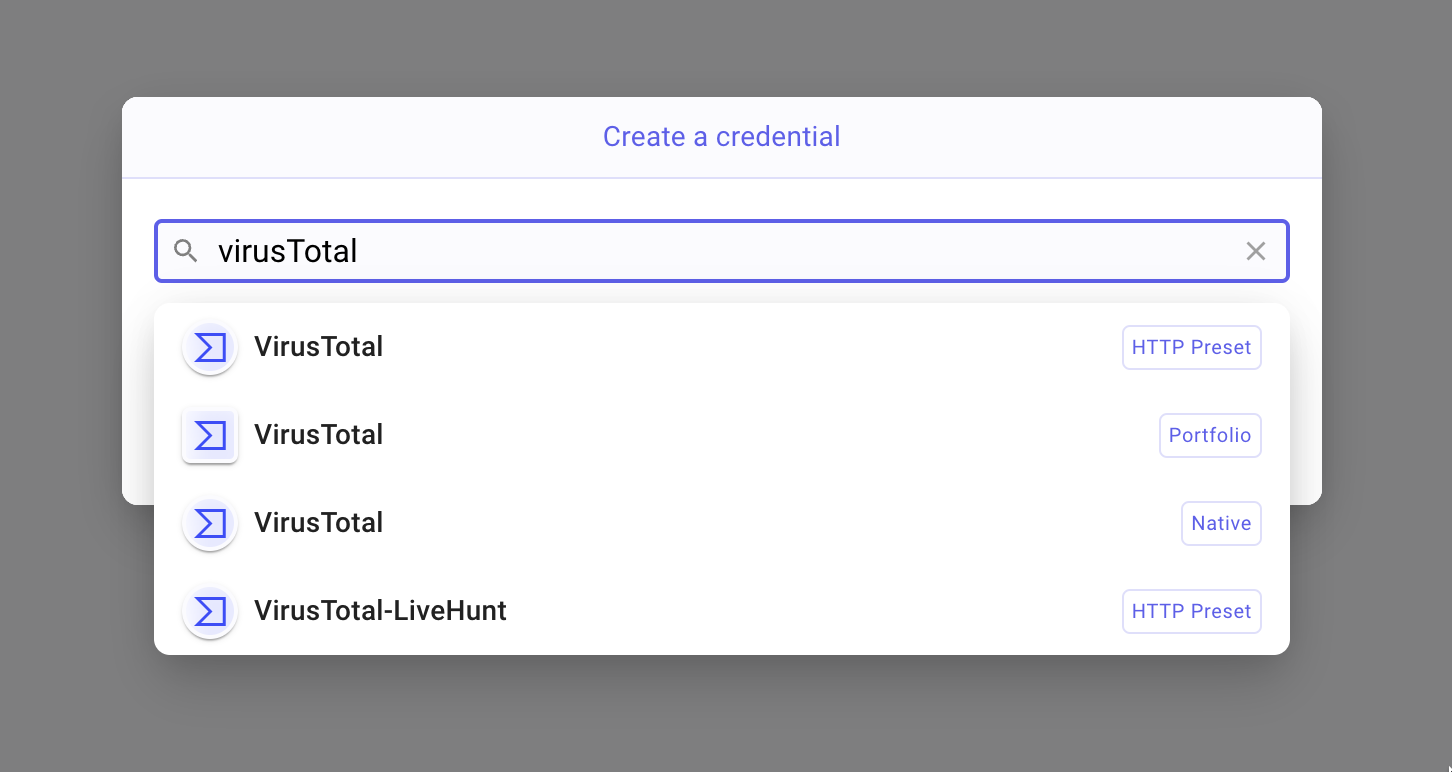
Our new OAuth management system allows you to connect and authorize third-party integrations, without having to navigate complex and confusing settings.
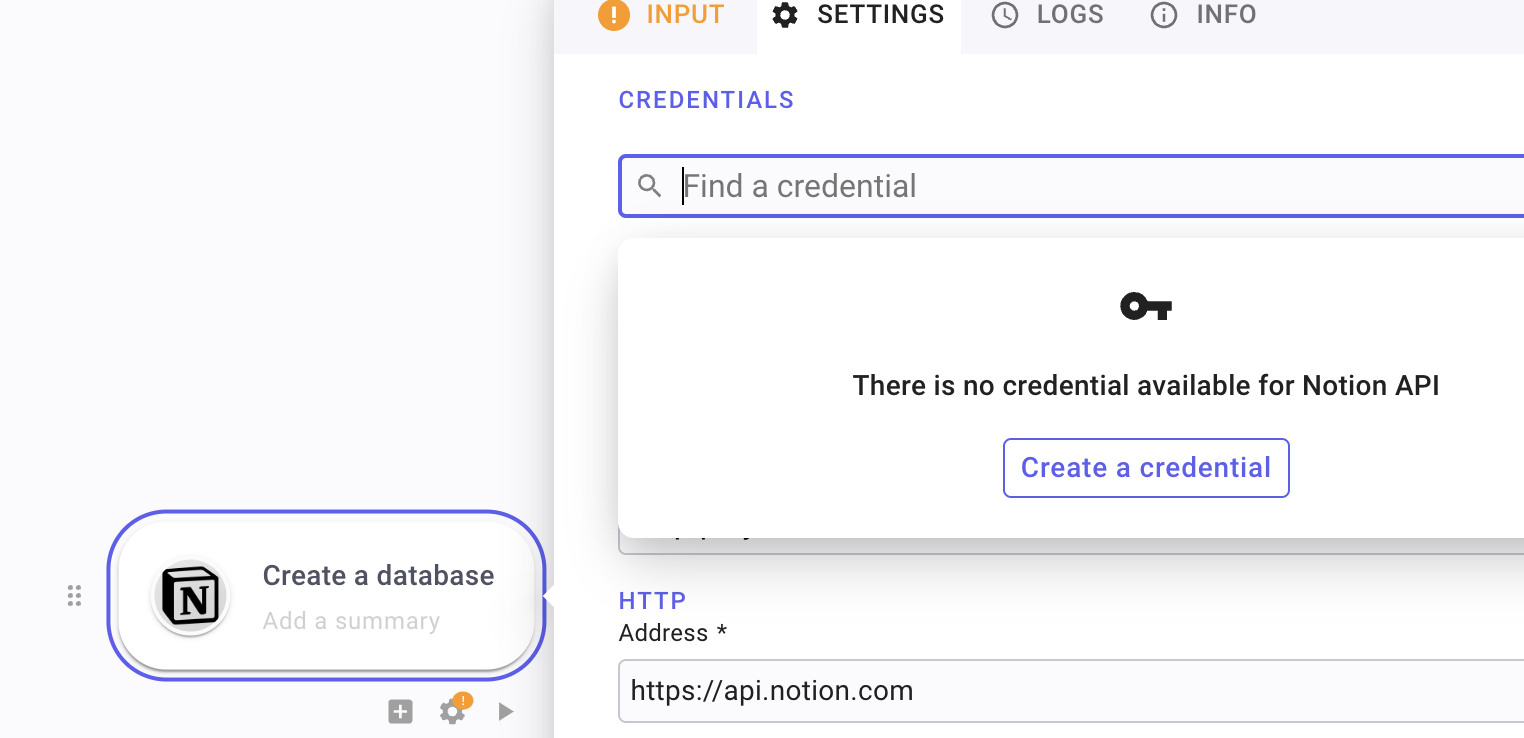
Whether you need to connect to popular apps like Slack, Google, OpenAI, or to custom-built software, our OAuth credential management makes it easy to do so.
Bugs fixed
Section titled “Bugs fixed”- Credentials cannot be shared with HTTP presets for same vendor/portfolio
- Linking the last cell to the first causes the page to crash
- Condition: sometimes the pick button doesn’t work
- Editing the title of a new credential sometimes isn’t possible
- Unique fonction doesn’t work on arrays
- Editing issues with JSON
- Remove prefix for Microsoft, Google, and AWS integrations
- Previewing some values may replace the field value
- Undo function not always working
- Newline in formula output value display
- Search bar focus while adding a step
Changelog
Section titled “Changelog”May 2, 2023 - 1.1.14
Section titled “May 2, 2023 - 1.1.14”Bug Fixes
Section titled “Bug Fixes”- Page does not refresh when toggling between admin and user views.
- Correct email placeholder text in “Create Account” and “Reset Password” forms.
- False positive cycle detection prevents creation of some links.
- “Transform data” variables are unavailable in “For Each” loops.
- Prevent schedule settings from closing when clicking outside of the panel.
- Slow workspace creation.
- Webhook logs contain errors.
- Use lowercase “x-api-key” header for webhook to improve HTTP/2 support.
- Playbook execution is not triggered by email hook when forwarding emails.
Enhancements
Section titled “Enhancements”- Step timeout can be raised to 60 seconds.
- Data picker menu reordering.
- Renamed the condition branch “default” to a more meaningful “else”.
April 13, 2023 - 1.1.9
Section titled “April 13, 2023 - 1.1.9”Bug Fixes (2)
Section titled “Bug Fixes (2)”- Resolved an issue with the schedule being incorrectly shifted by 1 day due to the Gregorian calendar.
- Ensured that workflows are properly undeployed upon deletion.
Enhancements (2)
Section titled “Enhancements (2)”- Introduced the display of the release name in the top right profile menu.
April 3, 2023 - 1.1.7
Section titled “April 3, 2023 - 1.1.7”Know bugs
Section titled “Know bugs”- April 4, 2023 - Scheduling a playbook is wrongly shifted by +1 day, due to Gregorian calendar. Hotfix incoming 🚀