

Ewoks
Unleash your workflow’s full potential: Intuitive versioning, convenient full-screen editing, and enhanced user identification
Flow versioning 🔄
Section titled “Flow versioning 🔄”Ref: #3805
We’ve introduced flow versioning! With this feature, you can easily manage the evolution of your flows. Here’s how you can use it:
-
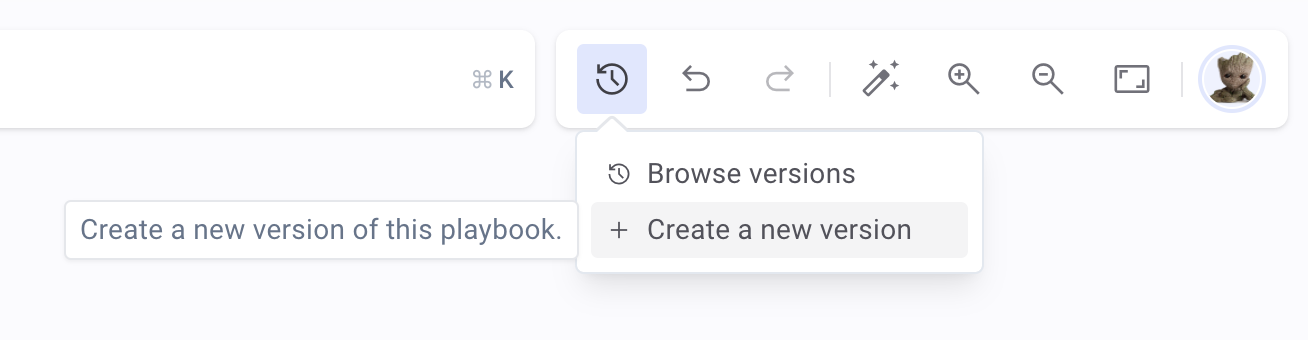
Create a new version of your existing flow, allowing you to experiment and make changes without affecting the current revision.
-
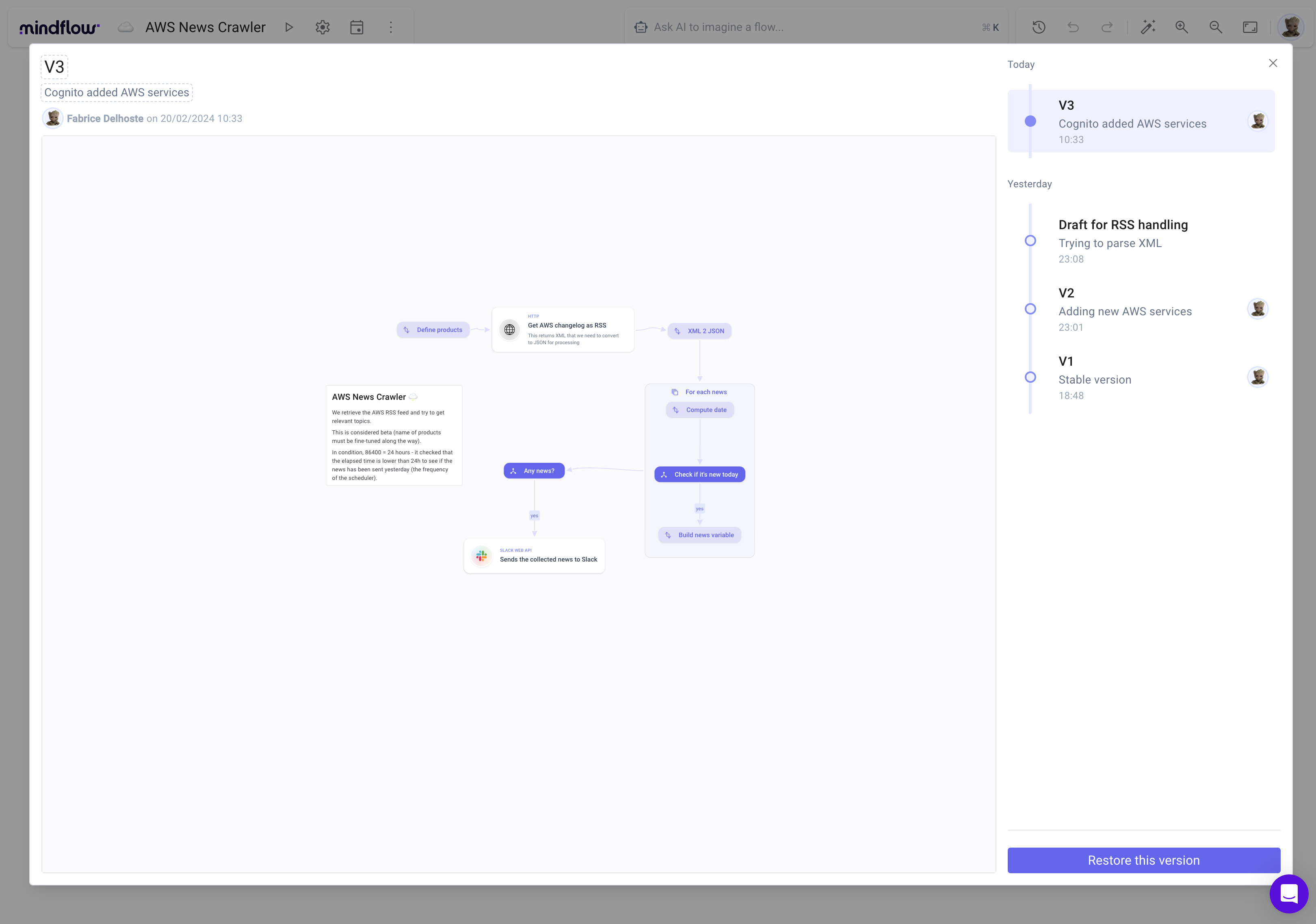
Browse and restore earlier versions, enabling you to quickly revert to a previous state if needed. This is perfect for recovering from mistakes or revisiting successful configurations.
Full screen edition 🖥️
Section titled “Full screen edition 🖥️”Ref: #3382
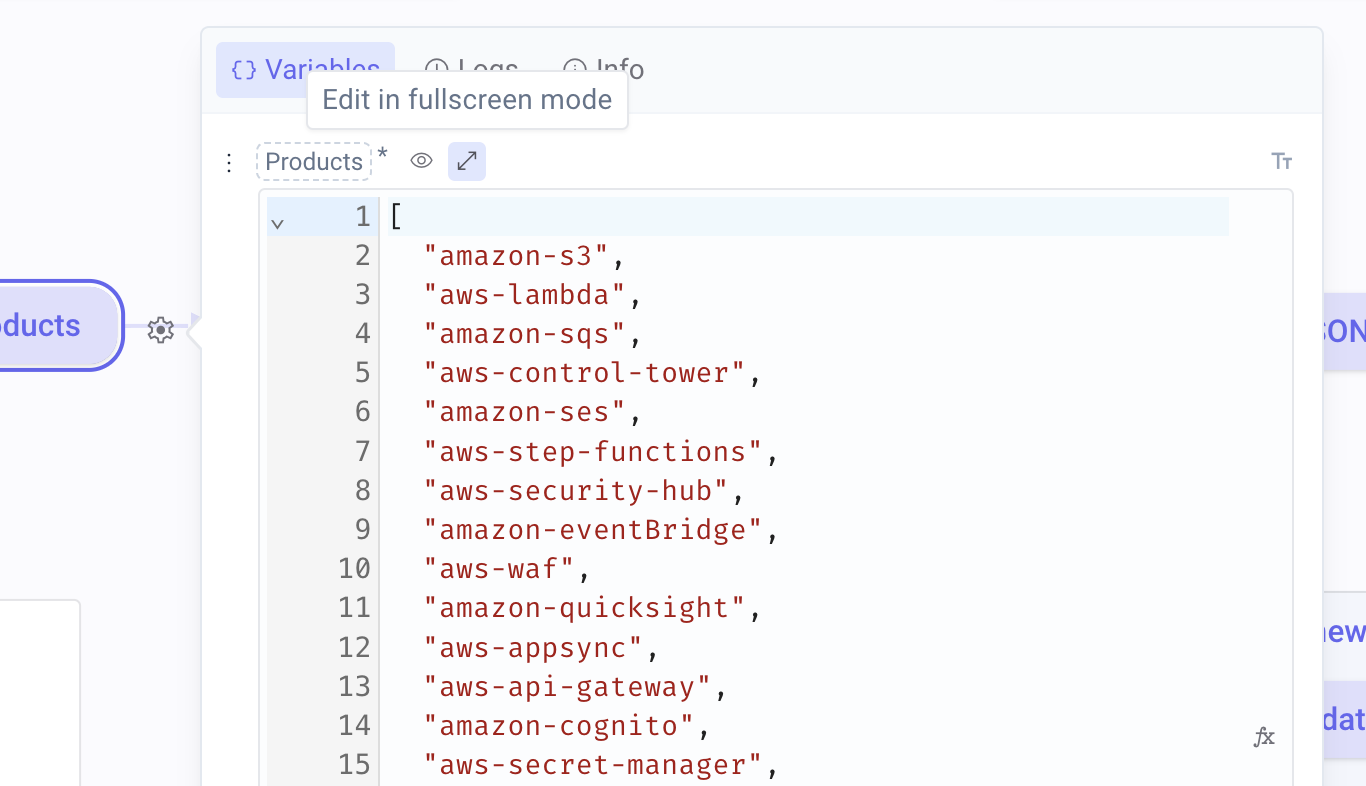
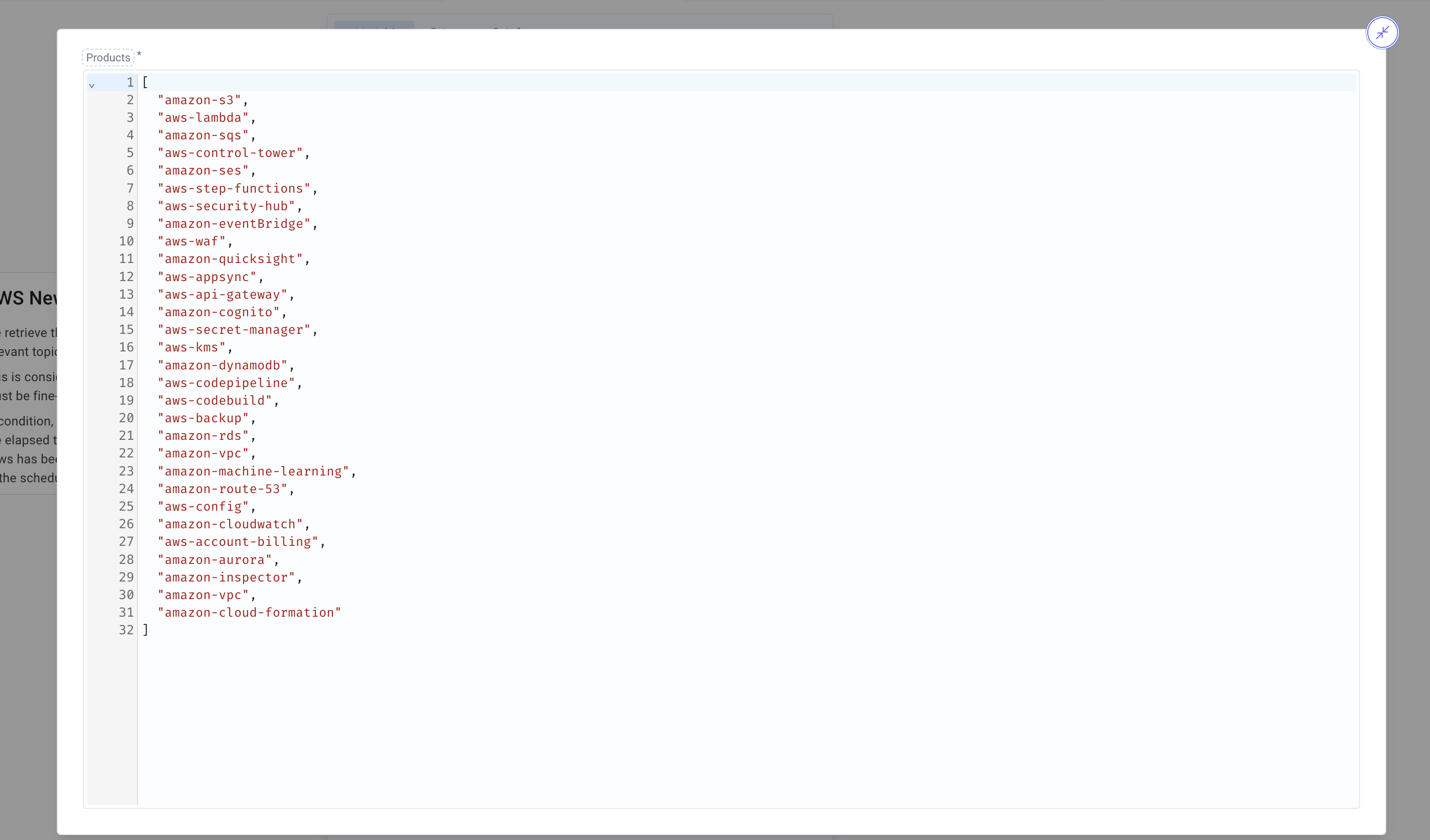
Full screen editing is now available for all settings, making it much easier to work with JSON payloads. Just click the full screen button next to the property name you’d like to edit for an expanded view.
CHANGES
Section titled “CHANGES”Display user email addresses for easy identification ✉️
Section titled “Display user email addresses for easy identification ✉️”Ref: #3900
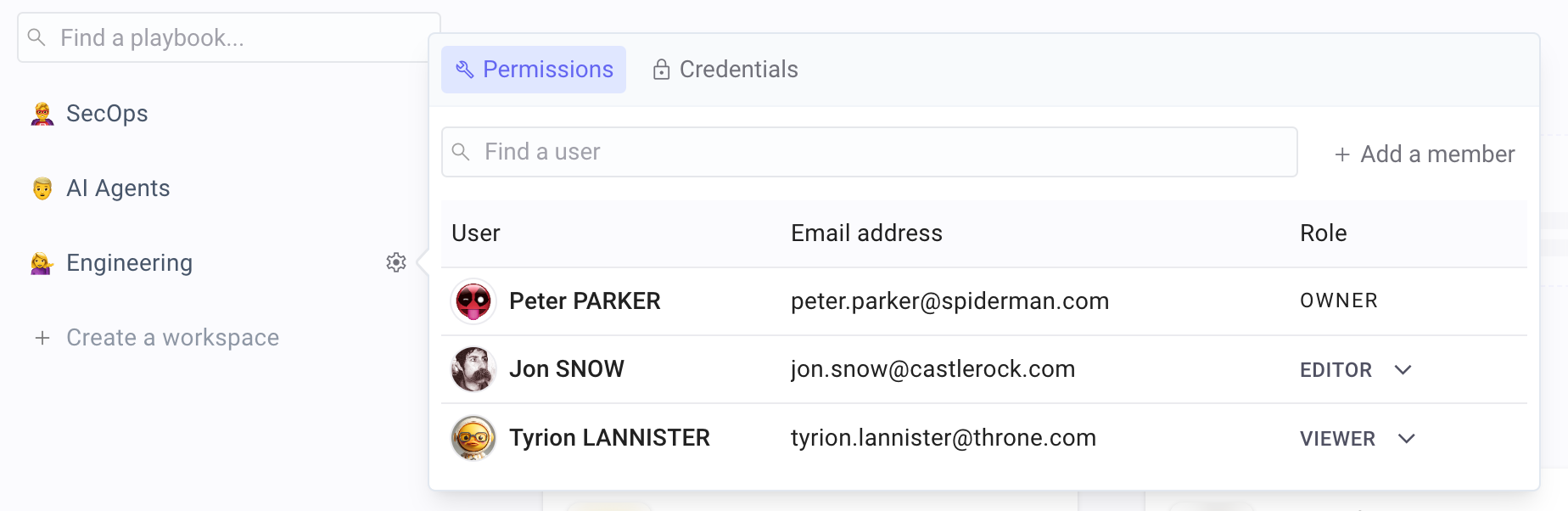
We’ve added email addresses to the user listings in both Permissions and Administration Settings. This update makes it easier to identify users from various domains and confirm their identities.
- Fixed an issue where the JSON viewer was not working correctly in Firefox (#3850)
- Resolved a bug that reset the webhook response after adding a previous step (#3680)
- Fixed a bug where the run button would become unresponsive if an error occurred in a playbook (#3687)
- Corrected a visual glitch that occurred when pasting multiple playbooks (#3736)
- Auto-layout for AI-generated flows when the window is not in view (#3793)
- Fixed an issue where a large prompt would keep the AI prompt open (#3808)